What is Private Browser and how to protect privacy with it?
Ultima modifica il 2026-09-04
X-VPN is a comprehensive VPN tool that provides a range of features designed to help you stay safe and secure when browsing the web. One of the most important features of X-VPN is the Private Browser, which is an integrated web browser that protects your privacy and keeps your browsing habits secure. In this article, we'll take a closer look at what the Private Browser is all about and how you can use it to stay safe online.
What is the Private Browser (For Android only)?
The Private Browser is a secure web browser that comes with built-in VPN capabilities. This means that all your online activities are encrypted and secure, ensuring that your personal data is safe and your online activities can't be tracked. Except that, it automatically wipes your browsing history when you close the X-VPN app without wiping it manually. (PS: Priviate Browser is a premium feature. If you are a free user, we suggest you get the premium so you can use it normally.)
How to protect privacy with Private Browser?
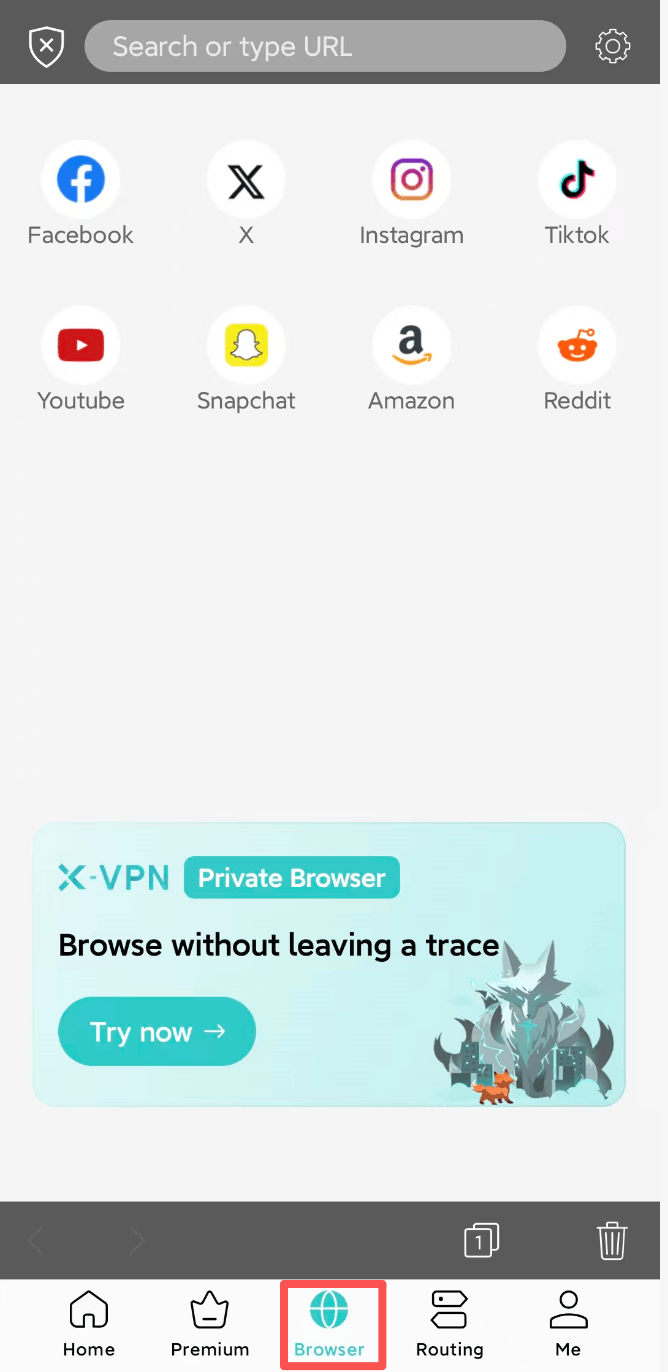
Using the Private Browser with X-VPN is easy. Simply open up the X-VPN app and navigate to the Browser tab. From there, you can browse the web just like you would with any other browser, with the added benefit of VPN protection.
Need further help? Please contact us online or write to support@xvpn.io.
Questo articolo è stato utile?
Grazie per il tuo feedback!
Perché questo articolo non è stato utile?