How to set up X-VPN on Android TV?
Ultima modifica il 2026-09-10
This tutorial will show you how to install and try out X-VPN on Android TV.
1. Search X-VPN in Google Play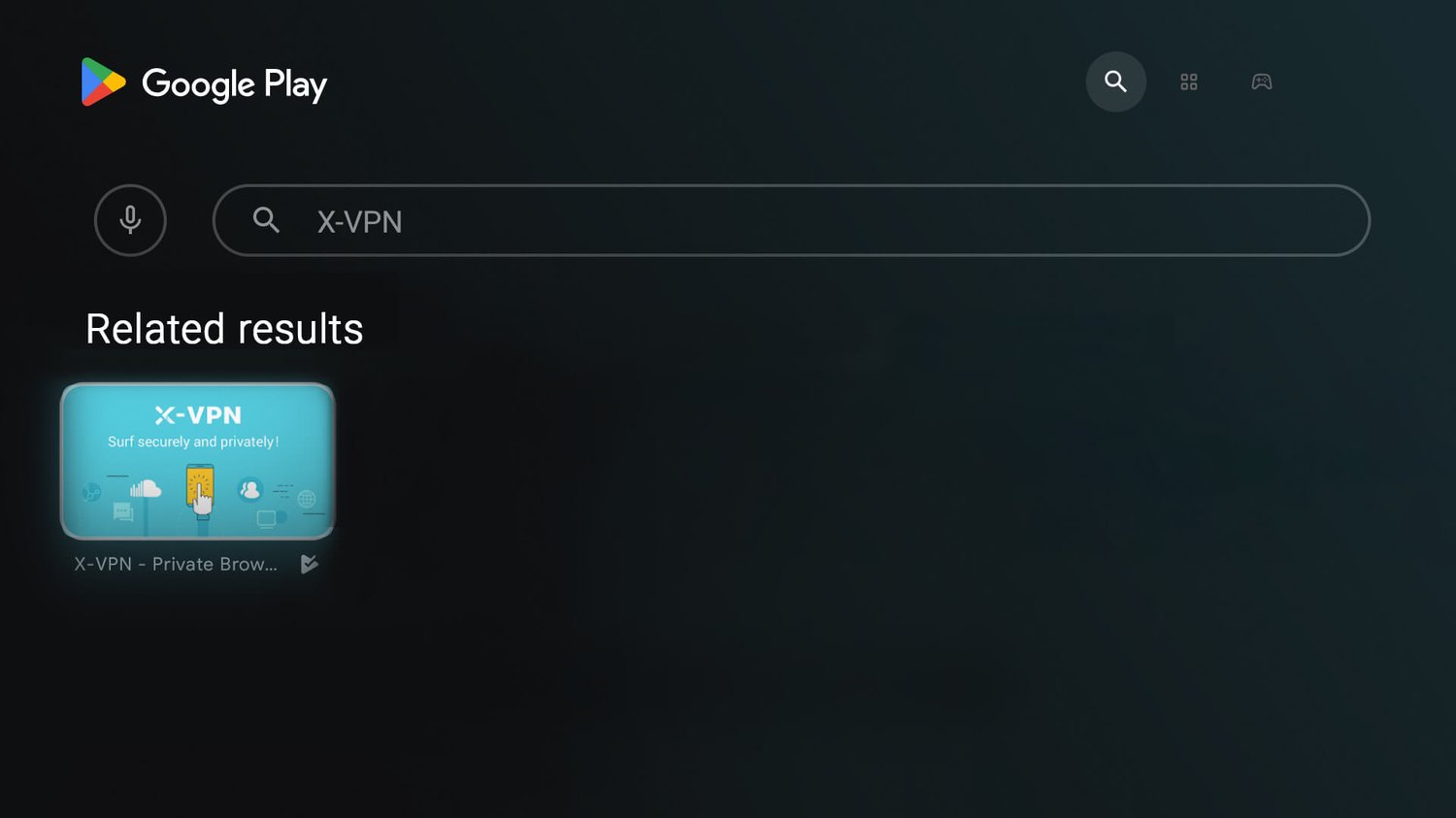
2. Download and install X-VPN. Once installed, click the button to open X-VPN
3. Agree with the Privacy Policy and Terms of Service of X-VPN.

4. Start your 7-day free trial and upgrade to X-VPN Premium. If you're not ready to purchase yet, you can choose to skip the upgrade.

5. Once you're in the X-VPN app, simply click on the button to start the connection. The first time you click the connect button, a 'Connection Request' pop-up will appear. Simply click 'OK' to continue.

6. You are all set now!

7. X-VPN allows you to choose servers on your Android TV. With over 10,000 global servers in more than 80 regions, you have plenty of options to find the one that suits your needs. X-VPN also offers specific streaming servers for popular platforms like Netflix, Hulu, Amazon Prime Video, and more. Server List

8. X-VPN has independently developed 20 protocols to adapt to the complex network environment around the world. With Android TV, you can also select among 9 protocols. We recommend choosing ‘Auto’, as X-VPN will match the most suitable protocol based on your network environment.

9. If you need to go premium to get unlimited speed and unblock all locations, you can also purchase inside X-VPN Android TV app.

10. If you already have a premium account, you can log in directly

The above is all the content of the Android TV tutorial. We hope it can be helpful to you. If you have any questions, please contact our Live Chat.
Questo articolo è stato utile?
Grazie per il tuo feedback!
Perché questo articolo non è stato utile?