Faster by the Numbers
We tested Talaria across devices and network speeds, from 100 Mbps to 10 Gbps. Here's what we found.
We use cookies to provide you a better service and analyze traffic. To find out more about cookies, please see our Cookie Declaration. By continuing to browse our website, you agree to our use of cookies.
We use cookies to provide you a better service and analyze traffic, To find out more about cookies, please see our Cookie Declaration.
Our website relies on these cookies for proper functionality.
These cookies are utilized to retain your preferences, such as language selection.
Cookies enable us to gain insights into our visitors and enhance their browsing.
Cookies that are used to track conversions for ads platforms.
X-VPN's in-house VPN protocol for faster, more efficient connections.
 200%+ Speed Improvement <5% Download Speed loss Secure by design Open Source
 Independently Audited by Vantage Point Security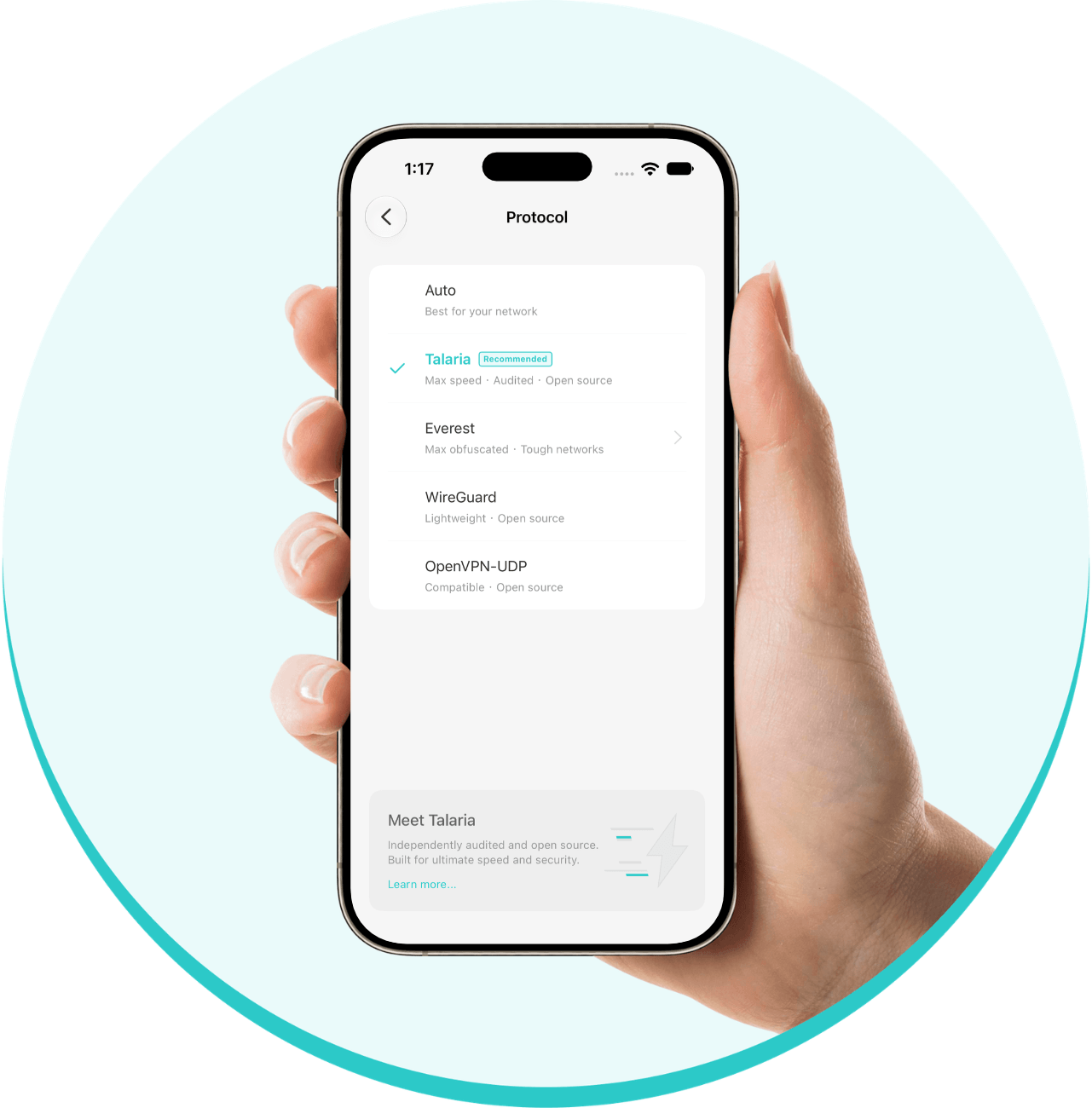
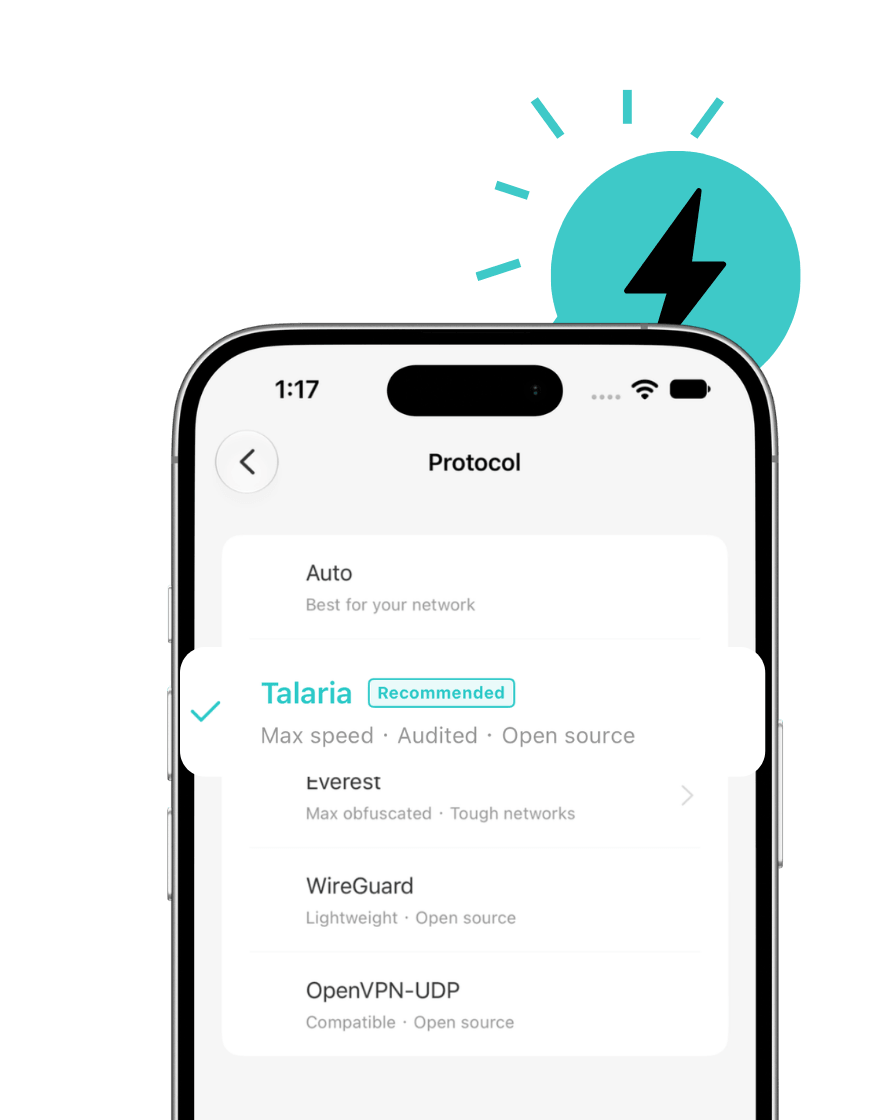
Talaria is X-VPN's in-house VPN protocol, built from the ground up for speed. It moves data more efficiently, improving performance on high-bandwidth networks while keeping speed loss low in everyday use.
And speed isn't the only priority. Talaria uses TLS 1.3 to encrypt your connection and hybrid post-quantum key exchange to help protect against future quantum attacks. It's also open source and has undergone an independent security assessment by Vantage Point Security.
We tested Talaria across devices and network speeds, from 100 Mbps to 10 Gbps. Here's what we found.


In our internal 10 Gbps tests across Windows, macOS, iOS, and Android, Talaria delivered over 200% aggregate improvement in download and upload speeds compared with X-VPN's previous best-performing protocols.

In 1 Gbps and 100 Mbps tests on Windows and macOS, Talaria kept at least 95% of the download speed measured without a VPN across local, nearby, and long-distance connections.
Talaria is designed to move data faster with less unnecessary processing. Here's how it works.

Talaria gives each app connection its own data channel, allowing multiple streams to run at the same time. This helps keep things running smoothly when you're streaming, browsing, and downloading at once.

Instead of handling data packets one by one, Talaria processes them in batches and moves them through a streamlined pipeline. This cuts repeated work and frees up processing power for faster transfers.

On supported paths, Talaria forwards traffic as complete connection flows rather than handling each packet individually. This reduces extra processing steps and helps data move more efficiently.



Talaria keeps your connection protected with modern encryption and built-in safeguards, without sacrificing speed.

 Secure From the Start
 Protection Against Future Quantum Threats
 Protection for Every Connection
You shouldn't have to take our word for it. Talaria is open source, and its security has been independently assessed.
Learn more about Talaria's open-source release and security audit.
Learn more about Talaria's open-source release and security audit.

Talaria's source code is available on GitHub under the GNU Affero General Public License v3.0 (AGPLv3). Anyone can review the code and see how the protocol works.
Talaria has been independently assessed by Vantage Point Security, a Singapore-based cybersecurity firm. The review found no vulnerabilities of any severity, including critical, high, medium, or low. It identified only four observations, all of which were addressed and verified by Vantage Point Security in a retest. The review also found that the cryptographic design and use it examined aligned with security best practices.

Switch to Talaria in just a few taps or clicks.
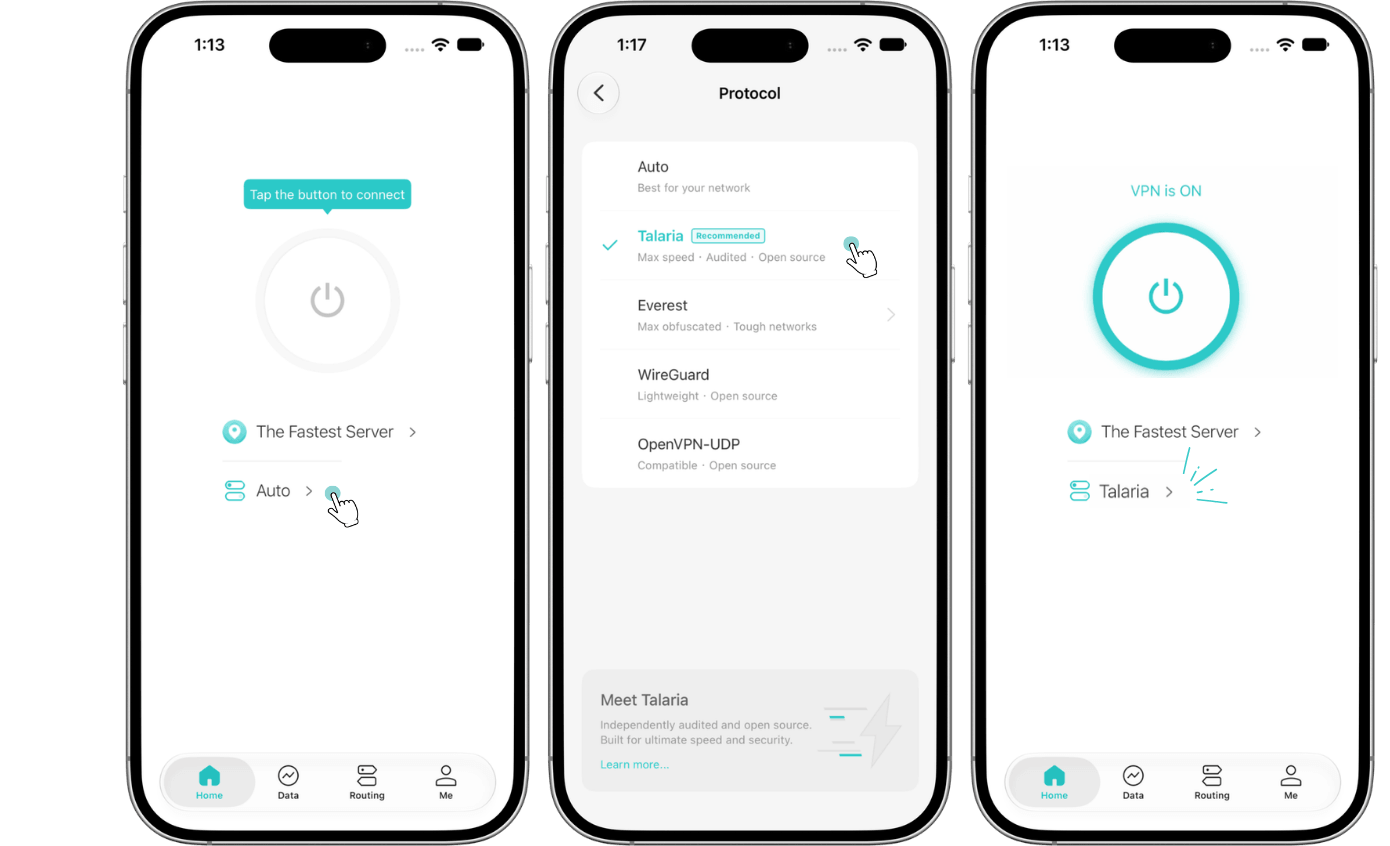
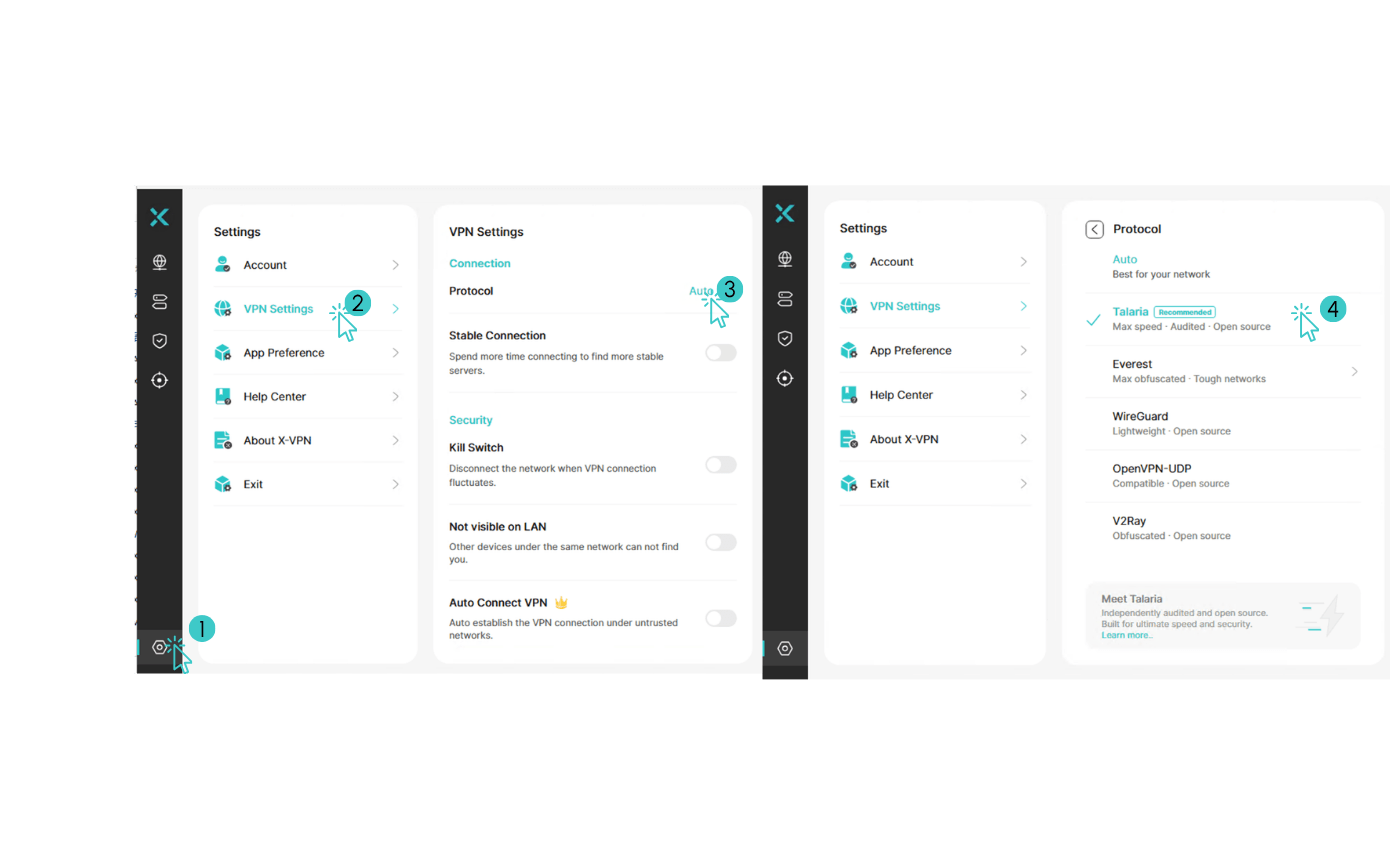


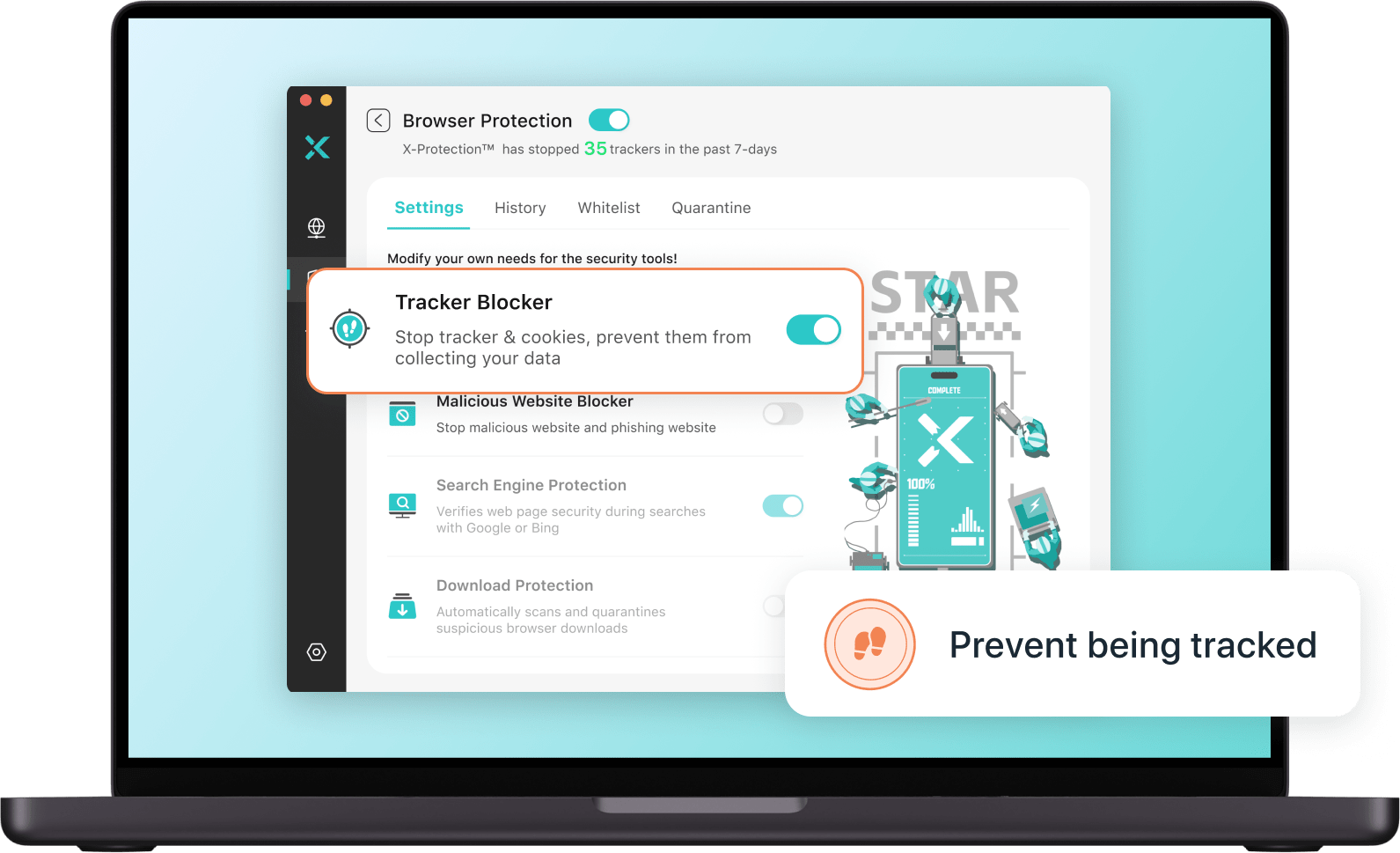



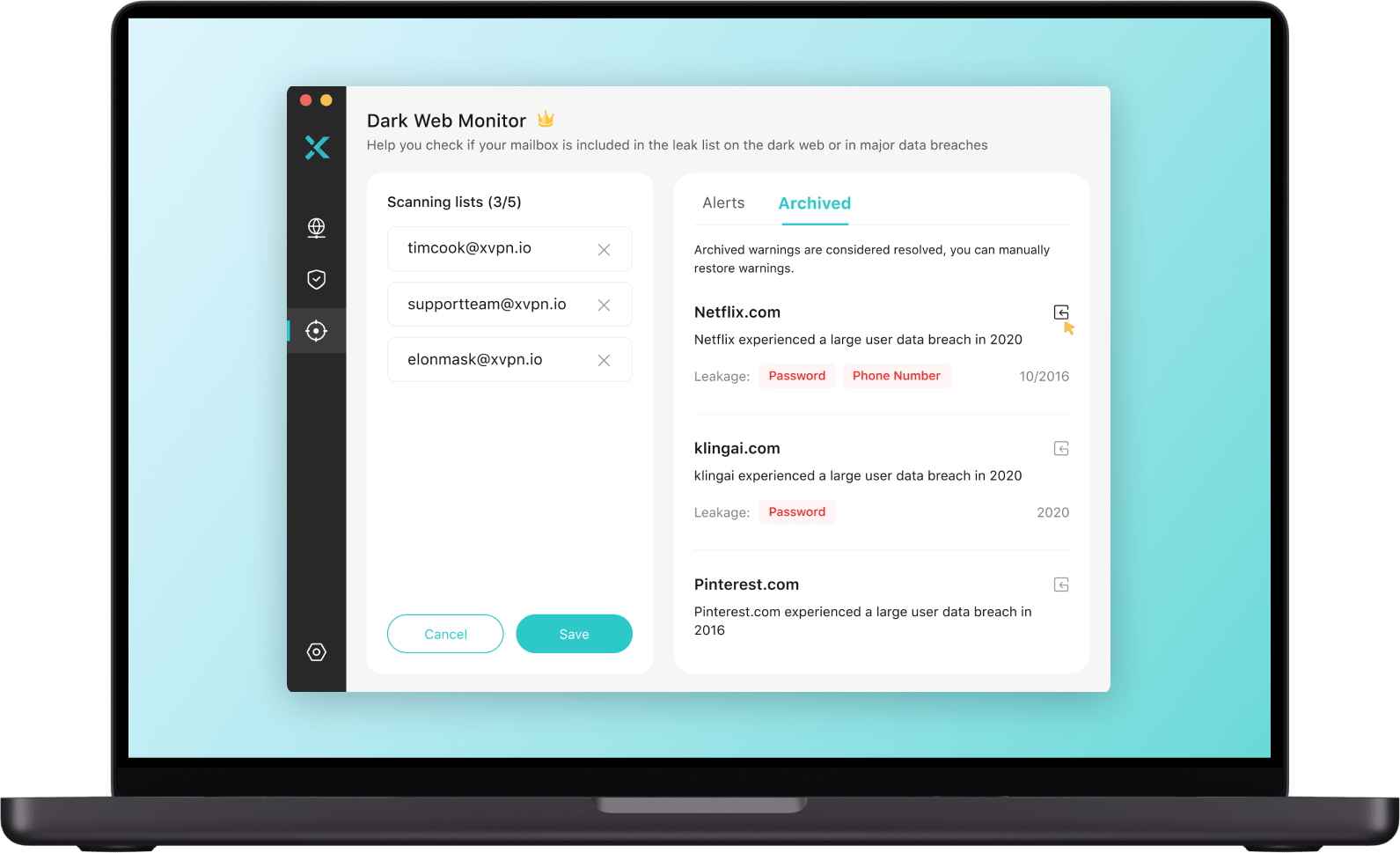




X-VPN supports a range of VPN protocols to suit different networks and needs.
Download X-VPN and experience Talaria on Windows, macOS, iOS, or Android.
Yes! Talaria is available to both X-VPN Free and Premium users. You can try it without upgrading to a paid plan.
Talaria is available on Windows, macOS, iOS, and Android. Make sure you're using the latest version of X-VPN to access it.
Mobile: Open X-VPN, tap the protocol option on the connection screen, choose Talaria, and connect.
PC: Open X-VPN, click Settings in the bottom-left sidebar, then go to VPN Settings > Protocol. Choose Talaria and connect.
Talaria is X-VPN's open-source VPN protocol, developed in-house for speed and efficient data transfer. Everest is designed for restrictive networks, while WireGuard and OpenVPN are widely used, industry-standard protocols.
Talaria is built for speed, but actual performance depends on your device, network, and server. Our internal tests showed significant speed improvements, though individual results may vary.
Yes. Talaria uses TLS 1.3 to encrypt your connection and hybrid post-quantum key exchange to help protect against future quantum attacks. It also safeguards against data tampering and replay attacks. An independent security assessment by Vantage Point Security found no security vulnerabilities.
Yes. Talaria's source code is available on GitHub under the GNU Affero General Public License v3.0 (AGPLv3). You can explore the code and see how the protocol works.
Yes. Vantage Point Security independently assessed Talaria through a source-code security review and protocol-level penetration test. The review found no vulnerabilities of any severity and identified four observations. All four were addressed, with the fixes verified by Vantage Point Security in a retest.