
We use cookies to provide you a better service and analyze traffic. To find out more about cookies, please see our Cookie Declaration. By continuing to browse our website, you agree to our use of cookies.

Agree
Manage

Cookie Settings

We use cookies to provide you a better service and analyze traffic, To find out more about cookies, please see our Cookie Declaration.

Essential

Our website relies on these cookies for proper functionality.

Functionality

These cookies are utilized to retain your preferences, such as language selection.

Statistics

Cookies enable us to gain insights into our visitors and enhance their browsing.

Advertising

Cookies that are used to track conversions for ads platforms.

Confirm
X-VPN No-Logs Policy has been verified by independent practitioners!
Enter Now

L2TP: Layer 2 Tunneling Protocol

L2TP remains useful for older and mixed-device setups. X-VPN supports it and improves the experience through:

  • Support for multiple router models
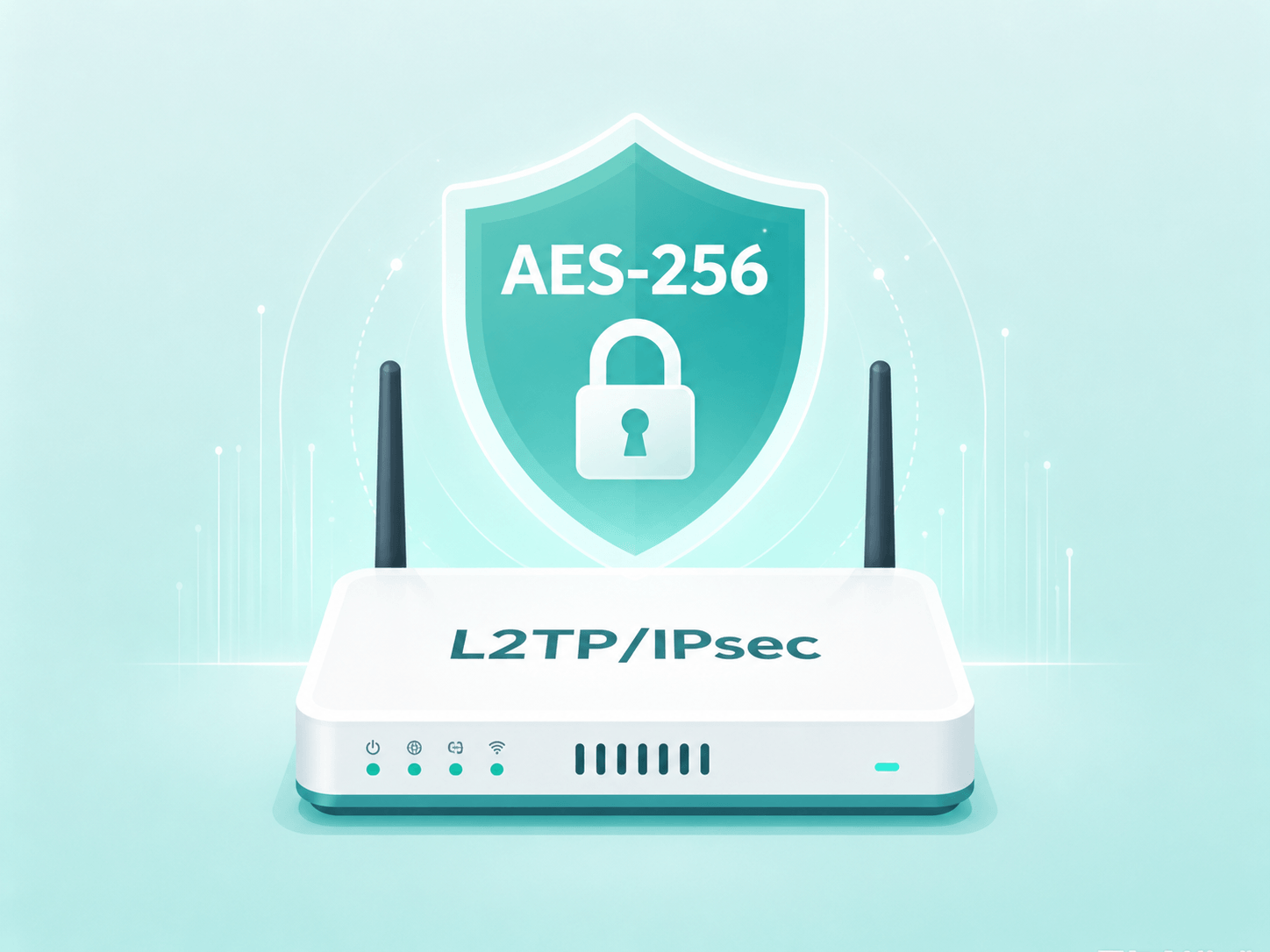
  • Stronger protection with AES-256 encryption
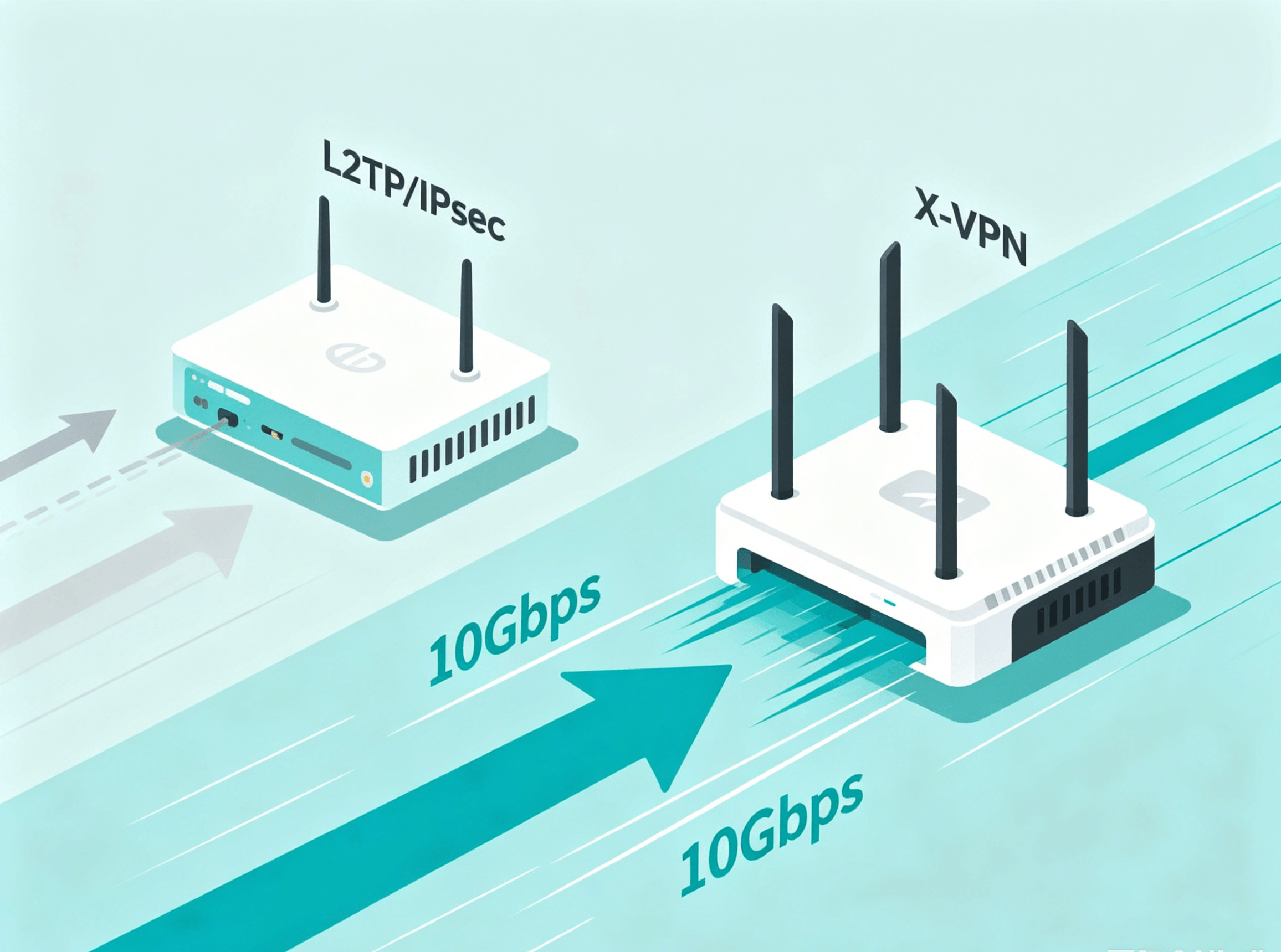
  • Faster access with 10Gbps lines
l2tp

What Is L2TP?

L2TP is a VPN tunneling protocol that creates a tunnel for data to travel between your device and a VPN server. It handles encapsulation, while encryption is usually provided by IPsec. Together, L2TP/IPsec offers a widely supported VPN setup that is still found in some routers, operating systems, and mixed-device network environments.

How Does L2TP Work?

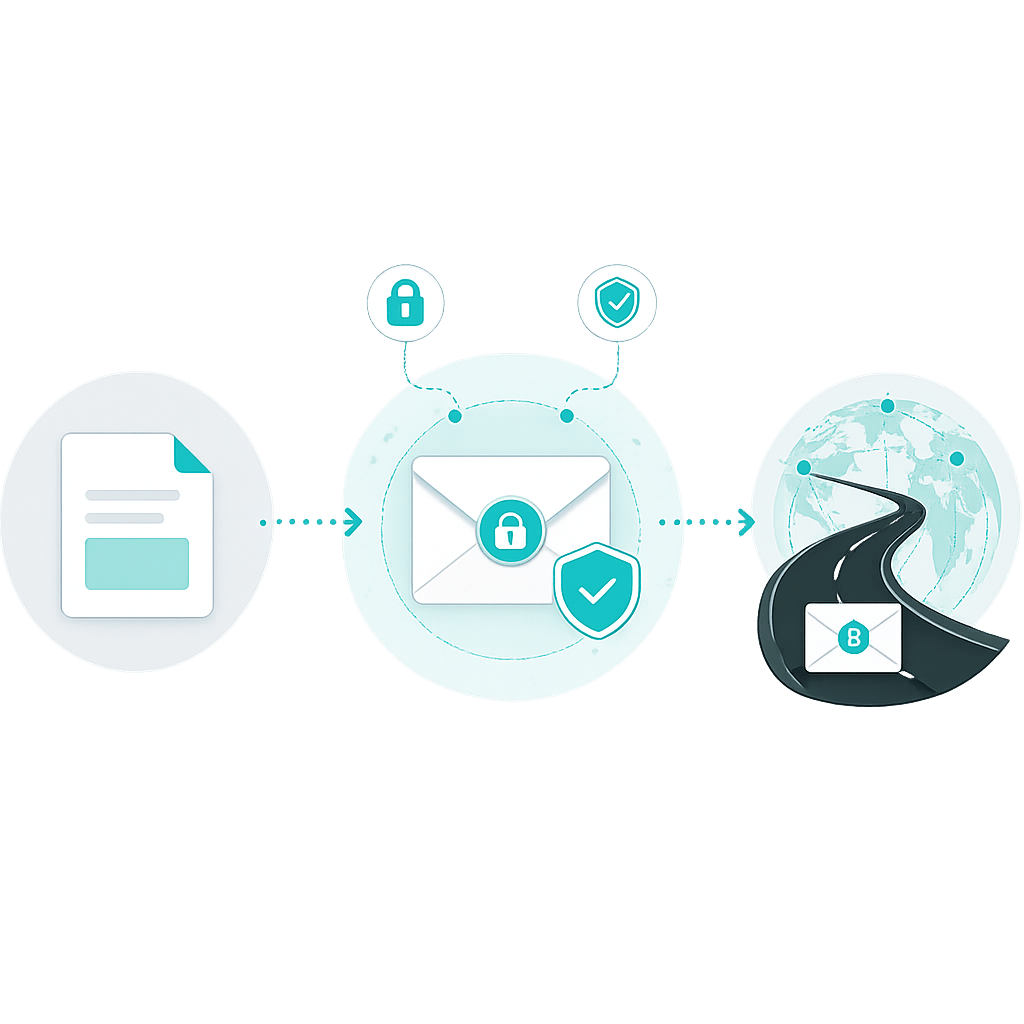
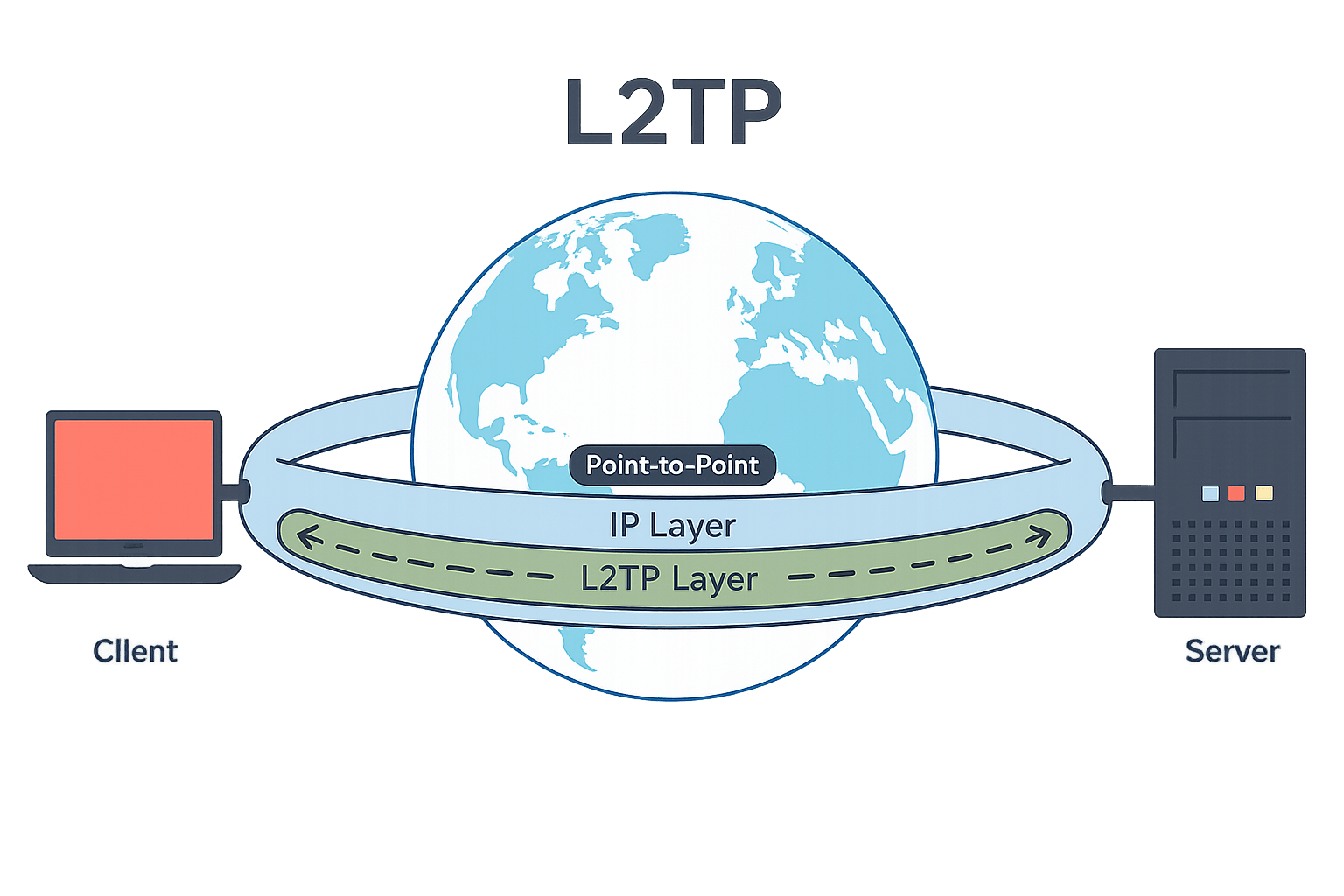
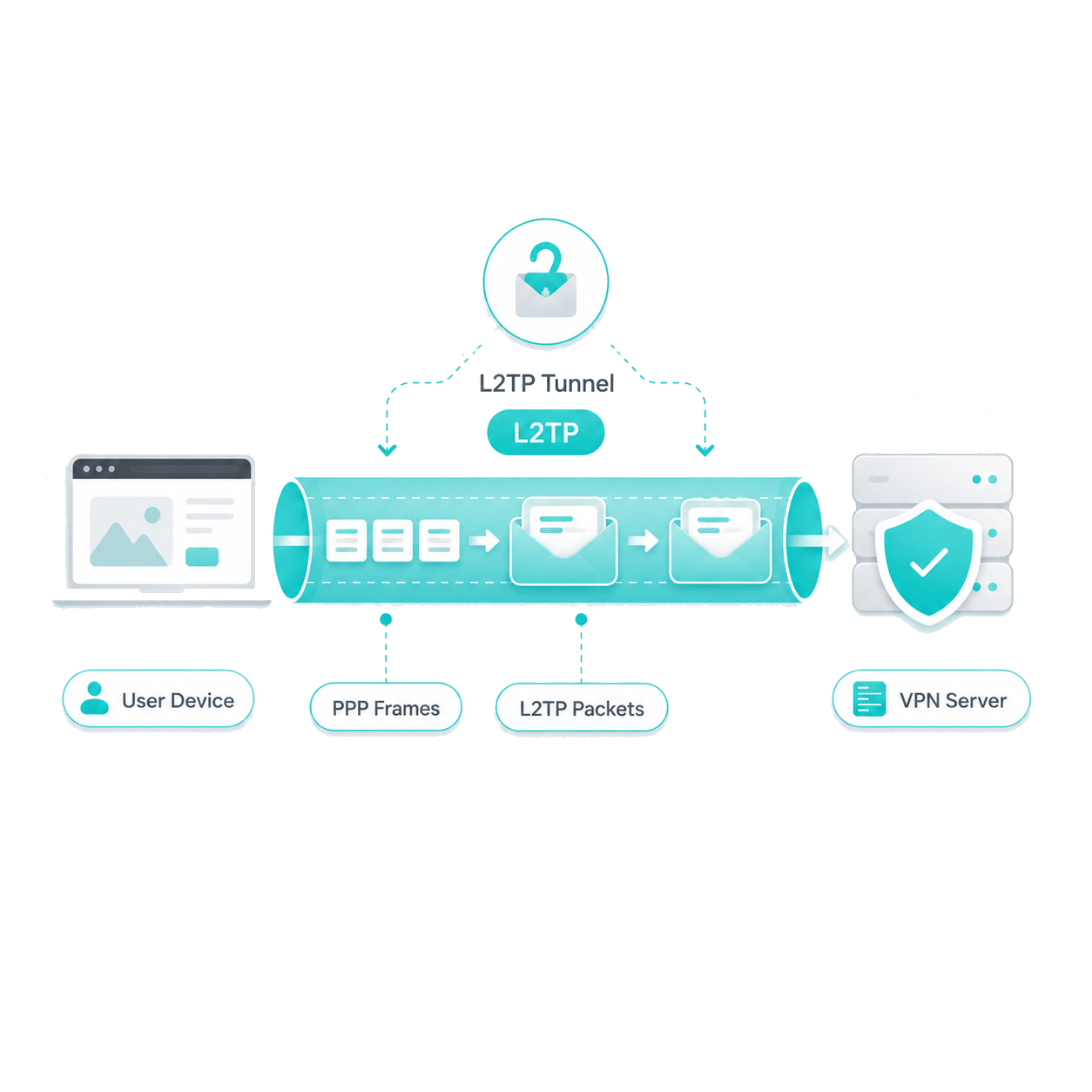
L2TP creates a VPN tunnel by wrapping data in multiple layers and relies on IPsec to provide encryption.

User data is wrapped first

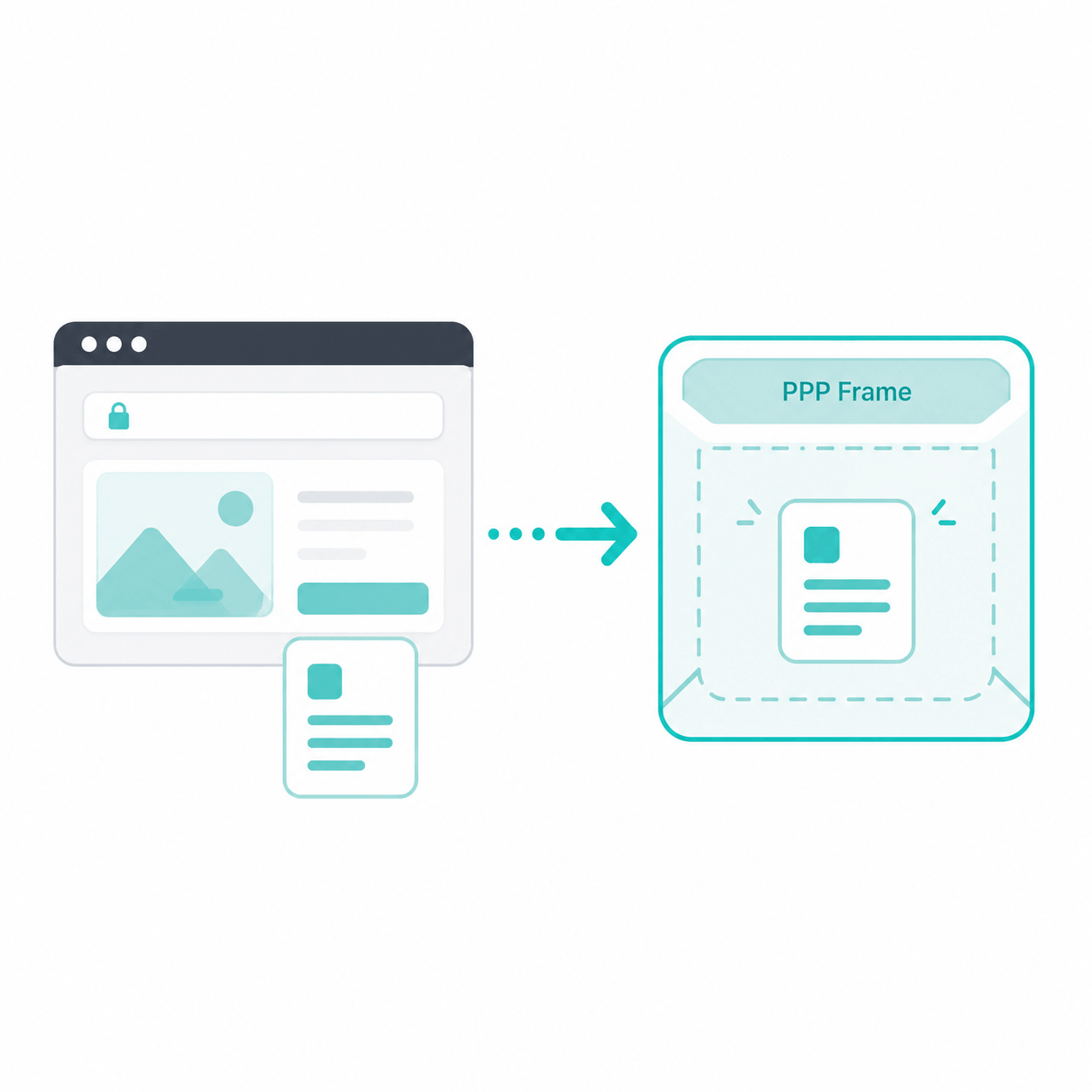
When you use the internet, your data is first placed into PPP frames. This is like putting the content into a standard envelope, so it can be carried through the VPN connection.

L2TP adds the tunnel layer

L2TP then wraps these PPP frames into L2TP packets and creates the tunnel between your device and the VPN server. Think of L2TP as the delivery route: it helps the data travel through the tunnel, but it does not lock the envelope.

IPsec encrypts the packet

Before the packet is sent over the internet, IPsec encrypts it and checks that it has not been changed. This is like sealing the envelope and adding a lock before sending it through a public road.
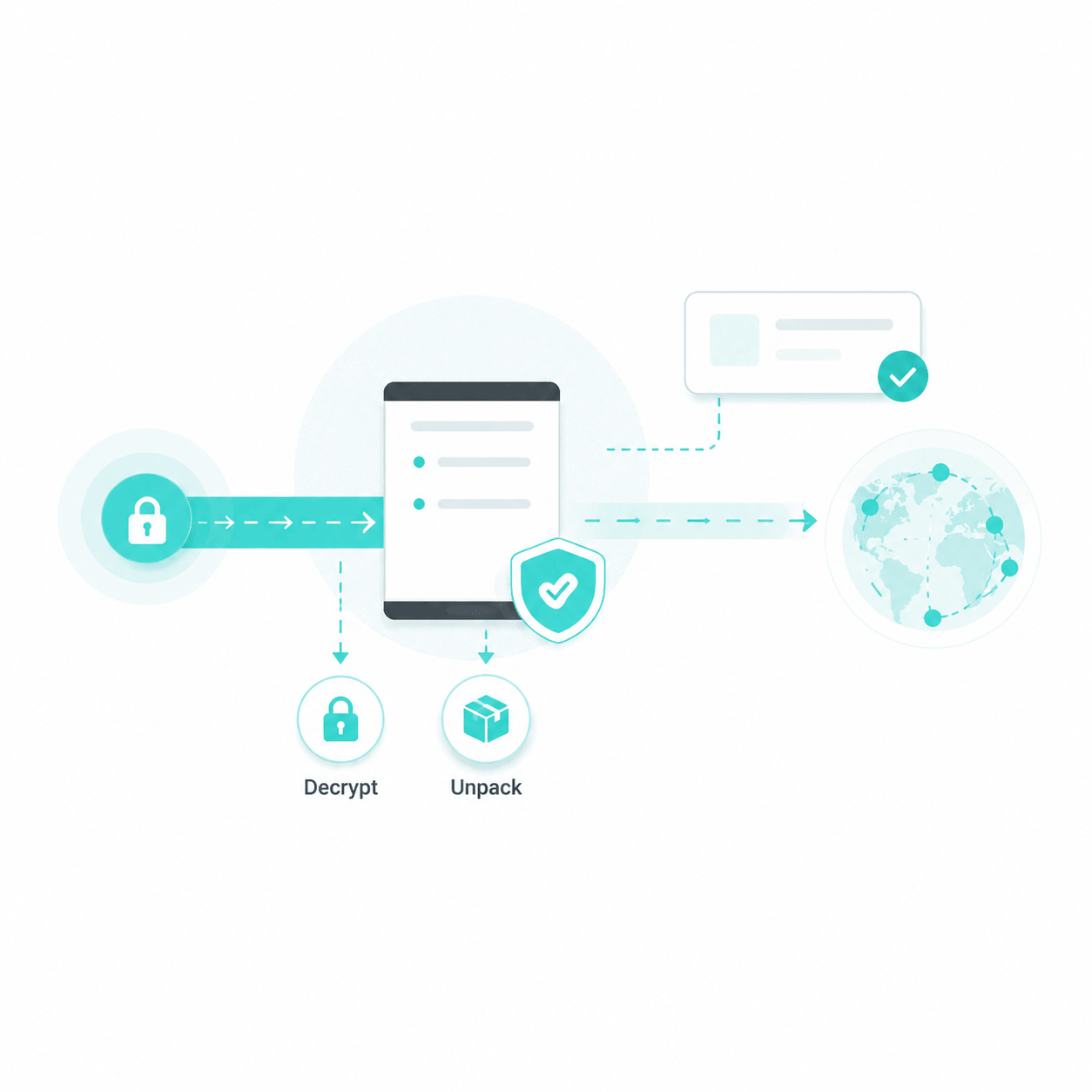
The VPN server forwards the data

After receiving the encrypted packet, the VPN server decrypts and unpacks it, then forwards your request to the target website or service.
When Is L2TP/IPsec Useful?

L2TP/IPsec works by combining L2TP tunneling with IPsec protection. Since this setup has been widely supported across routers and operating systems for many years, it remains useful in some environments.

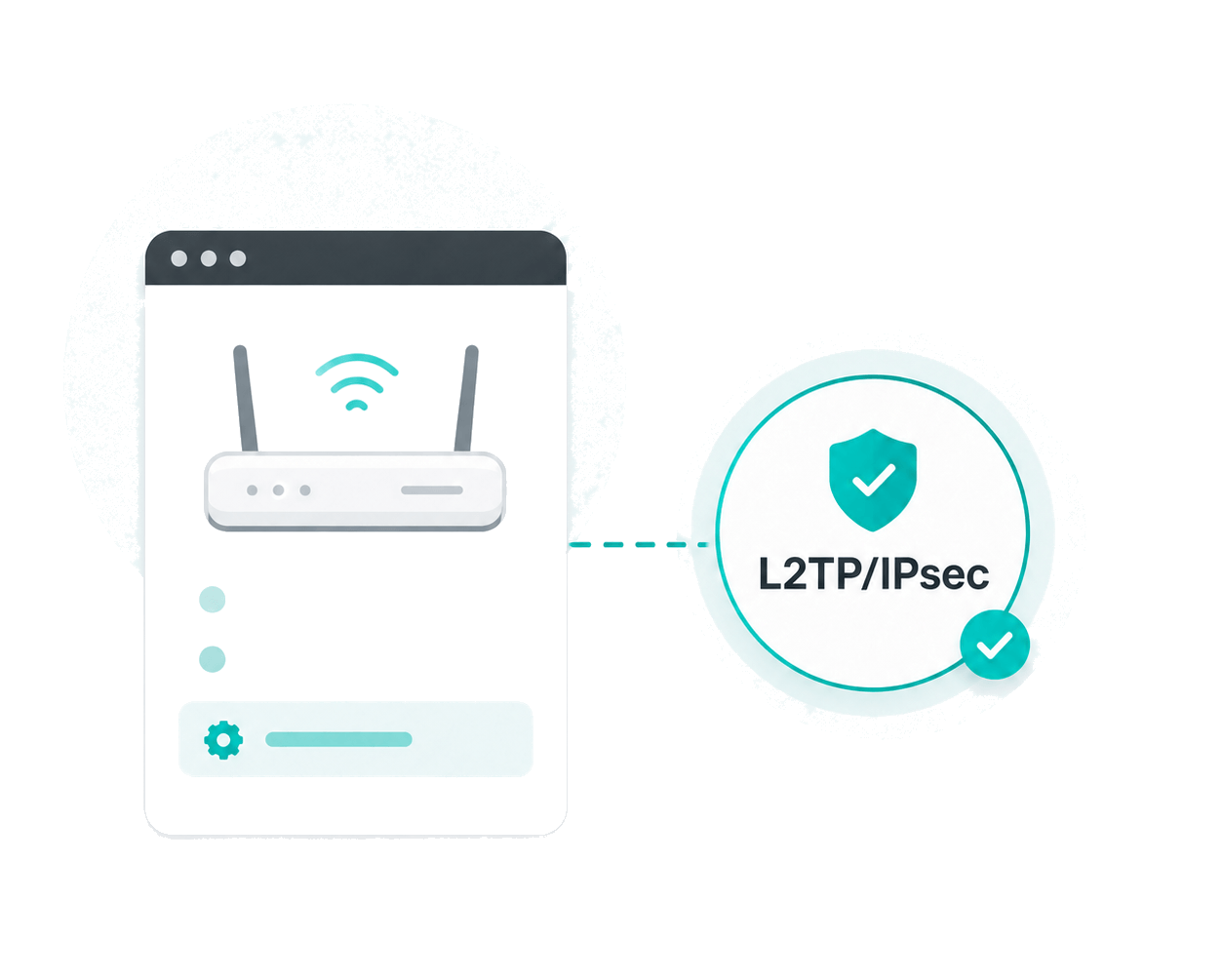
The router only supports L2TP/IPsec

Some routers, especially older models or stock firmware, only offer L2TP/IPsec in their built-in VPN settings and do not support newer VPN protocols. In this case, L2TP/IPsec can be a practical option.

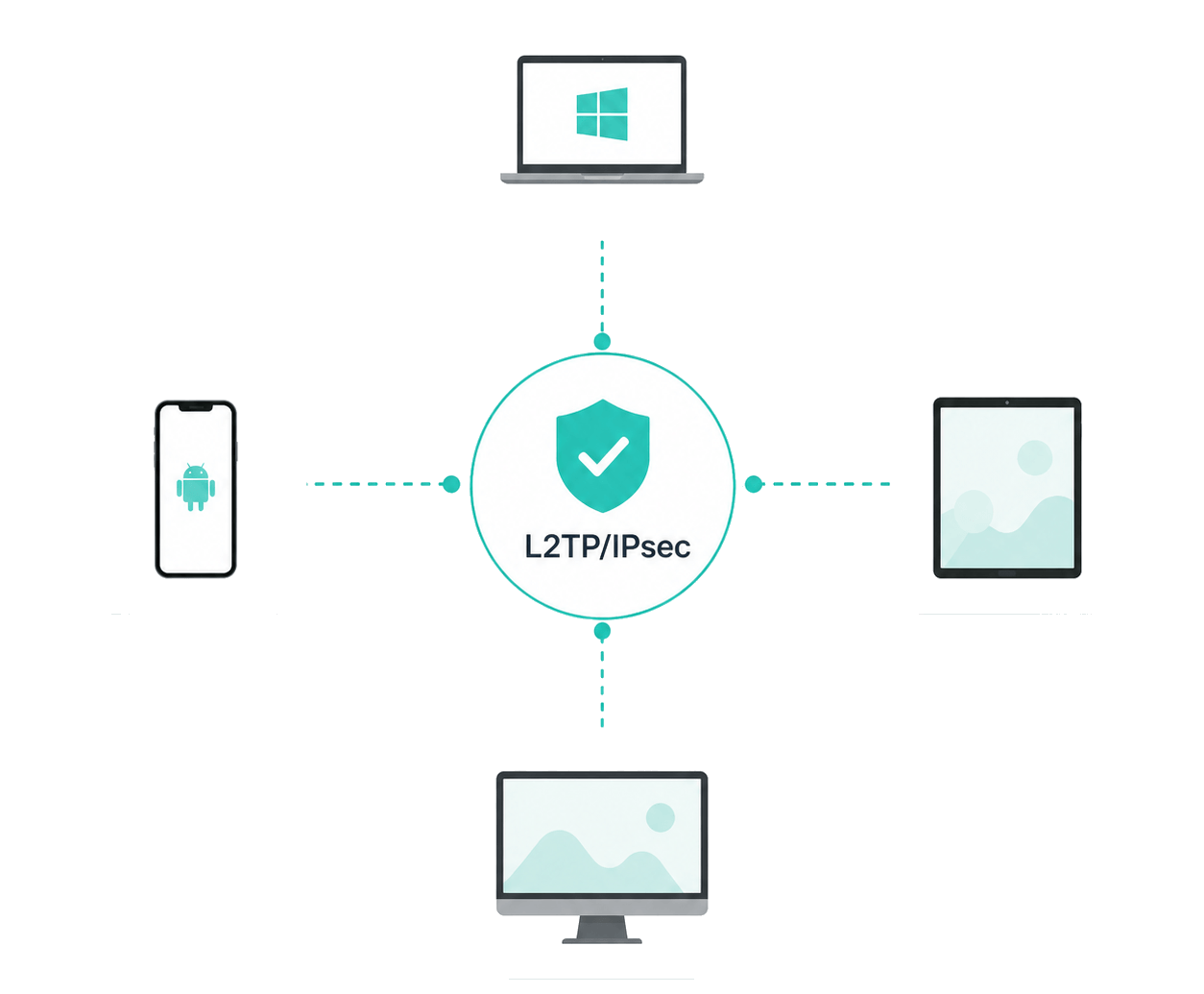
Legacy or mixed-device environment

In older or mixed-device setups, devices and operating systems may support different VPN protocols. L2TP/IPsec can help provide one option that works across more device types.

Existing network requirement

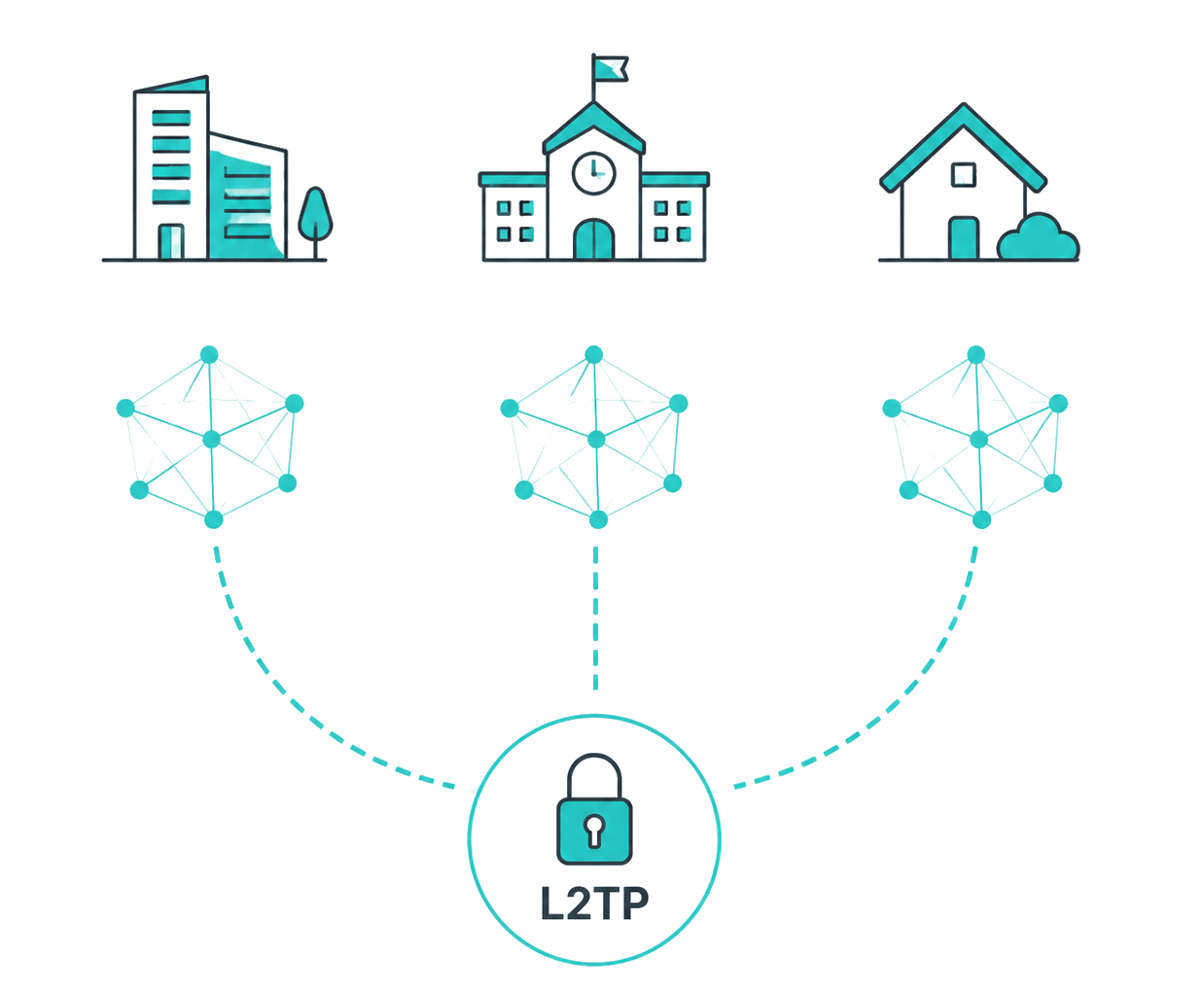
Some business, school, or private networks still require L2TP/IPsec because their VPN gateways, firewall rules, or access policies were built around it. In these cases, users may need L2TP/IPsec to connect.

L2TP/IPsec Limitations: How X-VPN Can Help

As explained above, L2TP/IPsec is useful in compatibility-focused setups, but its design and other factors also bring some limitations. X-VPN helps reduce some of these issues and improve the overall L2TP/IPsec router experience.

More security risks from configuration

Compared to modern VPN protocols with built-in protection, L2TP/IPsec relies more on proper IPsec setup. Incorrect settings can weaken overall security. X-VPN helps strengthen connection security with AES-256 encryption.

Slower connection speeds

L2TP/IPsec adds extra encapsulation and encryption overhead, which may affect connection speed in some network environments. With 10Gbps lines, X-VPN helps support a smoother VPN experience for L2TP/IPsec router connections.

Less reliable in restrictive networks

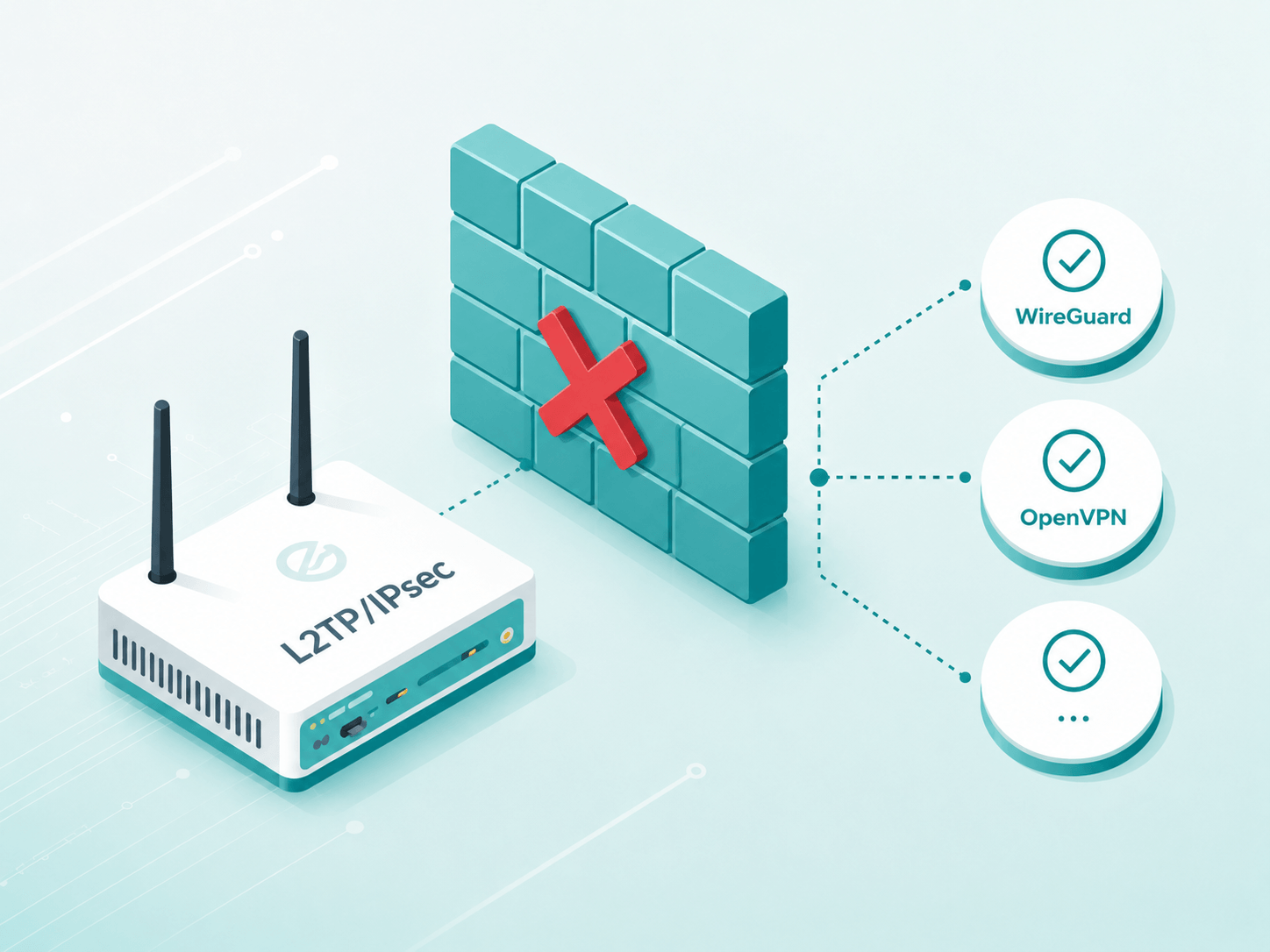
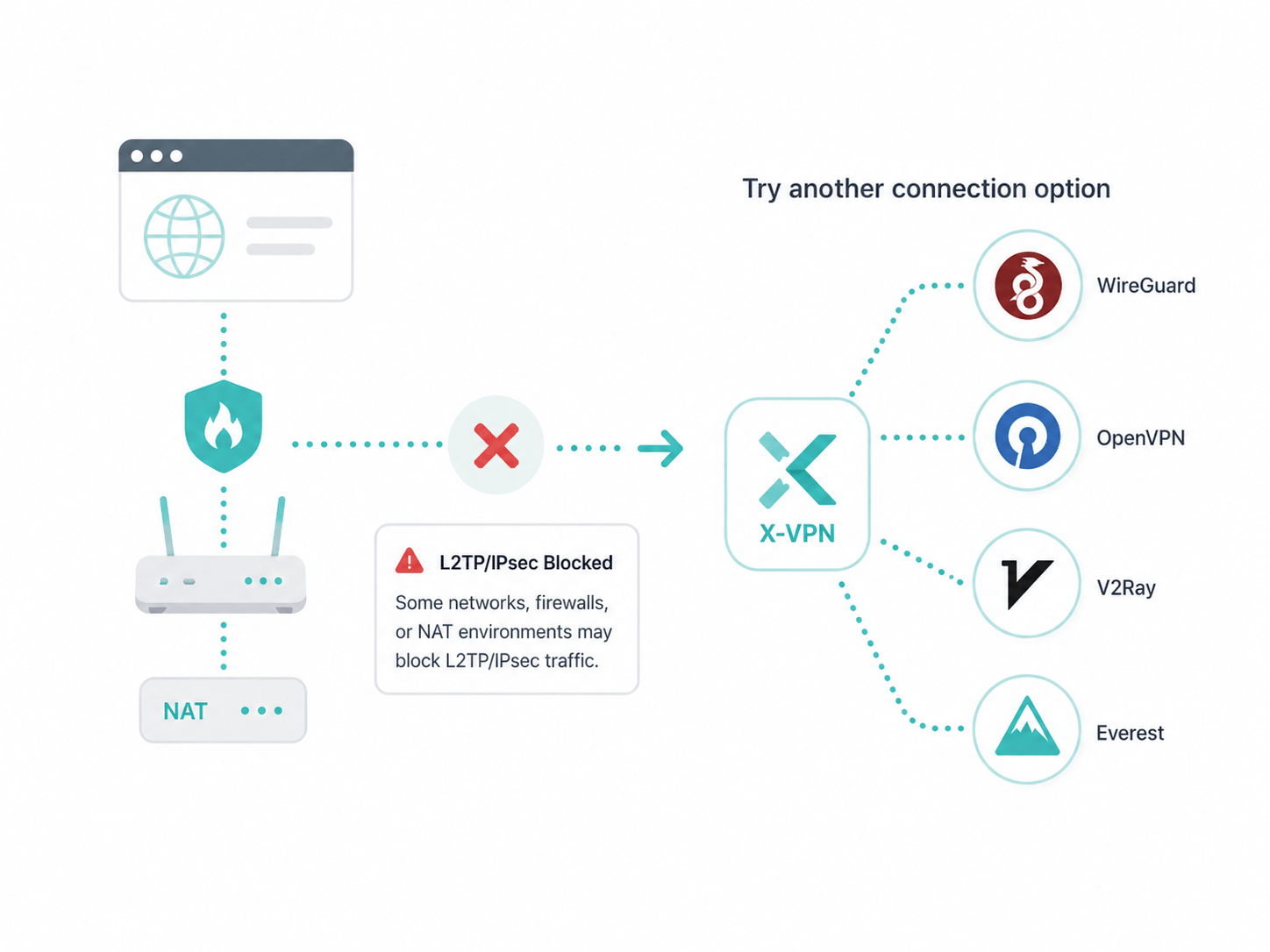
Some restrictive networks, NAT environments, or firewalls may affect L2TP/IPsec connections. When this happens, X-VPN provides protocols such as WireGuard and OpenVPN as additional fallback options.

How to Set Up L2TP on a Router

X-VPN supports L2TP setup on multiple routers, including Huawei, Xiaomi, TP-Link, D-Link, ASUS, and Linksys routers. The exact steps may vary by router brand and model, but most L2TP/IPsec router setups follow a similar process.

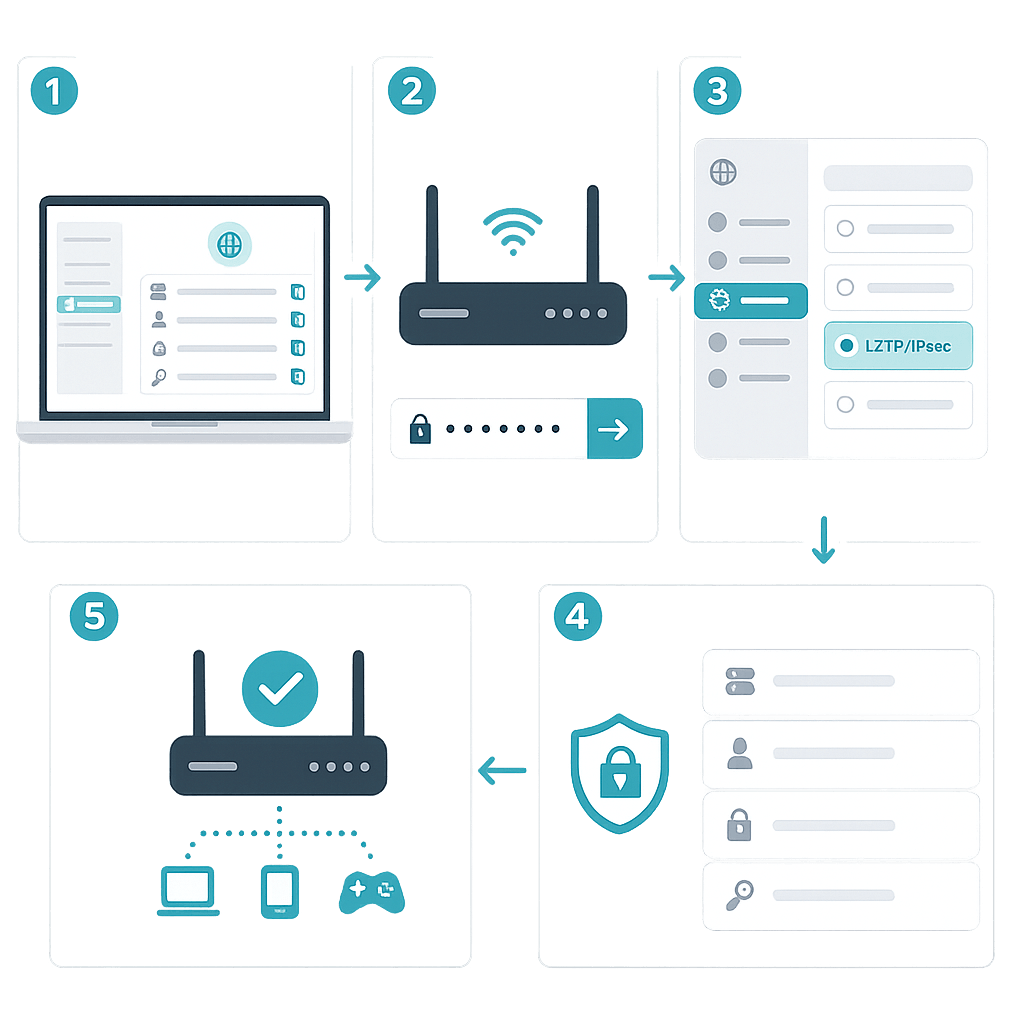
General L2TP Router Setup Steps

  • 1. Get Credentials: Sign in to X-VPN, go to the router VPN section, and copy the server address, username, password, and IPsec PSK.
  • 2. Open Router Panel: Log in to your router’s admin page. Menu names may vary by brand.
  • 3. Locate VPN Settings: Navigate to VPN, WAN, Internet, or Connectivity, then select L2TP/IPsec.
  • 4. Enter VPN Details: Paste the server address, username, password, and IPsec PSK into the fields.
  • 5. Save and Connect: Apply settings, start the VPN connection, and verify that it is connected.

Why Is L2TP/IPsec Not Connecting?

If your L2TP/IPsec connection attempt fails, or your router cannot connect after setup, check the troubleshooting steps below to find the issue and try the next step.

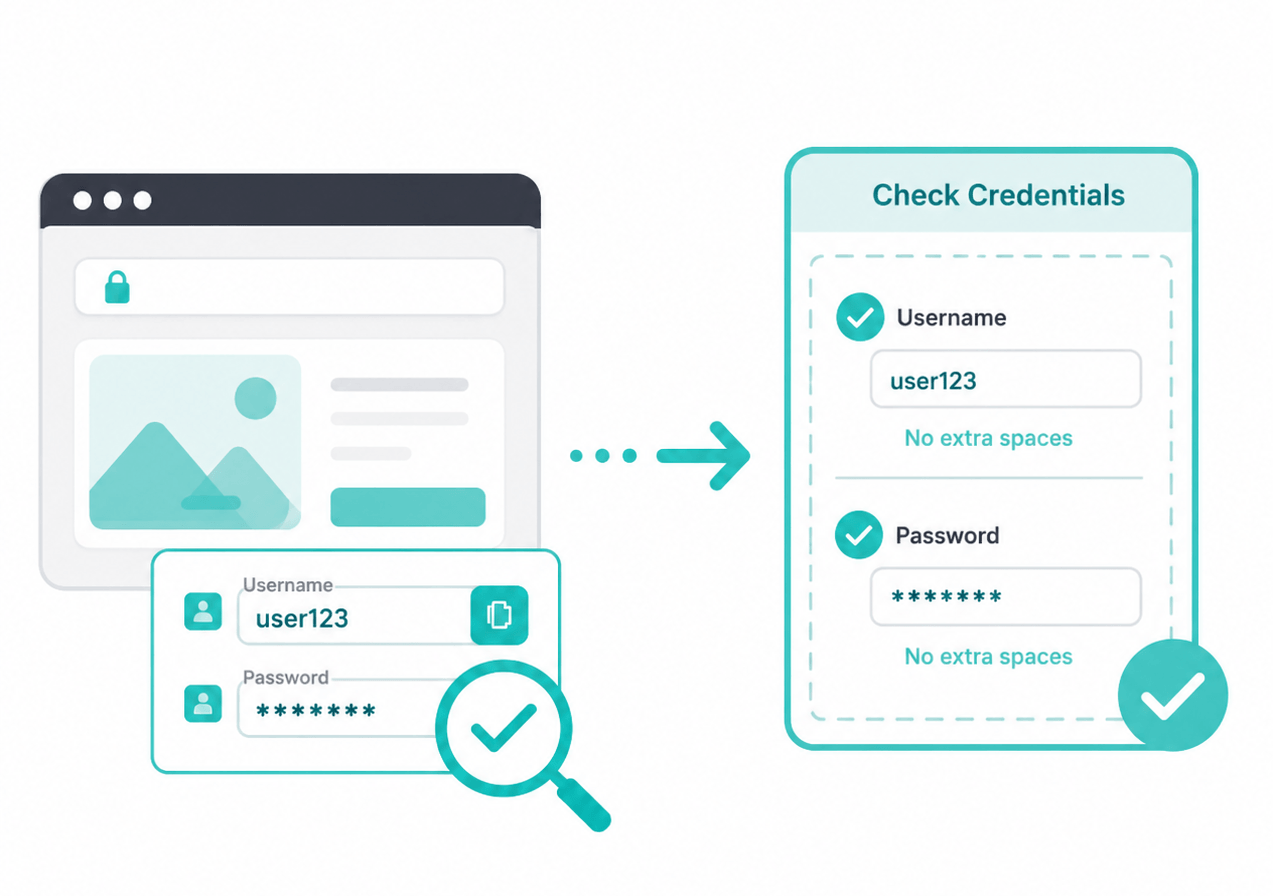
Router shows authentication error

Check whether the username and password are copied correctly from your X-VPN account. Make sure there are no extra spaces before or after the credentials.

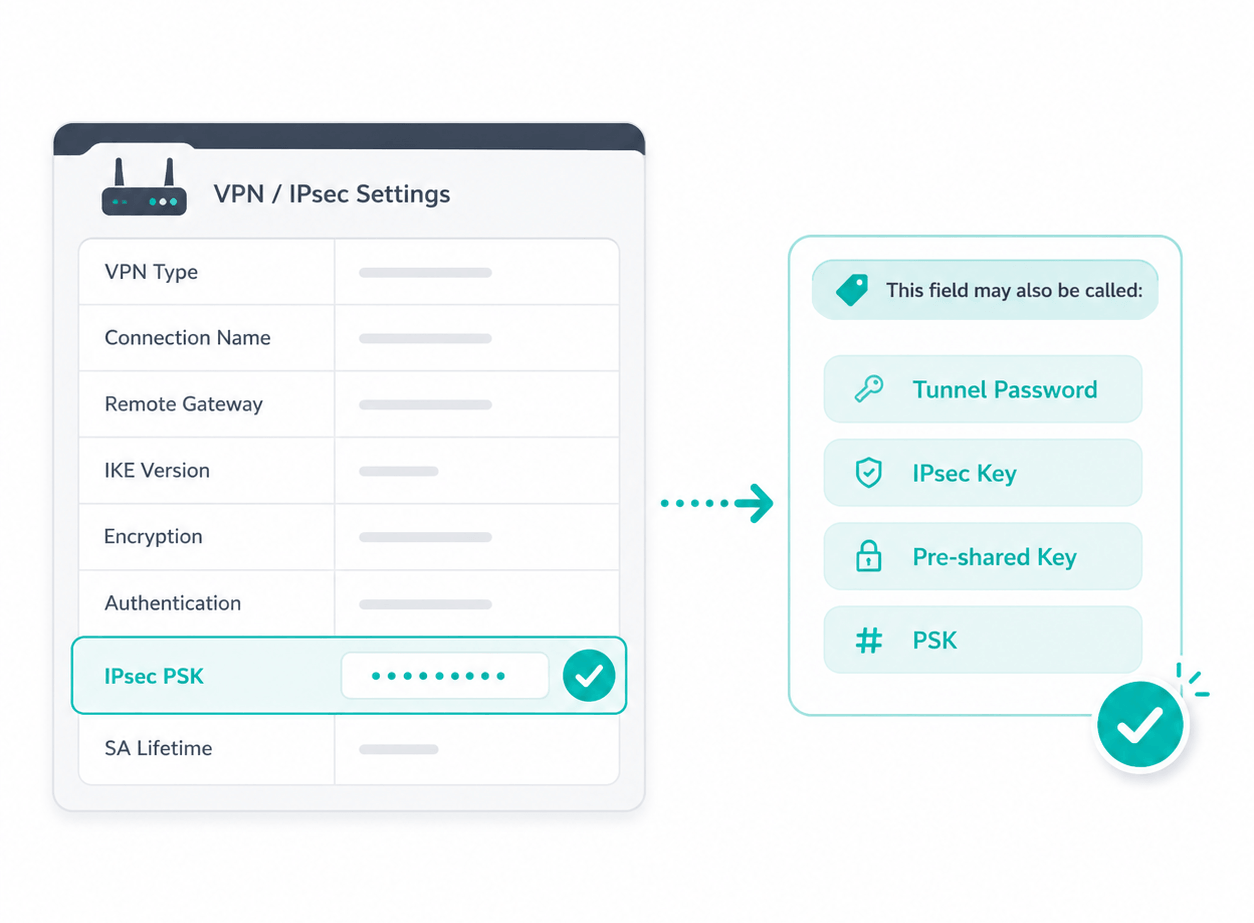
Fails after entering the IPsec PSK

Verify that you have entered the IPsec PSK in the correct field. Some routers may label this field as Tunnel Password, IPsec Key, Pre-shared Key, or PSK.

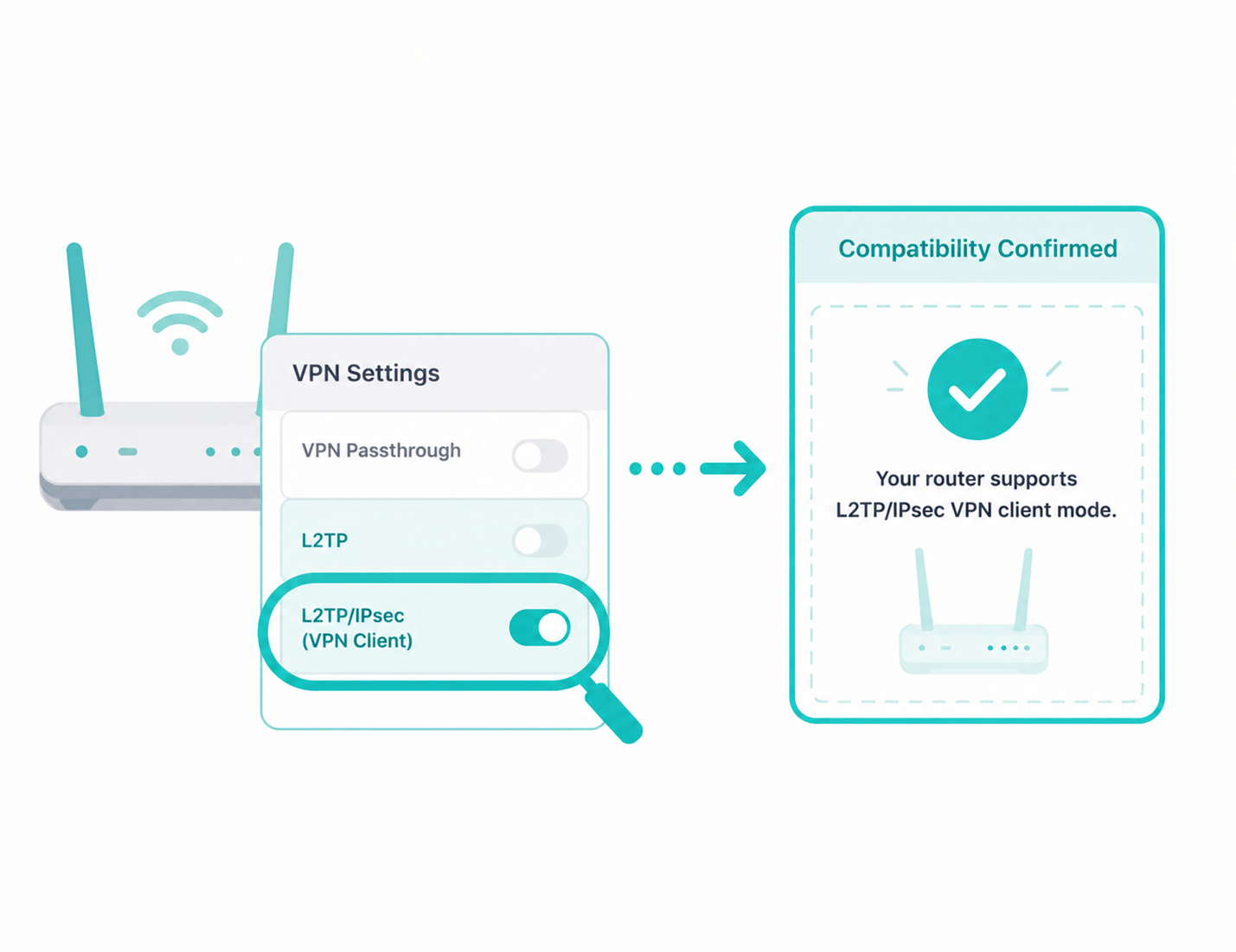
L2TP is available but won’t connect

Confirm that your router supports L2TP/IPsec VPN client mode. Some routers only support L2TP without IPsec, or only provide VPN passthrough instead of a VPN client.

Connection hangs or drops

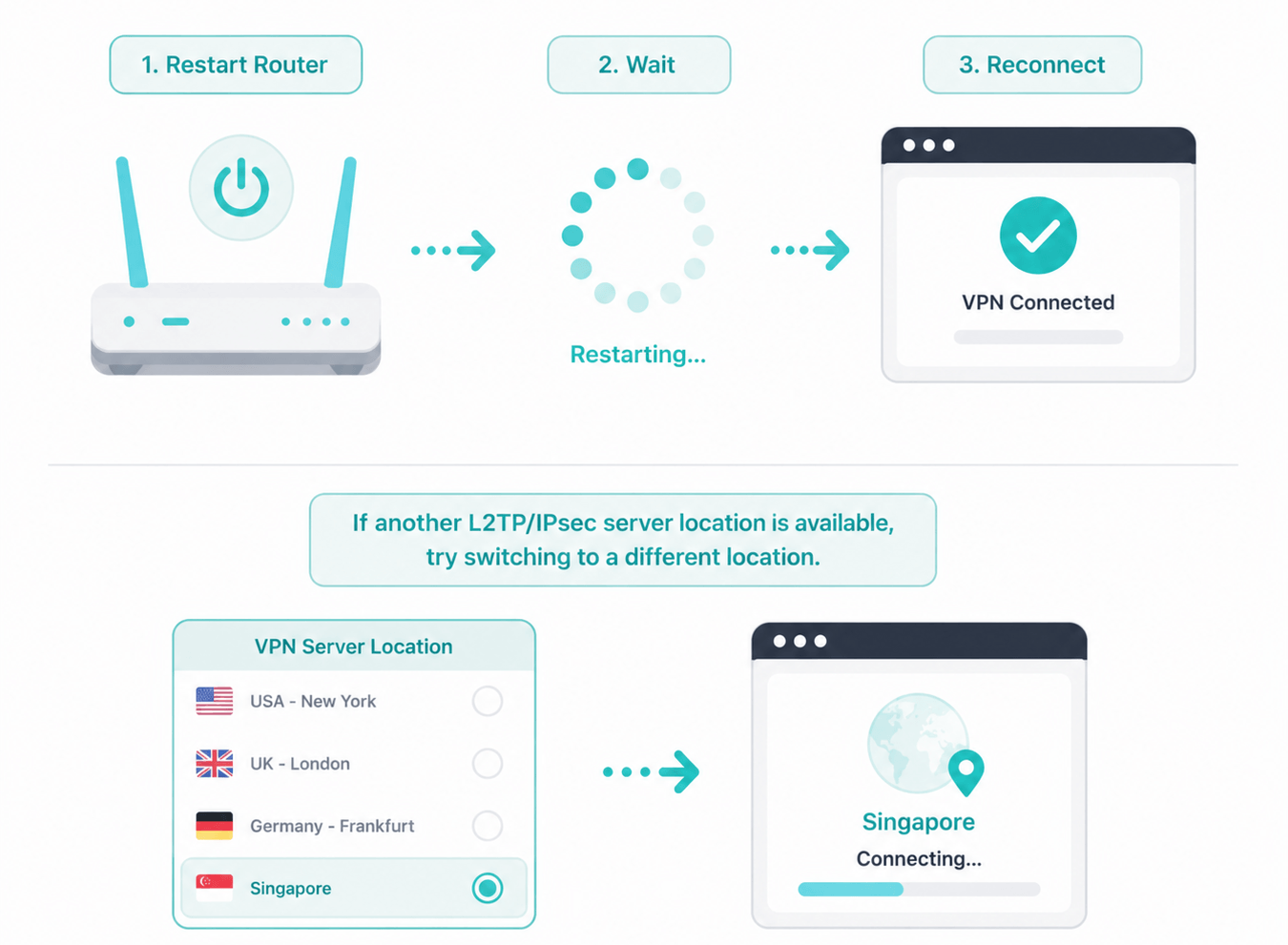
Restart the router and reconnect. If another L2TP/IPsec server location is available, try switching to a different location.

L2TP/IPsec persistently fails here

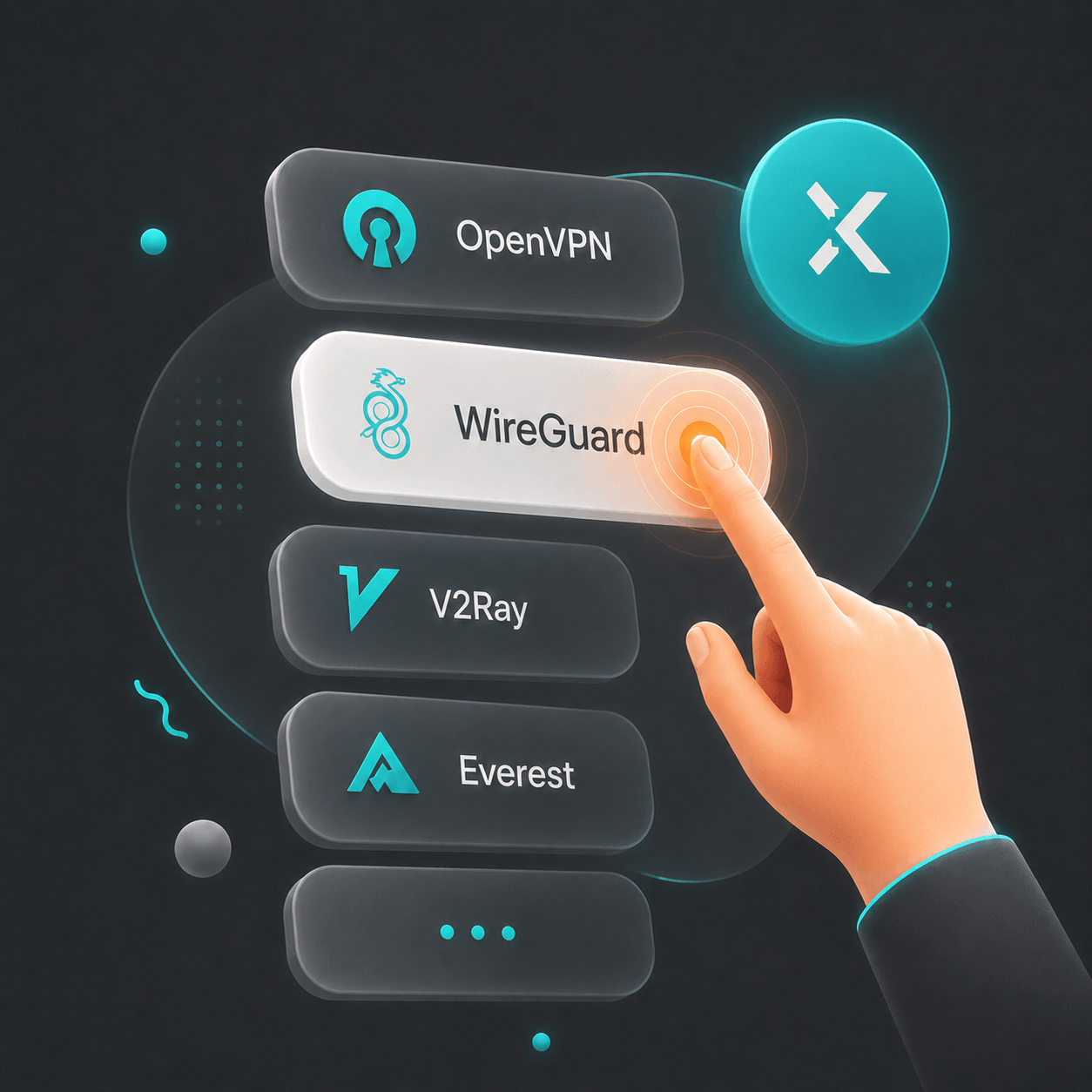
Some networks, firewalls, or NAT environments may block L2TP/IPsec traffic. In this case, you can use WireGuard, OpenVPN, V2Ray, or Everest in the X-VPN app for another connection option.

L2TP vs. Other VPN Protocols

L2TP may not work in all networks. If issues persist, switch to another protocol. Refer to the comparison table below to choose the one that best fits your needs.

Dimension

L2TP/IPsec

Everest

WireGuard

OpenVPN

Speed

Low–Medium

Medium-High

High

Medium

Security

Medium–High

High

High

High

Network Switching Stability

Low

High

High

Medium

Restricted Network Access

Low–Medium

High

Medium

High

Best For

Legacy routers and required L2TP setups

Complex or unstable networks

Daily VPN use

Restricted networks and custom setups

Try L2TP and More VPN Protocols with X-VPN

Need L2TP/IPsec? X-VPN supports it on routers for compatibility. For regular use, it also supports modern protocols such as WireGuard and OpenVPN for different connection needs.

Frequently Asked Questions

Are L2TP and L2TP/IPsec the same thing?

Not exactly. L2TP is a tunneling protocol and does not provide encryption by itself. L2TP/IPsec combines L2TP with IPsec to provide encryption, authentication, and data protection. In everyday VPN usage, when people say “L2TP,” they usually mean L2TP/IPsec.

What is L2TP?

L2TP (Layer 2 Tunneling Protocol) is a tunneling protocol that operates at the data link layer (Layer 2) of the OSI model. It enables the creation of point‑to‑point virtual connections over public networks, allowing various types of data traffic to be encapsulated and transmitted securely across the Internet. 

Can I use L2TP with X-VPN?

Yes. X-VPN supports L2TP/IPsec on routers, including Huawei, Xiaomi, TP-Link, D-Link, ASUS, and Linksys routers. You can get your L2TP credentials from your X-VPN account and set it up on a supported router. 

Is L2TP still secure?

L2TP does not provide encryption on its own, so it is usually paired with IPsec for data protection. When IPsec is properly configured, L2TP/IPsec can provide encrypted VPN connections. Its security level mainly depends on the IPsec settings used by the VPN service or network administrator.

PPTP vs L2TP: What’s the difference?

In terms of speed, PPTP typically has lower encryption overhead and can be faster, while L2TP/IPsec adds encryption layers that may reduce connection speed. For security, PPTP uses simpler encryption methods, whereas L2TP/IPsec provides stronger protection when paired with IPsec. Regarding stability and use on restricted networks, both protocols may face limitations compared with more modern VPN protocols.

Which firewall ports need to be opened for L2TP?

The following ports must be opened: UDP 1701 (L2TP), UDP 500 (IPSec IKE), and UDP 4500 (IPSec NAT‑T). If the server is behind a NAT device, UDP 4500 is particularly important.