
1. Generate a Pair of Keys
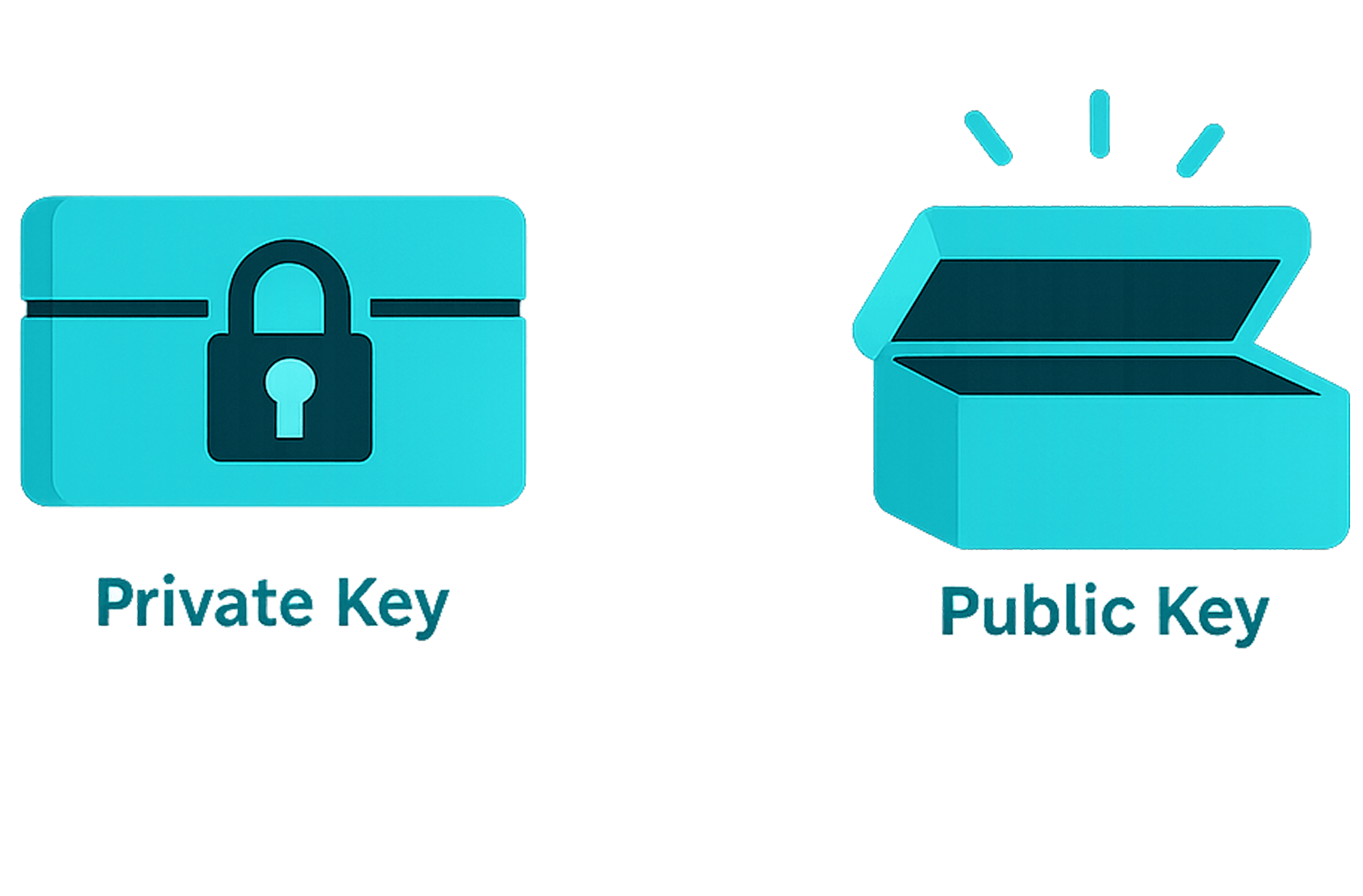
Each device creates a private key and a public key. The private key is a secret kept only on the device, which is used to prove ownership of that public key. While the public key is a public ID that can be safely shared.
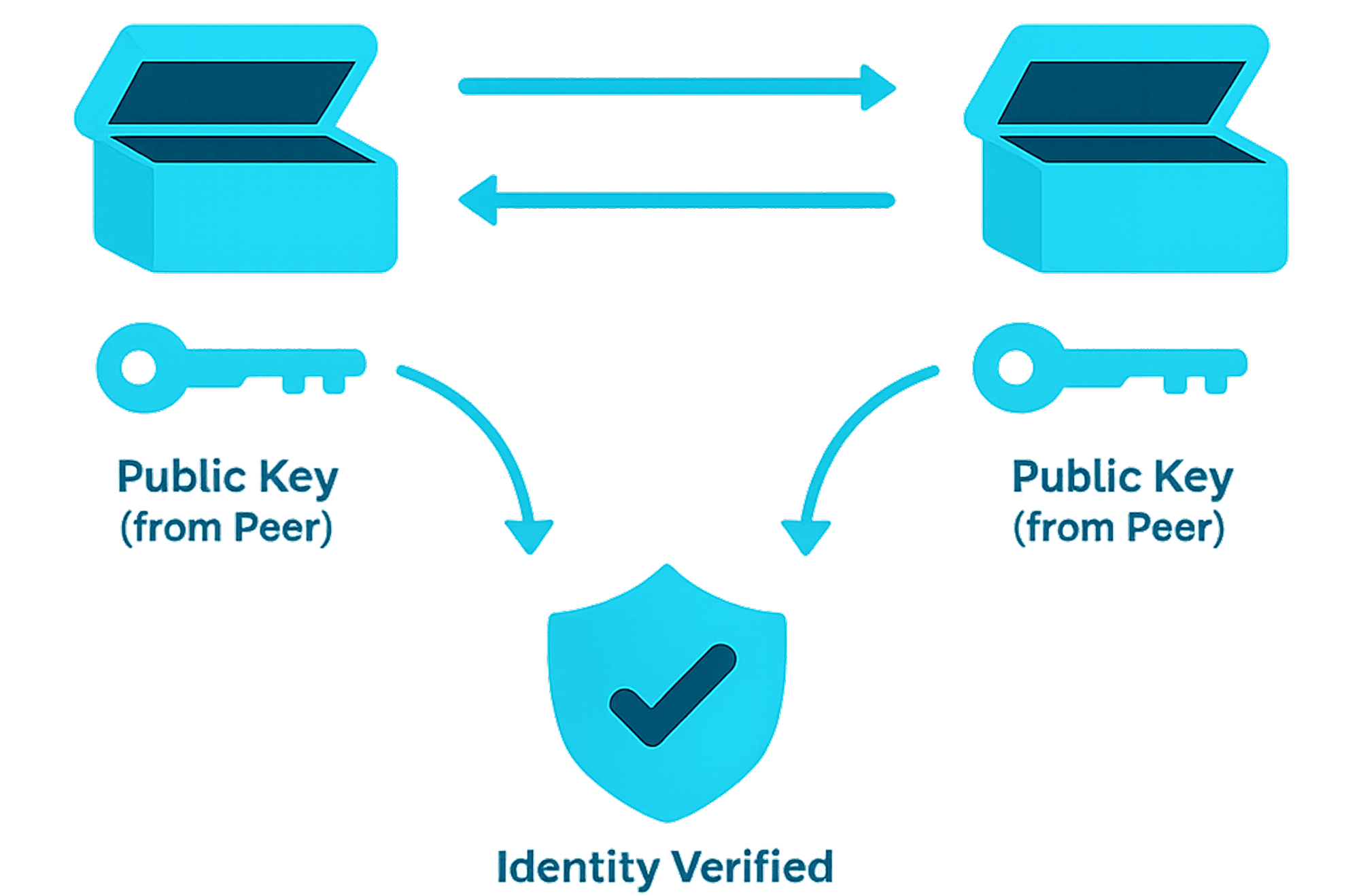
2. Exchange Public Keys and Verify Identity
The devices exchange public keys and save each other as trusted peers. The public key is like a trusted contact card, helping WireGuard recognize which device is allowed to communicate.
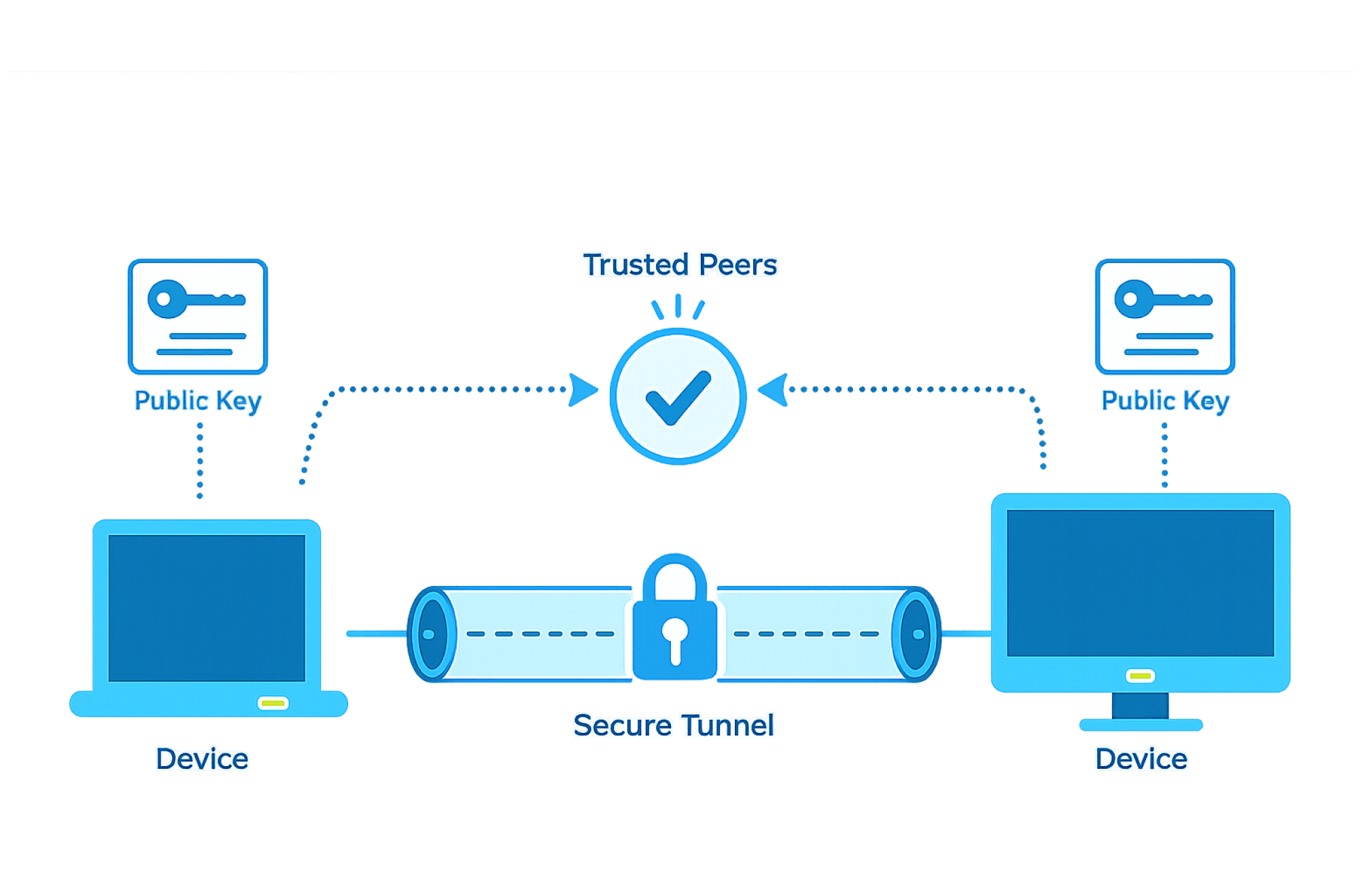
3. Set Up the Secure Tunnel
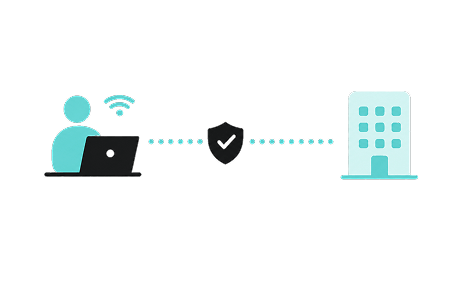
Before sending data, the two devices first confirm that they are trusted peers. WireGuard then sets up a secure tunnel by preparing the encryption keys that will protect the communication.
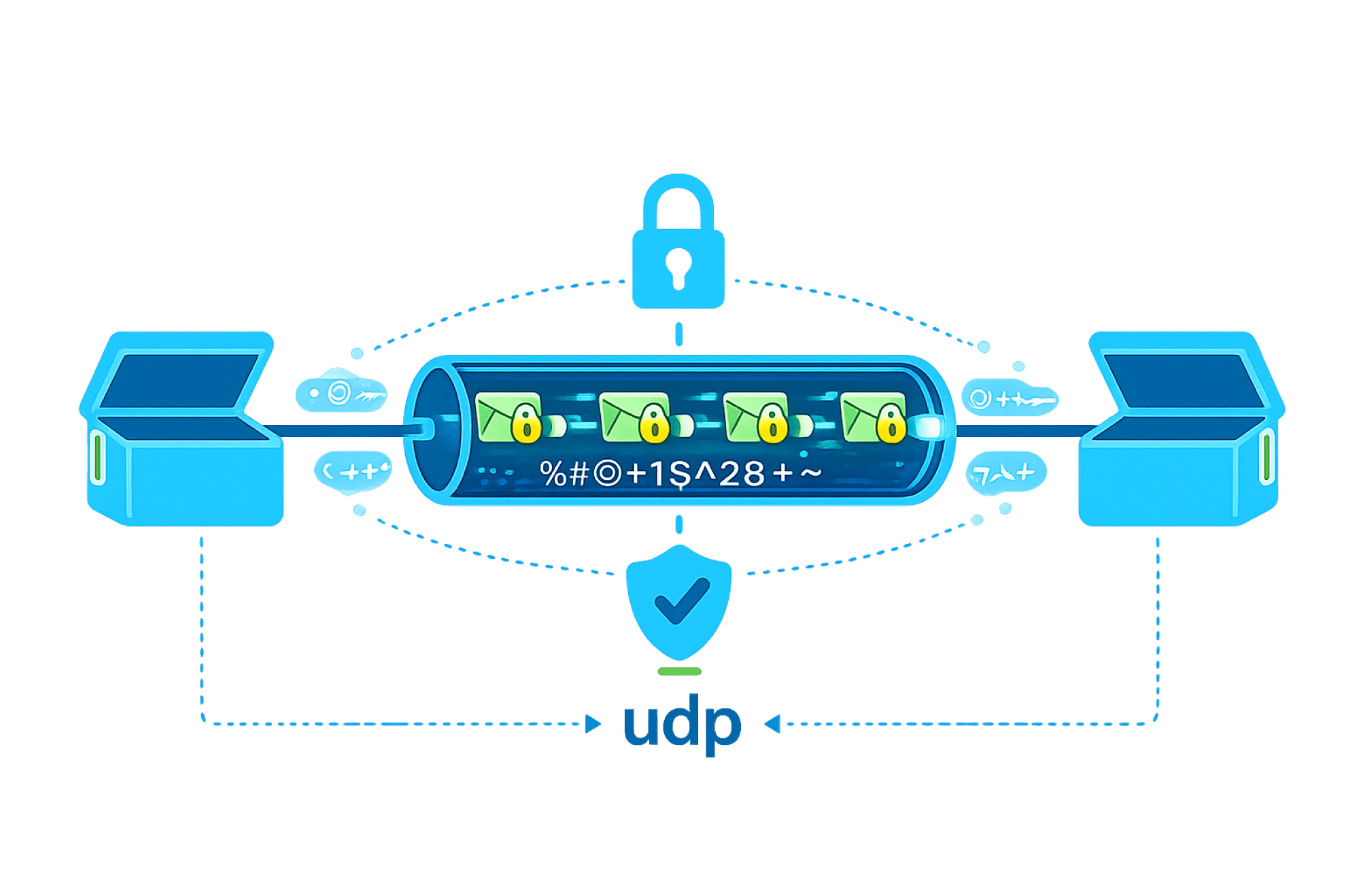
4. Send Encrypted Data Through the Tunnel
Once the tunnel is ready, WireGuard encrypts each data packet and sends it through UDP. Outsiders only see unreadable scrambled data, while the two trusted peers can decrypt and understand it.