We use cookies to provide you a better service and analyze traffic. To find out more about cookies, please see our Cookie Declaration. By continuing to browse our website, you agree to our use of cookies.

Agree
Manage

Cookie Settings

We use cookies to provide you a better service and analyze traffic, To find out more about cookies, please see our Cookie Declaration.

Essential

Our website relies on these cookies for proper functionality.

Functionality

These cookies are utilized to retain your preferences, such as language selection.

Statistics

Cookies enable us to gain insights into our visitors and enhance their browsing.

Advertising

Cookies that are used to track conversions for ads platforms.

Confirm
X-VPN No-Logs Policy has been verified by independent practitioners!
Enter Now

Use V2Ray Smarter with X-VPN

Enjoy a simpler, freer, and better-performing V2Ray experience with X-VPN:

  • Skip the complicated manual setup process
  • Stay connected across more restrictive networks
  • Get faster speeds and enhanced security
  • Enjoy it completely free of charge right now

What Is V2Ray?

V2Ray is an open-source proxy platform that supports multiple protocols, including VMess, Shadowsocks, SOCKS, HTTP, and MTProto. Simply put, it helps users establish and manage proxy connections with greater flexibility.

Key Benefits of V2Ray
  • Strong Anti-Blocking: More stable access under restricted networks.

  • Privacy Protection: Reduce the risk of your browsing activity being tracked.
  • Adaptability to Complex Networks: More flexible during network fluctuations, interference, or unstable connections.

  • Balanced Connectivity Experience: Stable overseas content reachability while maintaining fast response times for local services.
Learn more about V2Ray

How Do You Set Up V2Ray Manually?

Manually setting up V2Ray can be challenging because of how it works. It requires a compatible client to forward requests to a remote node based on your configuration, routing rules, and protocol settings. This flexibility makes V2Ray powerful, but also harder to set up. Now, let’s look at the steps.

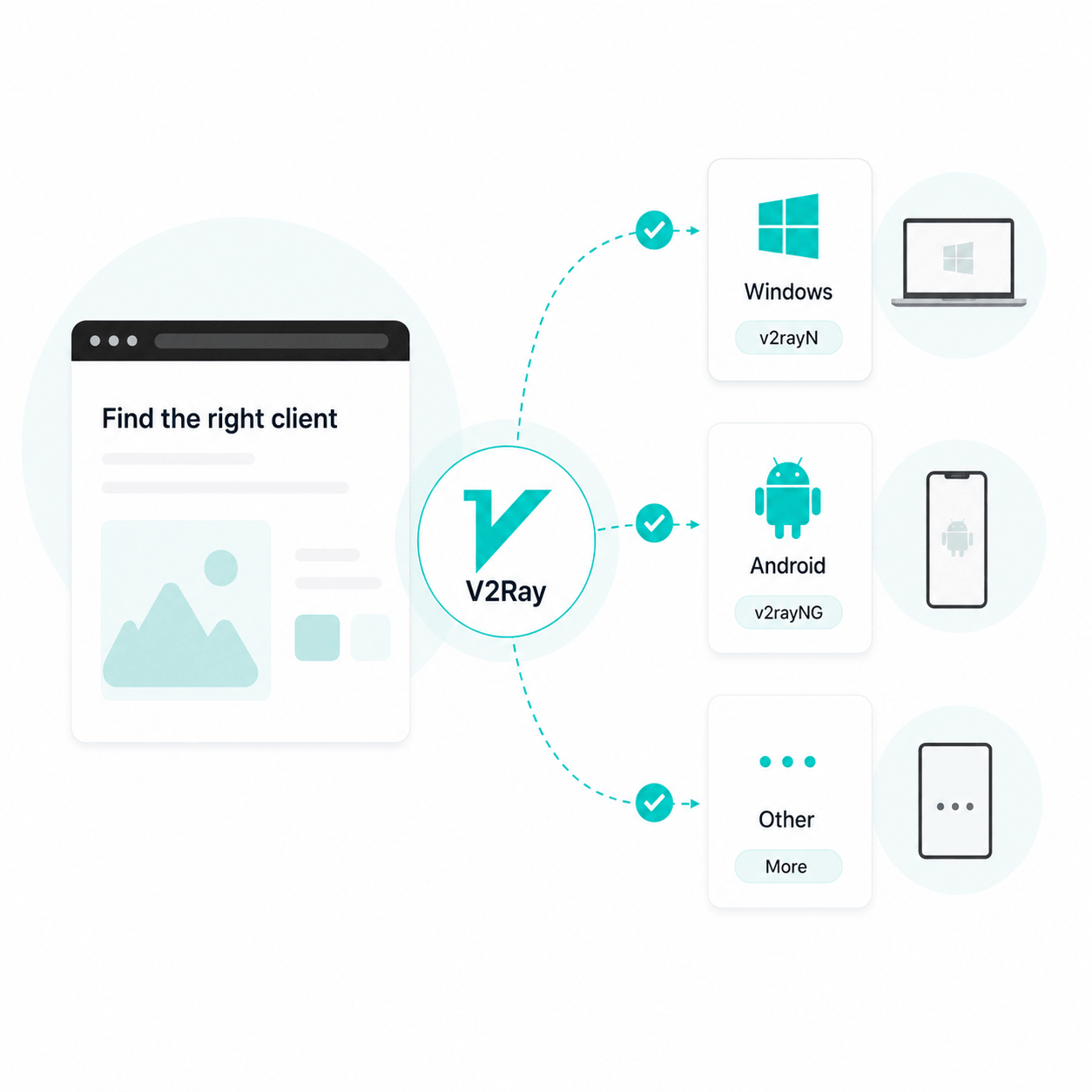
Choose the Right Client for Your Device

Start by choosing a client that matches your platform. For example, Windows users may use v2rayN, while Android users may use v2rayNG. Different systems require different clients before configuration can begin.

Import or Edit Configuration Details

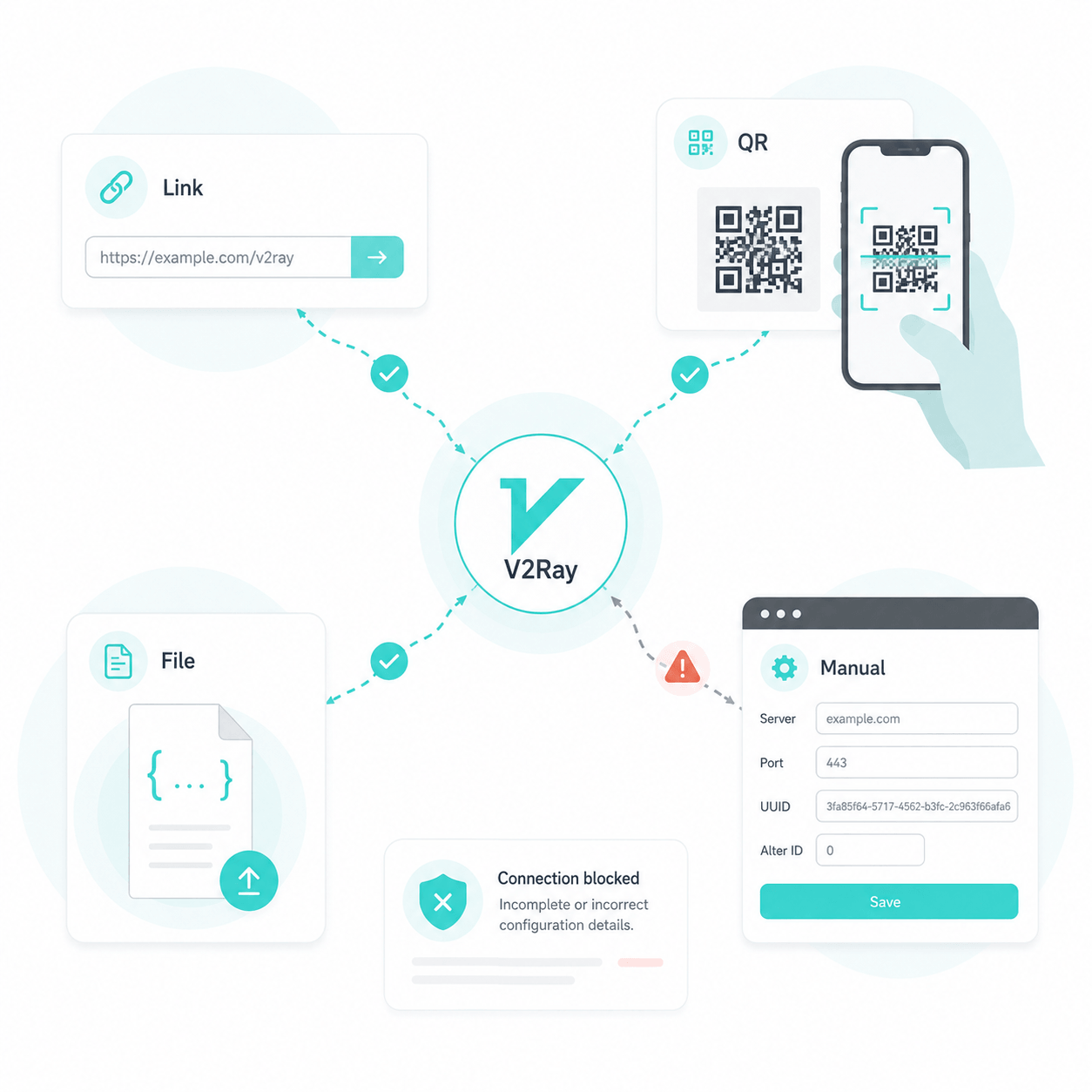
After installing the client, add the server configuration. You may import a link, scan a QR code, paste a configuration file, or enter the server details manually. Make sure all required details are complete and accurate.

Match the Connection and Routing Settings

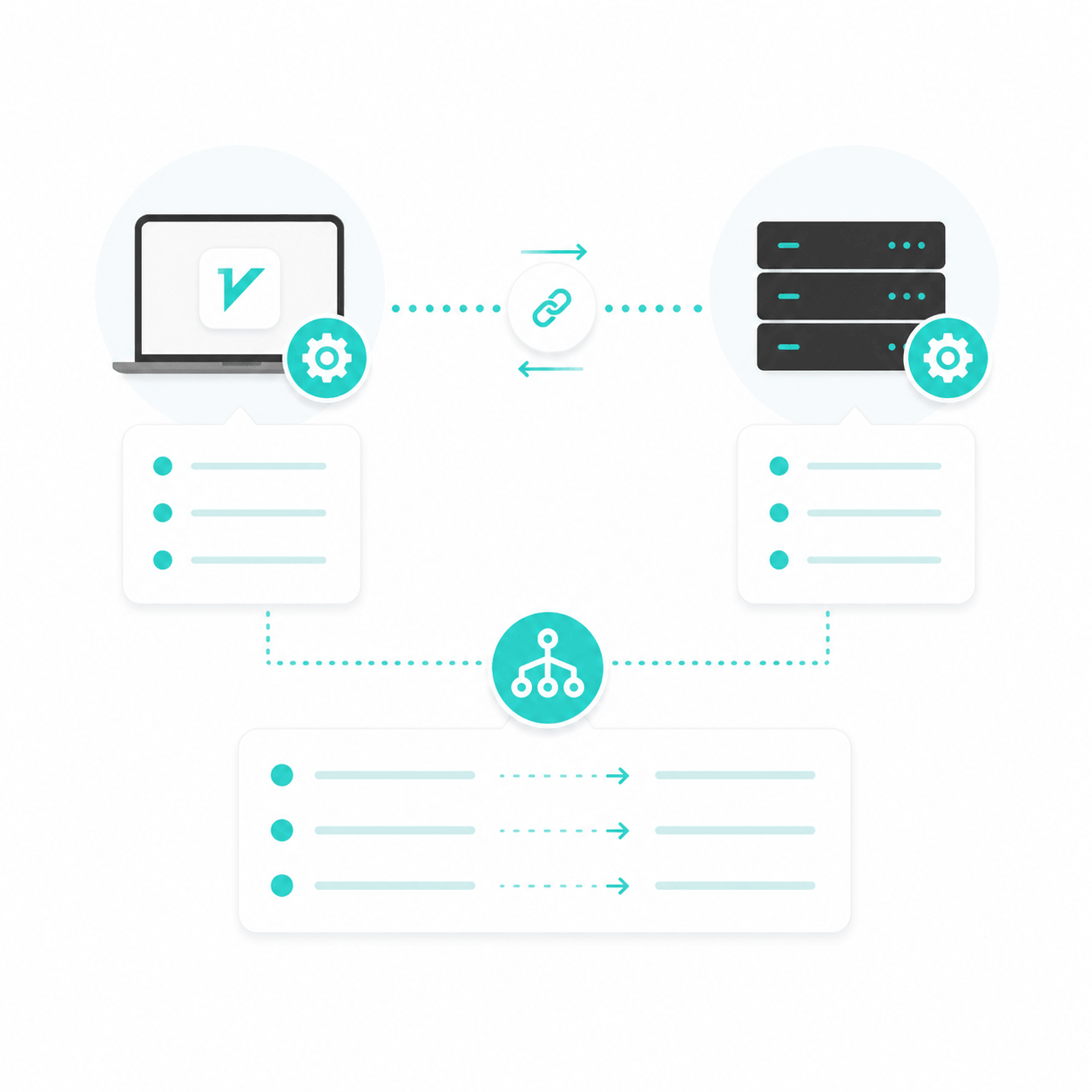
Next, check that the client settings match the remote server, including the protocol, transport type, TLS settings, and WebSocket path. Then configure routing rules to decide how traffic is split.

Troubleshoot Failed Connections

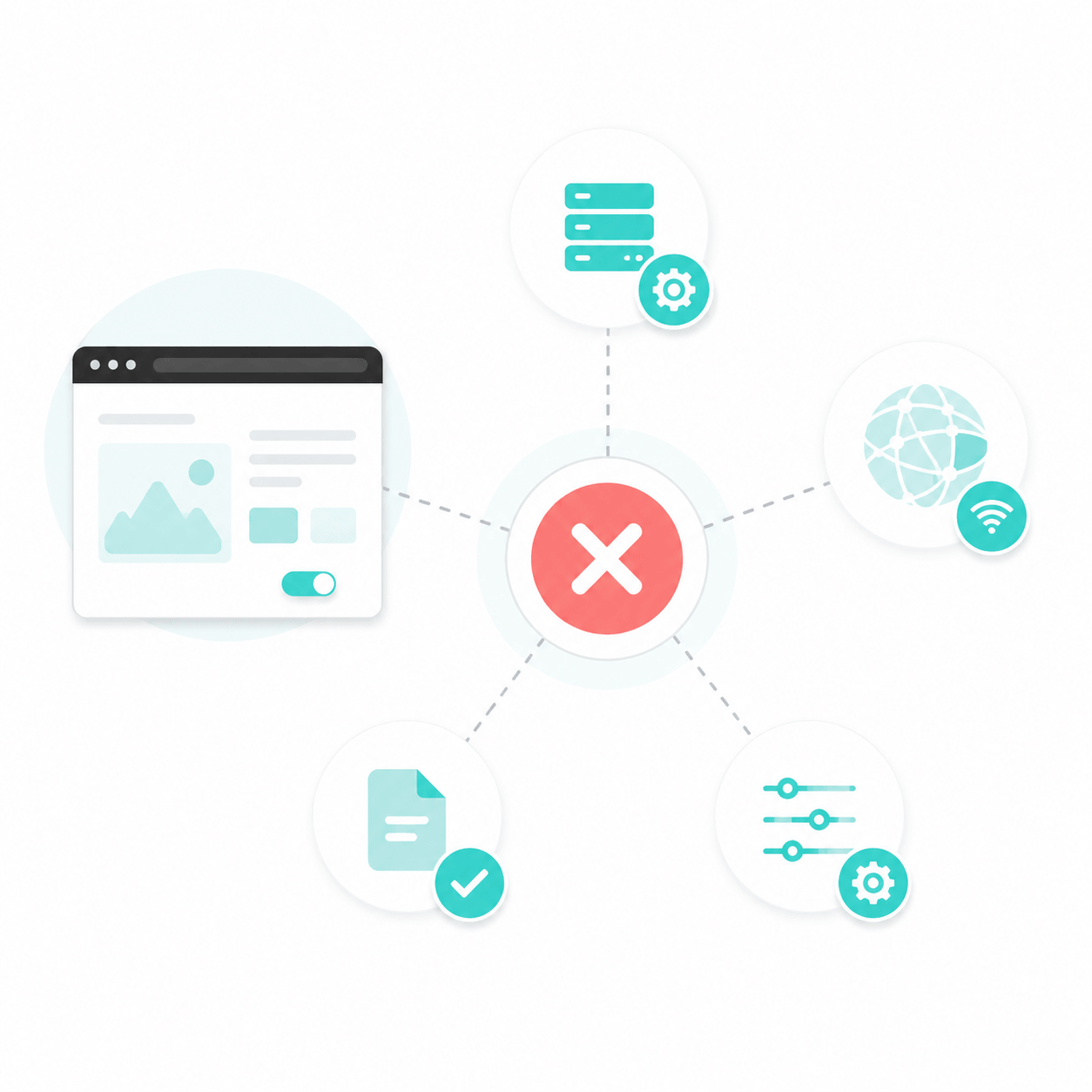
Once the settings are saved, try connecting. If it fails, check the client, configuration details, server status, network environment, and individual connection settings to locate the problem.

Repeat the Setup Across Multiple Devices

After one device works properly, configure any other devices one by one. Each platform may need a different client and setup method.

Use V2Ray the Easier Way with X-VPN

You’ve seen the manual headache. Is there an easier way? Yes — X‑VPN.
X-VPN currently supports V2Ray on both Mac and Android, and you can try it for free. The steps below use the mobile app as an example.

01.Download

Download and install X-VPN for free. No login required.

02.Setting

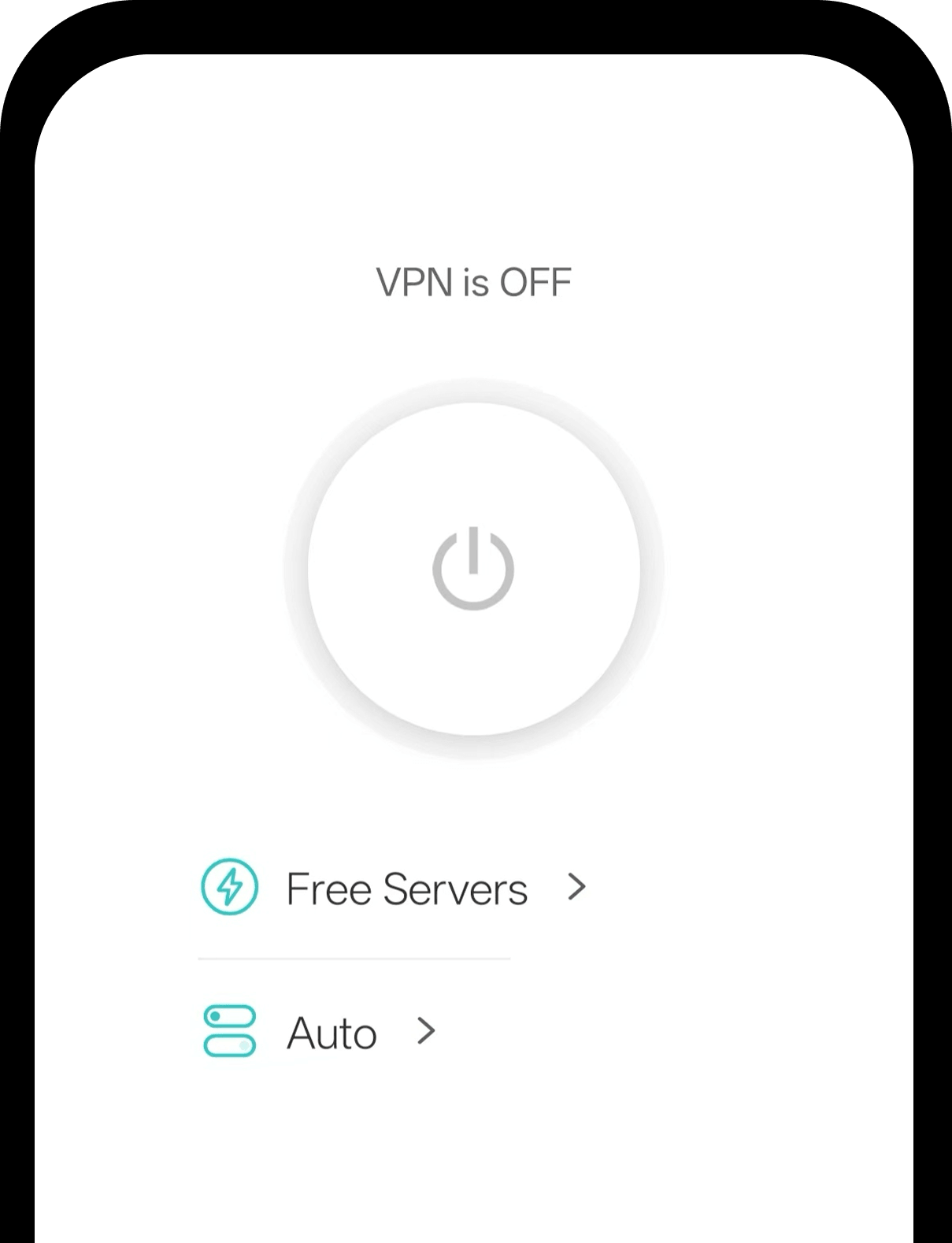
Run the X-VPN app and go to the Home page. Tap Auto in the middle of the screen to open the protocol settings.

03.Select V2Ray

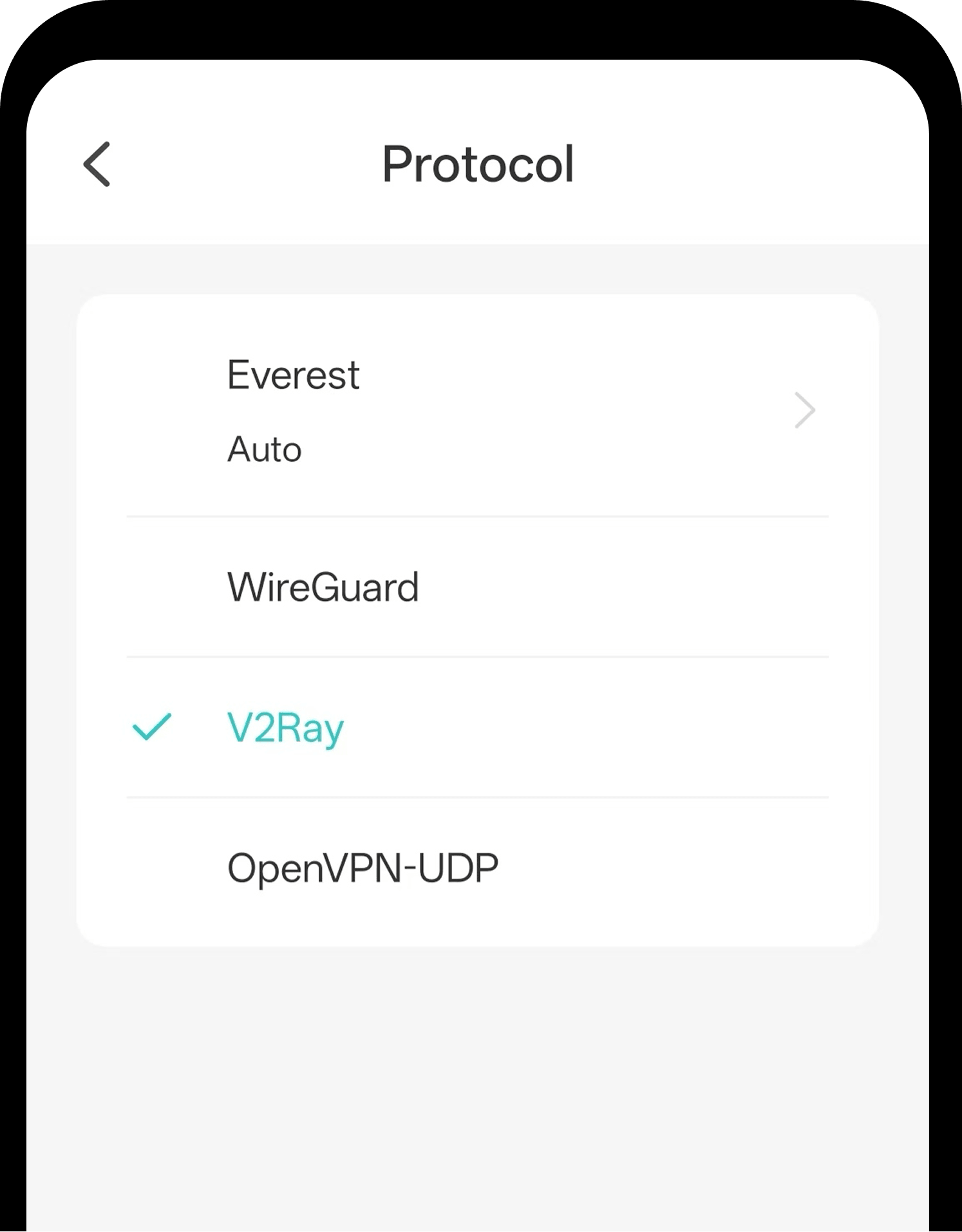
After entering the Protocol page, find OpenSource Protocol and tap V2Ray.

Get Both Advantages with X-VPN

Still wondering if using V2Ray with X-VPN is the right choice? Combining the two brings unique advantages — see how it compares to manual V2Ray and traditional VPNs below.

Comparison Dimension

V2Ray + VPN

V2Ray

VPN

Ability to Access Restricted Content

High

High

Medium to high

Setup Convenience

High

Low

High

Maintenance Convenience

High; provider-maintained

Low; node/config updates may be manual

High; provider-maintained

Stability

Medium to high, provider-maintained

Low to medium; highly node/config dependent

Medium to high, provider-maintained

Cross-Device Setup Convenience

High

Low; configuration is often complex and varies by device or client

High

Best For

Everyday users who need stronger access to restricted content

Complex networks and custom proxy access

General everyday users

With X-VPN, you get the best of both: V2Ray’s strong access capability plus the simplicity, stability, privacy, and multi-device support of a VPN.

Extra Benefits You Get

Beyond combining the strengths of V2Ray and a traditional VPN, X-VPN also brings extra features that make the experience more complete.

Stronger Privacy Protection

With AES-256 encryption, a strict no-logs policy, and Kill Switch, X-VPN helps protect your traffic, reduce tracking risks, and make your VPN usage harder to detect.

Fast, Reliable Global Access

With 10,000+ global servers across 80+ countries and 10Gbps high-speed lines, X-VPN delivers faster, smoother connections while giving users more location options to access region-specific content.

All-in-one Security Tools

Beyond core VPN protection, X-VPN offers tools like Malware Scanner, Download Protection, and Tracker Blocker to help block risky files, reduce tracking, and improve everyday online safety.

Adapts to Different Network Conditions

Easily switch between V2Ray, WireGuard, OpenVPN, and other protocols to adapt to different network conditions.

Support for All Major Platforms

Available on Windows, Mac, iOS, Android, and more.

24/7 Customer Support

Get help anytime with setup, connection, or troubleshooting issues.

No Risk, Just Better V2Ray

Use V2Ray for free in X-VPN with confidence. If you want more advanced features, you can upgrade worry-free with a 30-day money-back guarantee .

Frequently Asked Questions

What is V2Ray?

V2Ray is an open-source web proxy tool. It supports multiple transport protocols and encryption methods and is commonly used to access restricted content and protect communication privacy. Compared to traditional VPNs, V2Ray is more flexible and harder to detect and block.

Is V2Ray a VPN?

V2Ray is not a VPN in the traditional sense. It is essentially a proxy framework that supports multiple protocols, whereas a VPN typically refers to a network tool based on tunneling and virtual network interface technology. The two differ in their underlying principles and intended uses.

V2Ray Client vs V2Ray Service: What’s the difference?

V2Ray Client is the local proxy client responsible for forwarding traffic to the remote server; V2Ray Service refers to the V2Ray service running on the server side, which receives client requests and accesses target resources.

Is it complicated to set up V2Ray in X-VPN?

Not at all. Simply select the V2Ray protocol in the app, tap the "Connect" button, and the software will automatically handle all the setup.

Can I switch between V2Ray and other VPN protocols?

Yes. X-VPN allows users to switch protocols freely on supported platforms. Simply go to the client settings and switch from V2Ray to another protocol.