X‑VPN Premium Giveaway Is Happening Now on Our Subreddit!

X‑VPN Premium Giveaway Is Happening Now on Our Subreddit!
Enter Now

X-VPN with Private DNS

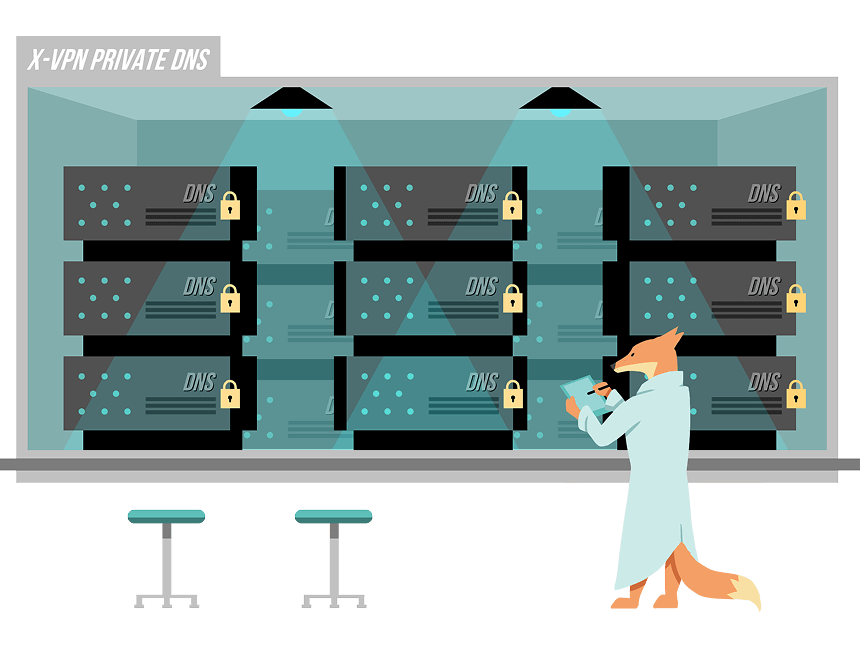
X-VPN routes all your DNS requests through our private DNS servers. Encrypt your DNS queries and secure all online traffic.

  • No DNS leak, hijacking, or blocking
  • Fast DNS resolving
  • One-click setup
  • All encrypted
X-VPN with Private DNS

What Is DNS

DNS, or Domain Name System, is the service that converts human-friendly domain names (eg, www.example.com) into computer-friendly IP addresses (eg, 192.0.2.1). It helps devices communicate with each other, ensuring our daily online activities work properly.

3 Common Types of DNS Services

ISP DNS

ISP DNS

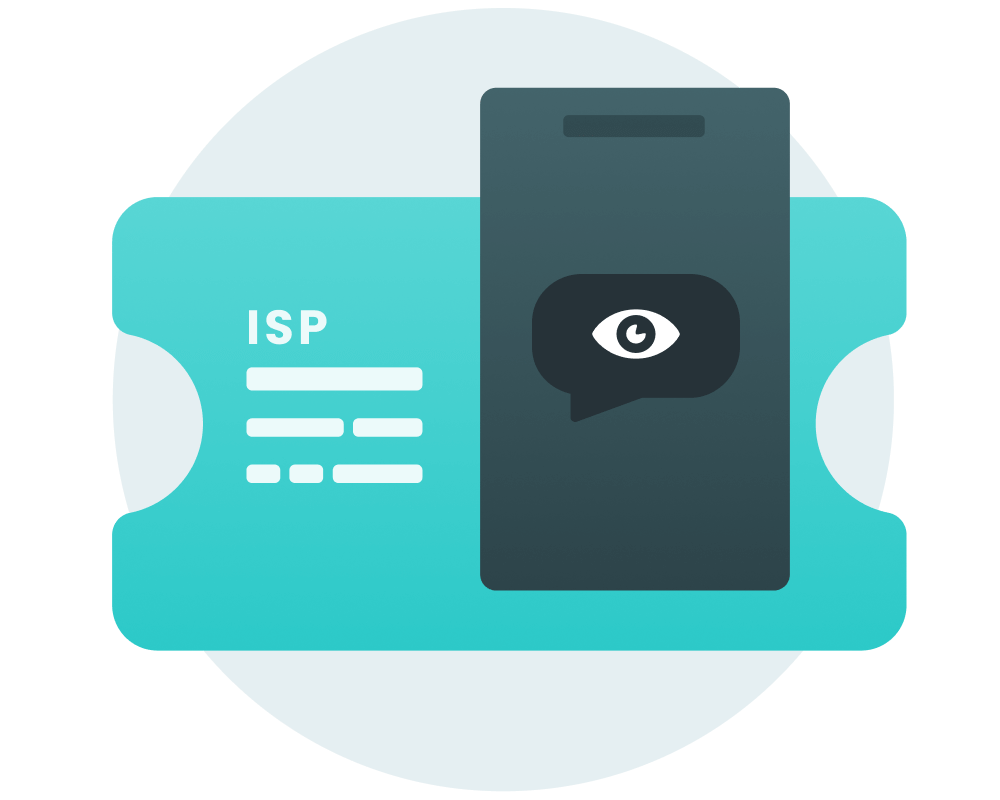
Your DNS is defaulted to run by your ISP who controls the DNS servers and helps resolve domains. However, this service is not encrypted, making your IP and online activities accessible to ISPs, online hackers, and unauthorized 3rd parties.

Private DNS

Private DNS

A private DNS is a domain name system that is accessible only to a specific organization or network. It encrypts your DNS queries and gives you more privacy. There are dedicated private DNS service providers and VPN with built-in private DNS.

Public DNS

Public DNS

Public DNS refers to a DNS service that is available to anyone. It provides an alternative to ISP DNS and prevents users from being tracked by their ISPs. Famous Public DNS services are Google DNS, Cloudflare DNS, and OpenDNS.

Why Switch to Private DNS

Why Switch to Private DNS

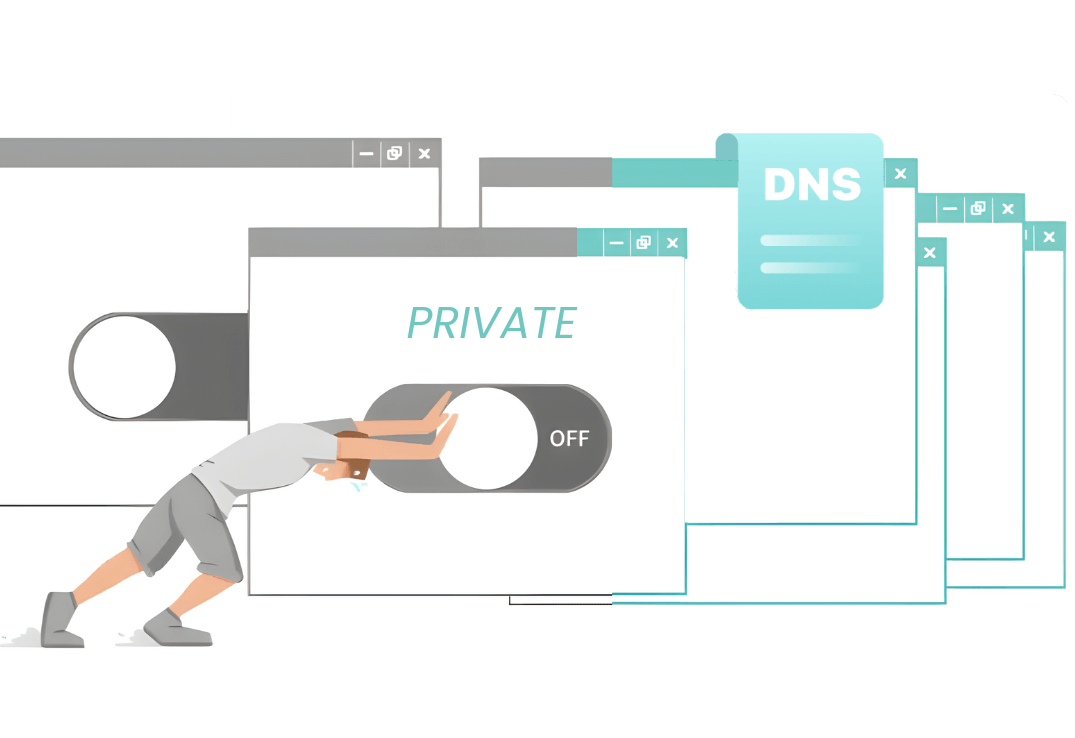
Your default ISP DNS tracks you. Public DNS still logs your activity. True Private DNS, especially when integrated with our VPN, encrypts your DNS queries, encrypts your online activities, and keeps no logs. Browse freely and privately.

How to Set Up Private DNS with X-VPN

Step 1 to Set Up Private DNS with X-VPN

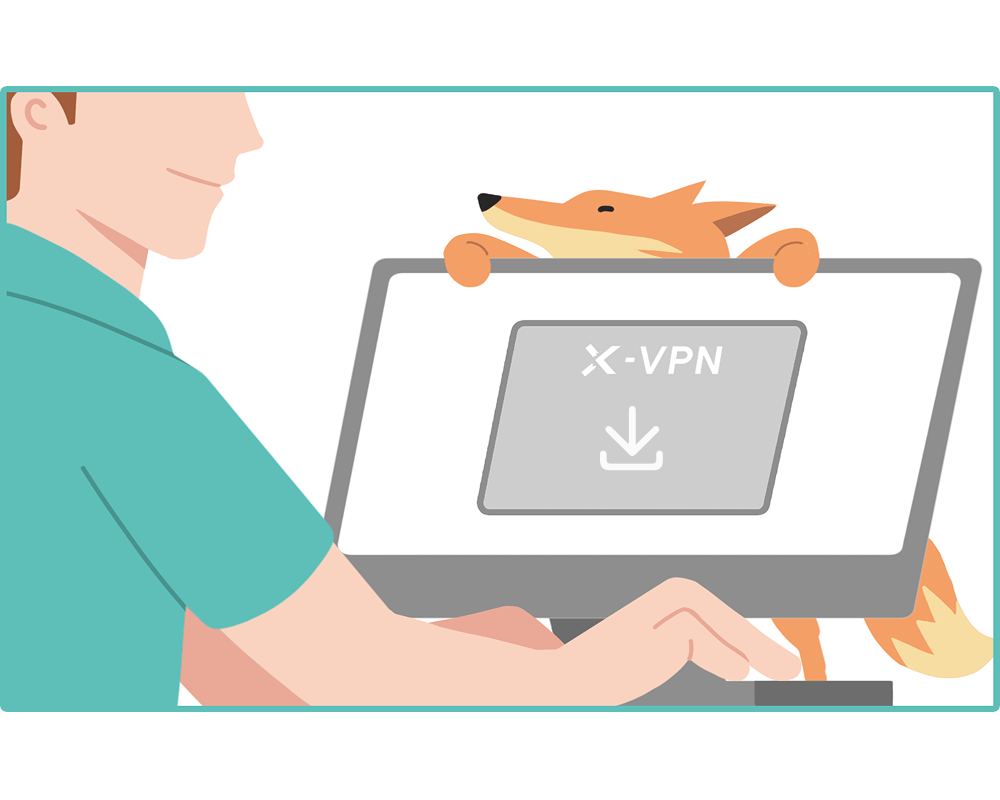
Step 1. Download

No manual DNS config needed. Simply download X-VPN, and everything is ready upon installation.

Step 2 to Set Up Private DNS with X-VPN

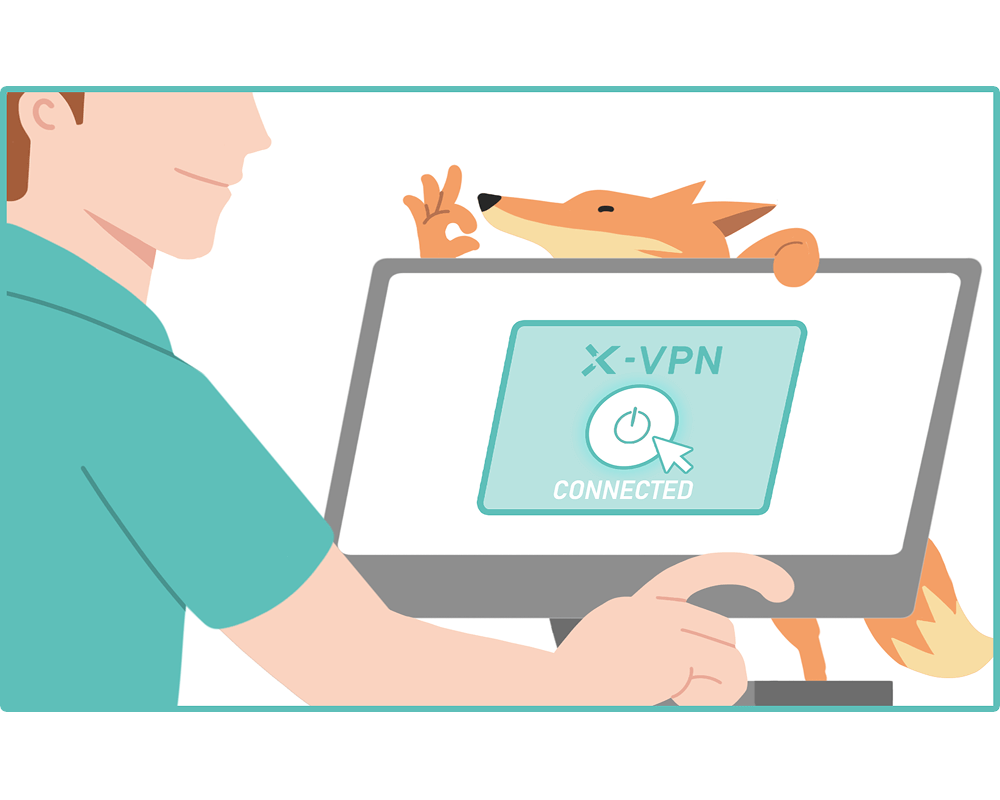
Step 2. Connect

Choose any of our global servers. Each one automatically routes your traffic through our private DNS.

Step 3 to Set Up Private DNS with X-VPN

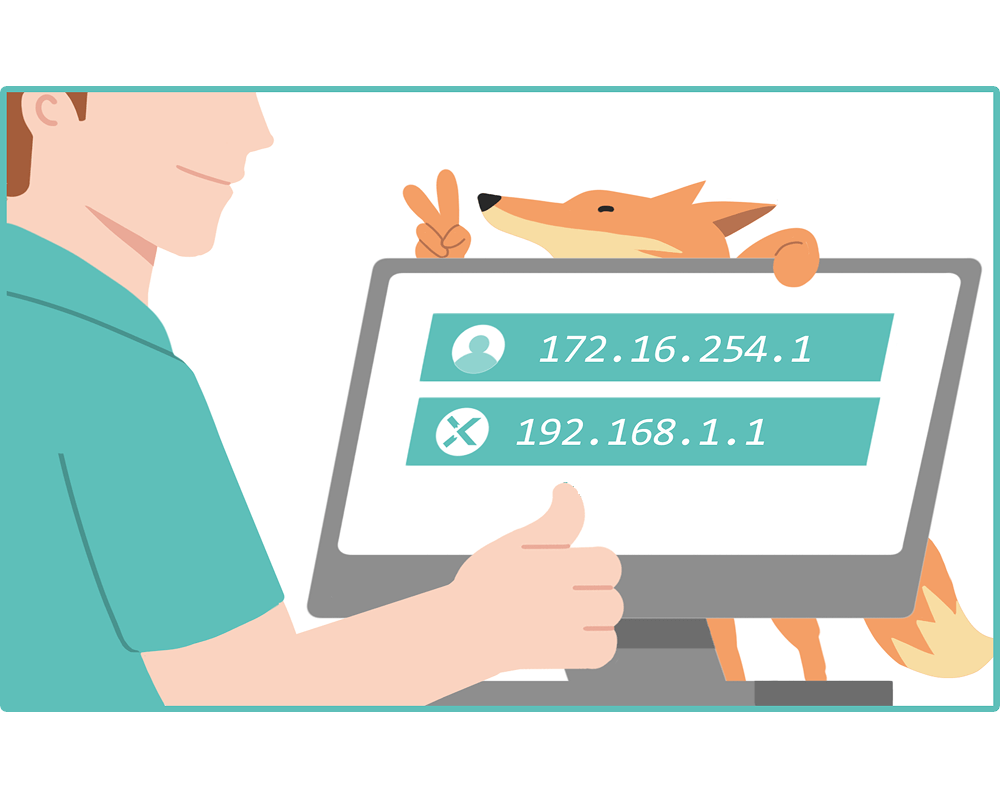
Step 3. All Set

That's it. Enjoy free browsing as your DNS queries and all online traffic are now well-protected by X-VPN.

One-Click Protection

Stop searching for private DNS servers and configuring DNS settings manually. Get X-VPN private DNS in one click!

X-VPN Private DNS One Click Prortection

Why Choose X-VPN with Private DNS

Unlike other DNS options, X-VPN with private DNS safeguards your privacy far more completely.

Why Choose X-VPN with Private DNS

Prevent DNS Leak

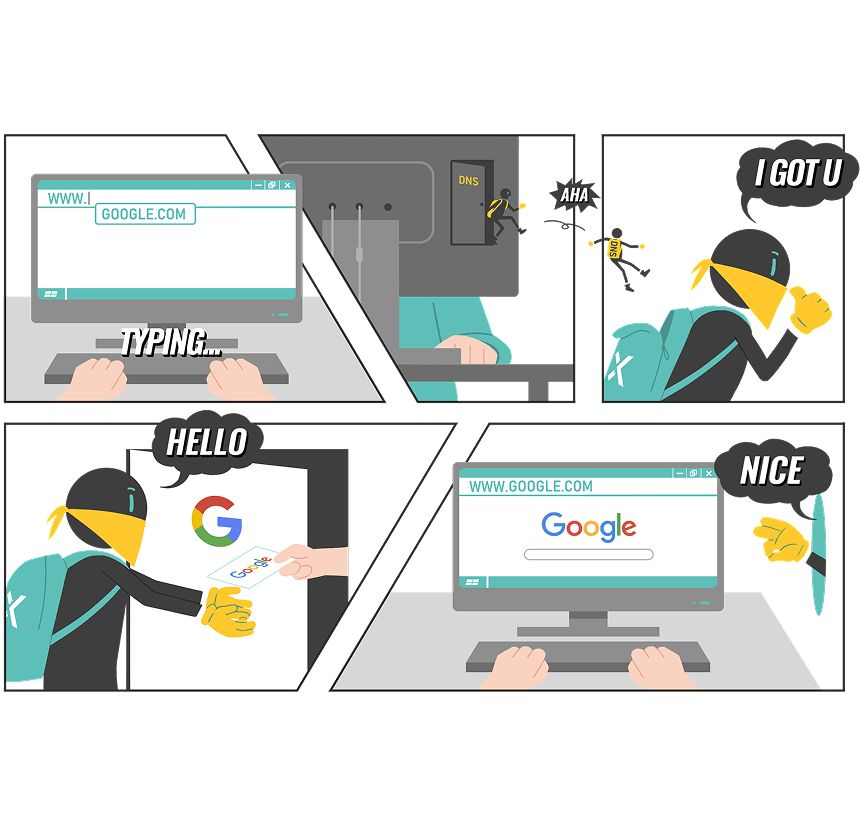
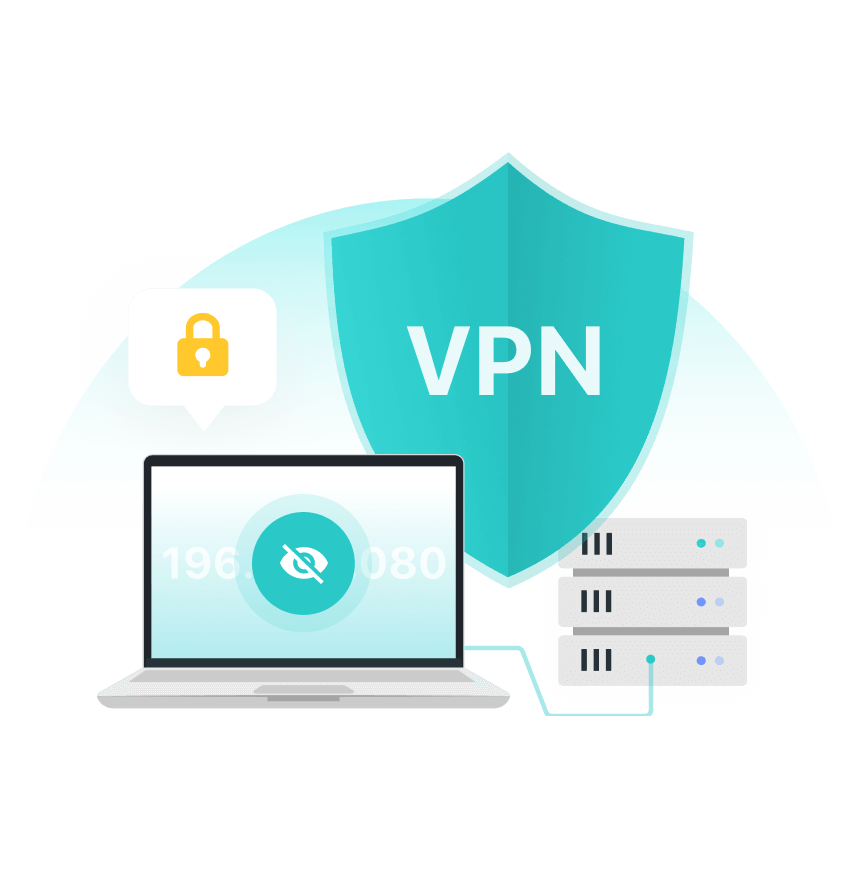
X-VPN intercepts all DNS requests sent from your device and lets them go through an encrypted tunnel via our private DNS. Ensure no leaks.

Bypass DNS Blocking

DNS blocks are a common method of content filtering. X-VPN offers 10,000+ VPN servers around the world with dedicated private DNS. Freely access the internet.

Resolve DNS Fast

X-VPN developed an exclusive VPN protocol, Everest. It optimized speed and security, helping resolve DNS queries securely and fast.

Encrypt All Data

Unlike other types of DNS services, X-VPN fully protects your DNS queries and all online data with AES-256 encryption.

Keep No Logs

X-VPN serves as a strict no-logs VPN. It helps encrypt your data but never collects any sensitive user information.

Free for Everyone

Enjoy fully encrypted DNS on all your devices at no cost. Try our free VPN with private DNS servers. And there's no data cap!

Watch Out for DNS Leaks

DNS plays a vital role in our digital life. However, there are cases in which your DNS could leak and lead to a data breach.

What Is DNS Leak

What Is DNS Leak

A DNS leak refers to an unexpected exposure of your DNS queries when they should be protected by a VPN or other similar services. A DNS leak exposes:

  • Your real IP address and physical location;
  • Every website and service you visit;
  • The apps and devices you are using;
  • Your digital identity;
  • ...
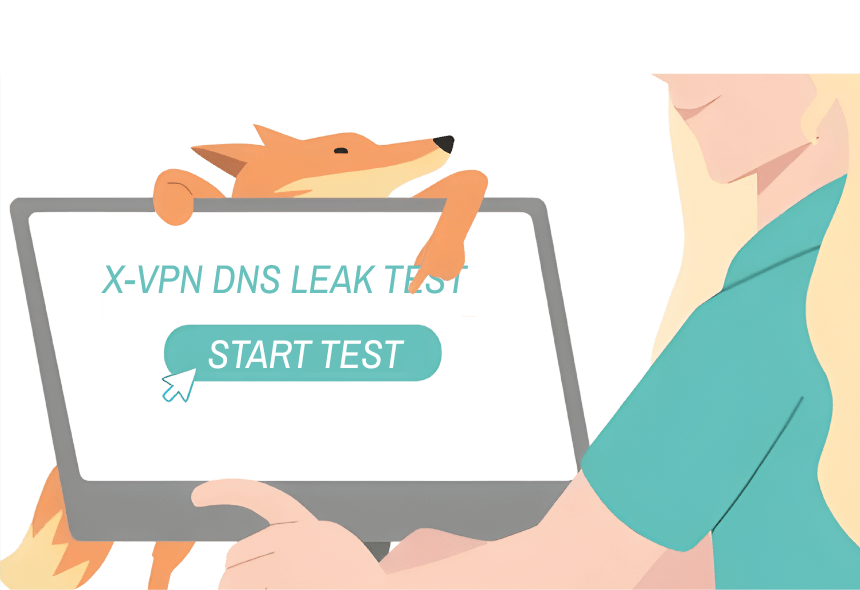
How to Test DNS Leak

How to Test DNS Leak

X-VPN encrypts your data from any possible leaks. At the same time, we also offer a built-in DNS leak test tool for you.

  • Step 1: Download & install X-VPN on your devices.
  • Step 2: Before connecting to a server, navigate to “Me” > “Security Tools”, tap on “DNS Leak Test”, and wait for the result.
  • Step 3: Back to X-VPN, connect to a server, and test again.

Stop DNS Leak with X-VPN

Block DNS leaks, hide your IP, and encrypt all traffic in one place. Try X-VPN today!

Stop DNS Leak with X-VPN

Frequently Asked Questions

Should I Turn On Private DNS?

Yes, you are suggested to turn on private DNS on your phone since the default ISP DNS exposes all your information to your ISP and other online threats. How to set up a private DNS? Follow 3 easy steps:
Step 1. Open “Settings”.
Step 2. Navigate to Network > Advanced > Private DNS.
Step 3. Enter a private DNS provider hostname.
But with X-VPN, you don’t need to manually configure. Private DNS comes built-in with every server.

Is Changing DNS Better than VPN?

No, no matter whether you change your DNS to a public DNS service or buy from private DNS providers, your information is less secure than if you enabled a VPN. A trustworthy VPN like X-VPN enables you to use a private DNS and encrypts all your online data, making you safe from hidden threats.

Is X-VPN with Private DNS Free?

Yes! X-VPN serves as a 100% free VPN  with no data cap! It encrypts your data and enables private DNS for every user.

Do I Need Private DNS If I Have a VPN?

No, a VPN with private DNS will automatically route your traffic through an encrypted VPN tunnel via their private DNS. You don’t need to manually change your DNS settings.