

Use Telegram without limits today
Try X-VPN with a 7-day free trial and a 30-day money-back guarantee.
We use cookies to provide you a better service and analyze traffic. To find out more about cookies, please see our Cookie Declaration. By continuing to browse our website, you agree to our use of cookies.
We use cookies to provide you a better service and analyze traffic, To find out more about cookies, please see our Cookie Declaration.
Our website relies on these cookies for proper functionality.
These cookies are utilized to retain your preferences, such as language selection.
Cookies enable us to gain insights into our visitors and enhance their browsing.
Cookies that are used to track conversions for ads platforms.
When Telegram gets blocked, it feels like losing touch with the world. Our Telegram VPN helps you reconnect no matter where you are.
 Fast speeds for smooth Telegram voice and video calls Access Telegram with 10,000+ servers across 80+ countries Private chats with top-tier encryption Connect in one tap before opening Telegram
30-Day Money Back, 100% success
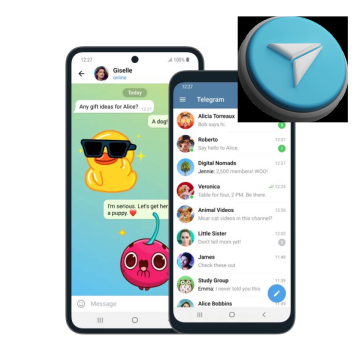
Telegram offers strong end-to-end encryption to protect your private chats, but that doesn't stop it from being limited. That’s where a VPN for Telegram can help:
Global Access
Stay connected with friends, communities, and updates on Telegram wherever you are.
Extra Privacy
Chat, share, and explore Telegram without exposing your real IP or location.
It only takes 3 simple steps to get started using a Telegram VPN. If you run into any issues, our support team is here to help — just reach out via email or the chat bubble in the bottom-right corner.
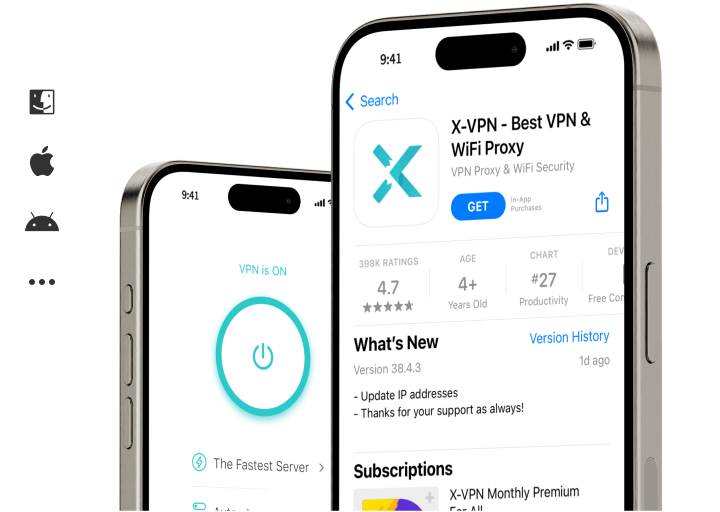
Download X-VPN for Windows, iOS, Android, Mac, Chrome Extension, Chromebook and more.
We offer a completely free service, plus a powerful paid option to cover all your Telegram needs.
Open X-VPN and choose a virtual location you want to appear in before accessing Telegram.
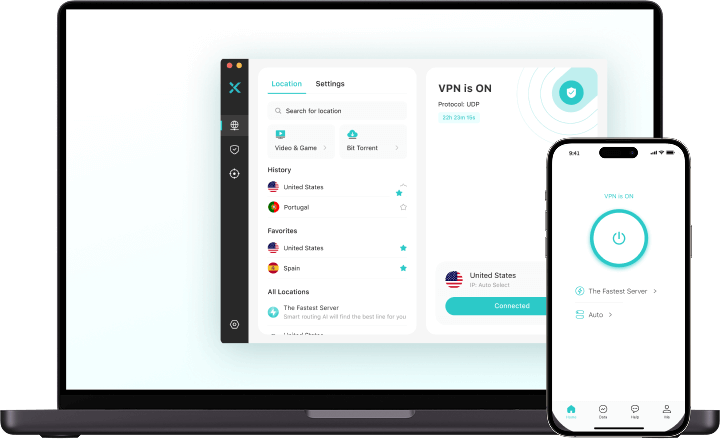
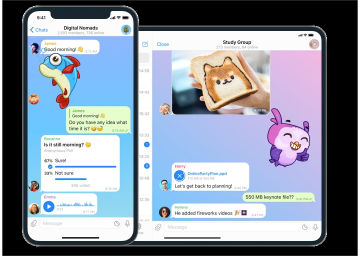
Once connected, open Telegram as usual. You can now send messages, make calls, and access channels without restrictions.
Disclaimer: We do not encourage or condone using X-VPN for any unlawful purposes. Please ensure that your activities comply with all applicable laws and regulations in your country, as well as the terms of service of any platforms or services you access.
A Telegram VPN creates a private, encrypted connection, like a secure tunnel, between your device and the internet. It gives you a new IP address that makes it look like you're in a different country of your choice, so you can access Telegram no matter where you actually are.
We know you need a Telegram VPN that’s fast, secure, and actually works on limited networks. That’s exactly what we offer.




Your VPN isn’t just for Telegram — it unlocks all your social media too.
Yes, using a VPN for Telegram is legal in most countries. However, some governments restrict or monitor VPN usage, especially where Telegram is blocked. Always check your local laws to stay compliant.
Telegram encrypts messages in Secret Chats, but your IP, connection logs, and public chats may still be visible to your ISP or network admin. A VPN like X-VPN adds full traffic encryption and hides your activity.
Yes, but not all free VPNs are reliable. X-VPN offers a strong free plan with no registration required, plus optional premium features for better speed, coverage, and privacy.
Just install a VPN app, connect to a server where Telegram isn’t restricted, and then open Telegram.
Try X-VPN with a 7-day free trial and a 30-day money-back guarantee.