



We use cookies to provide you a better service and analyze traffic. To find out more about cookies, please see our Cookie Declaration. By continuing to browse our website, you agree to our use of cookies.

Agree
Manage

Cookie Settings

We use cookies to provide you a better service and analyze traffic, To find out more about cookies, please see our Cookie Declaration.

Essential

Our website relies on these cookies for proper functionality.

Functionality

These cookies are utilized to retain your preferences, such as language selection.

Statistics

Cookies enable us to gain insights into our visitors and enhance their browsing.

Advertising

Cookies that are used to track conversions for ads platforms.

Confirm

Open-Source VPN Protocols

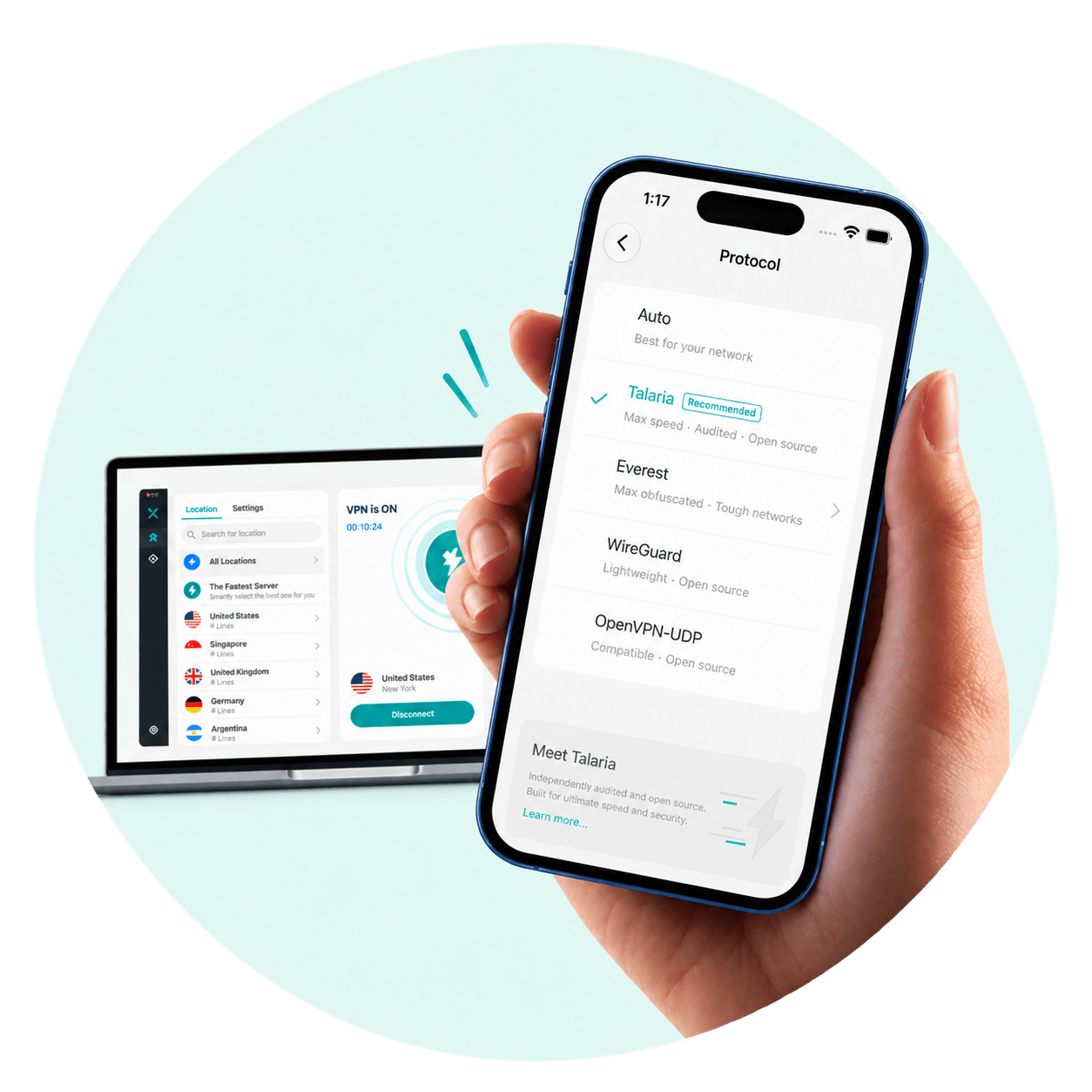
X-VPN supports Talaria, WireGuard, and OpenVPN, alongside V2Ray, an open-source proxy platform. 

  • Greater Transparency with Open-Source Protocols
  • Free to Use, No Registration Required
  • Fast, Efficient Connections with Talaria
NO-LOGSVERIFIED
Open-Source VPN Protocols
What Is an Open-Source VPN Protocol

What Is an Open-Source VPN Protocol?

An open-source VPN protocol makes its code available for anyone to inspect, use, and modify. It’s like a security guide anyone can read, showing how your device connects to a VPN server and how your data is protected along the way.

Because the code is public, security experts can review it independently, look for weaknesses, and help developers fix them. This makes it easier to verify how the protocol protects your data, giving you greater transparency even if you never read a line of code.

Open-Source Protocols Available in X-VPN

X-VPN offers free access to open-source VPN protocols including Talaria, WireGuard, and OpenVPN, alongside V2Ray, an open-source proxy platform. Compare the options below to find one that best fits your needs.

Protocol

Speed

Stability

Compatibility

Security

Unblock

Talaria

WireGuard

OpenVPN

V2Ray

Legend: 1 filled segment = Moderate · 2 filled segments = Strong · 3 filled segments = Very Strong

Open-Source Protocols. Security You Can Trust.

X-VPN’s in-house protocol Talaria has been independently assessed by Vantage Point Security, with no vulnerabilities identified in the assessment.

We also support WireGuard and OpenVPN, two widely trusted open-source protocols that use strong encryption to help protect your connection.
Which Devices Support Open-Source Protocols in X-VPN?

Protocol availability varies by device. Check which protocols you can use directly in X-VPN and which require manual router setup.

Device

Talaria

WireGuard

OpenVPN

V2Ray

Windows

macOS

iOS

Android

Fire TV Stick

Android TV

Routers

Talaria is currently unavailable on Windows ARM devices. Manual WireGuard and OpenVPN setup on compatible routers requires X-VPN Premium.

How to Use Open-Source Protocols in X-VPN

01.Install the App

Download and install X-VPN for free. No sign-in required.

02. Select a Protocol

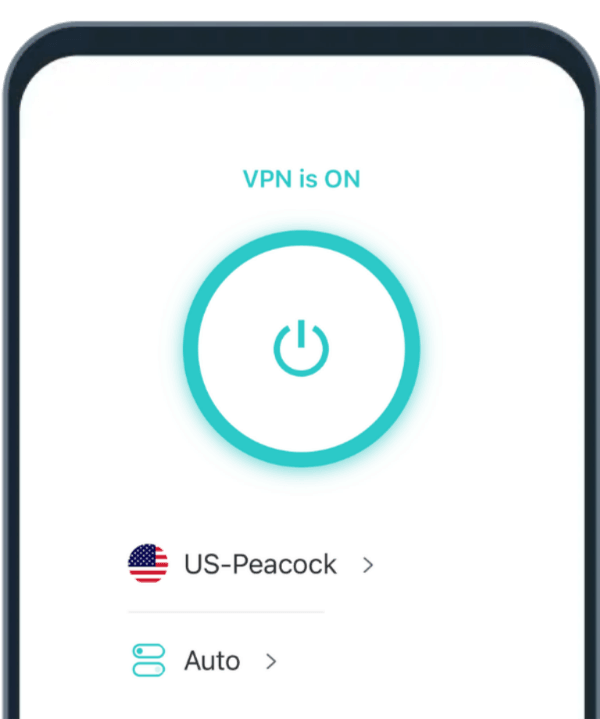
Open X-VPN and tap Auto on the main screen to see the list of available protocols.

03.Connect

Choose Talaria, WireGuard, or OpenVPN, then connect to a VPN server.

More Than Open-Source Protocols

X-VPN offers a range of additional features. You can enjoy better privacy, faster connections, and extra security tools, all in one app.

Reliable Global Access

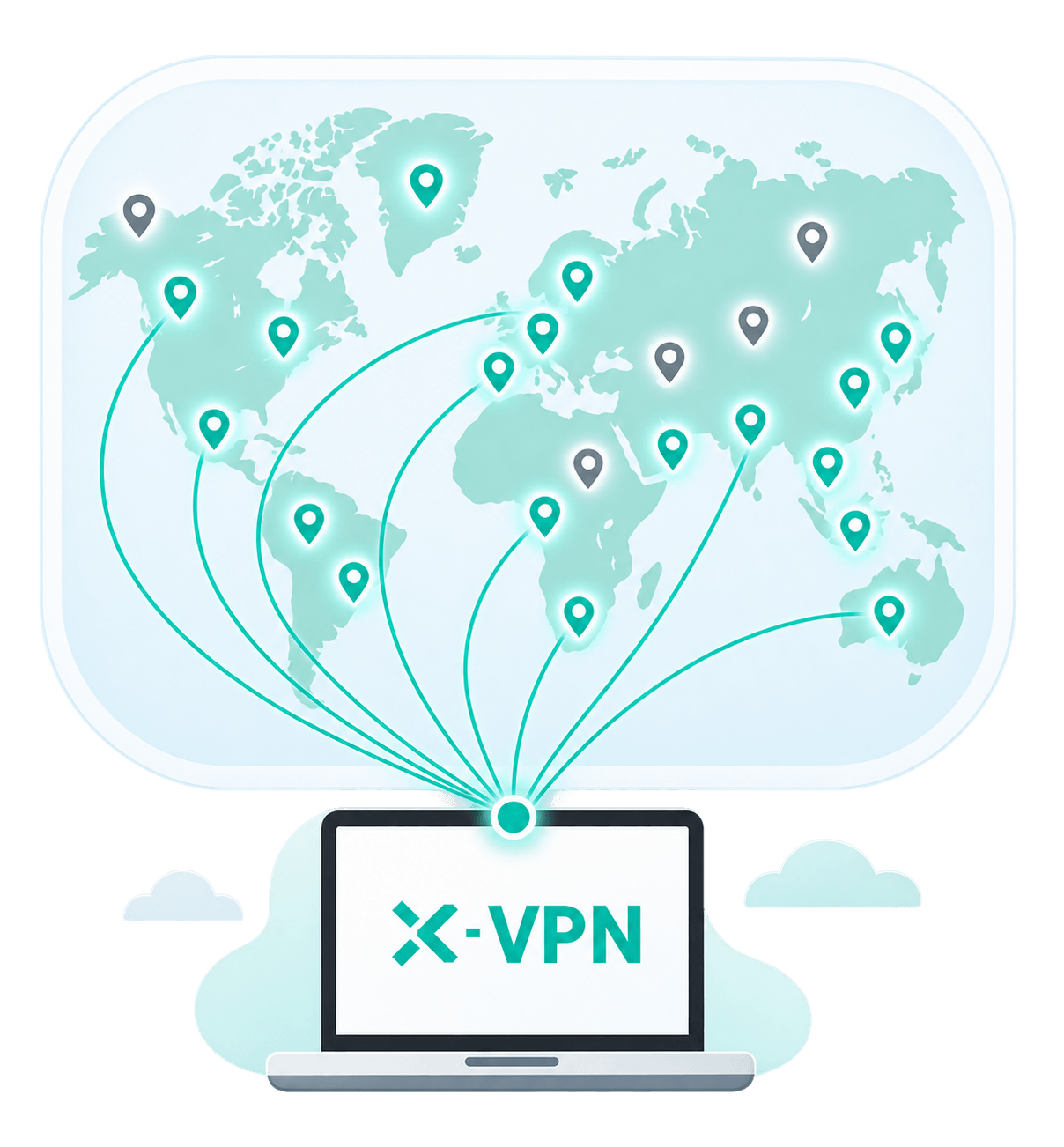
Connect to 10,000+ servers across 80+ countries. Whether you're browsing, streaming, or traveling abroad, X-VPN gives you more locations to choose from and helps you stay connected wherever you go.

Privacy Protection

Keep your online activity private with AES-256 encryption, an independently audited No-Logs Policy, and Kill Switch. These features work together to protect your internet traffic and reduce privacy risks.

High-Bandwidth Servers

Faster Connections with Talaria

Built for speed, X-VPN's open-source Talaria protocol uses parallel channels and efficient data processing to minimize speed loss. Get more out of your connection when streaming, downloading large files, or browsing.

All-in-One Security Tools

Stay safer online with X-VPN's security tools, including Tracker Blocker, Malicious Website Blocker, and Download Protection. They help reduce tracking, flag online threats, and protect you from potentially harmful files.

24/7 Customer Support

Need help getting connected? Our support team is available 24/7 to answer questions, help with setup, and troubleshoot connection issues whenever you need a hand.

All Protocols X-VPN Supports

X-VPN supports a range of VPN protocols to suit different networks and needs.

Third-Party Protocols

Explore All X-VPN Protocols

Frequently asked Questions

Does X-VPN Support Open-Source VPN Protocols?

Yes. X-VPN's in-house VPN protocol, Talaria, is open-source and available on GitHub. X-VPN also supports industry-standard open-source protocols like WireGuard and OpenVPN, giving users more secure and transparent connection options.

Is Talaria Open Source?

Yes. Talaria is X-VPN's in-house VPN protocol, and its source code is publicly available on GitHub under the AGPLv3 license. Anyone can review the code and see how the protocol works.

Has Talaria been independently audited?

Yes. X-VPN's in-house Talaria protocol underwent an independent security audit by Vantage Point Security, with no vulnerabilities identified in the assessment.

Are open-source VPN protocols free to use?

Yes. Talaria, WireGuard, and OpenVPN are available with X-VPN Free on supported devices, with no account registration required. Manual configuration on compatible routers requires X-VPN Premium.

Which Protocol Should I Choose?

For most users, we recommend Auto mode, which selects a suitable protocol based on your network conditions. If you prefer to choose manually, try Talaria for faster speeds, WireGuard for efficient everyday connections, or OpenVPN for security and broad compatibility.

Does Auto Mode Use Only Open-Source Protocols?

No. Auto mode automatically selects from X-VPN's available protocols based on your network conditions, including both open-source protocols and X-VPN's in-house Everest protocols. If you prefer an open-source protocol, you can manually select Talaria, WireGuard, or OpenVPN in the app.

Can I Use These Protocols with a Third-Party Client?

WireGuard and OpenVPN can be manually configured on compatible third-party routers with X-VPN Premium. For Talaria, you can select and use the protocol directly in the X-VPN app on supported devices.