We use cookies to provide you a better service and analyze traffic. To find out more about cookies, please see our Cookie Declaration. By continuing to browse our website, you agree to our use of cookies.

Agree
Manage

Cookie Settings

We use cookies to provide you a better service and analyze traffic, To find out more about cookies, please see our Cookie Declaration.

Essential

Our website relies on these cookies for proper functionality.

Functionality

These cookies are utilized to retain your preferences, such as language selection.

Statistics

Cookies enable us to gain insights into our visitors and enhance their browsing.

Advertising

Cookies that are used to track conversions for ads platforms.

Confirm

X‑VPN Premium Giveaway Is Happening Now on Our Subreddit!

X‑VPN Premium Giveaway Is Happening Now on Our Subreddit!
Enter Now

What Is a VPN? Meaning, Definition, and How It Works

A Virtual Private Network (VPN) is a cybersecurity tool that encrypts your internet connection and masks your IP address. This creates a private 'tunnel' for your data, protecting your identity from hackers, ISPs, and surveillance while allowing you to access blocked content.

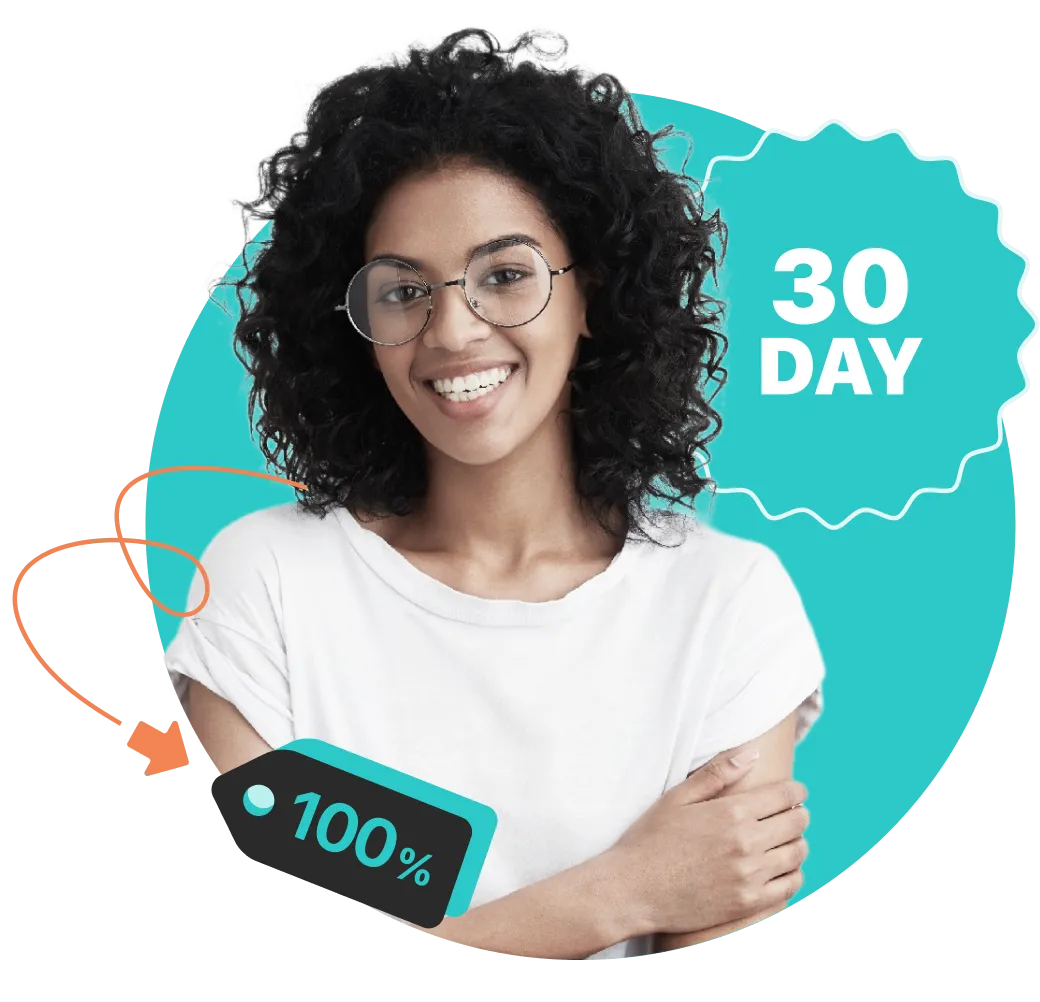
30-Day Money Back, 100% success

VPN Meaning & Acronym Explained

Virtual

Created by software, not extra cables

Private

Your data is encrypted and hidden from others.

Network

A secure link between your device and the internet.

How Does a VPN Work? (The "Tunnel" Analogy)

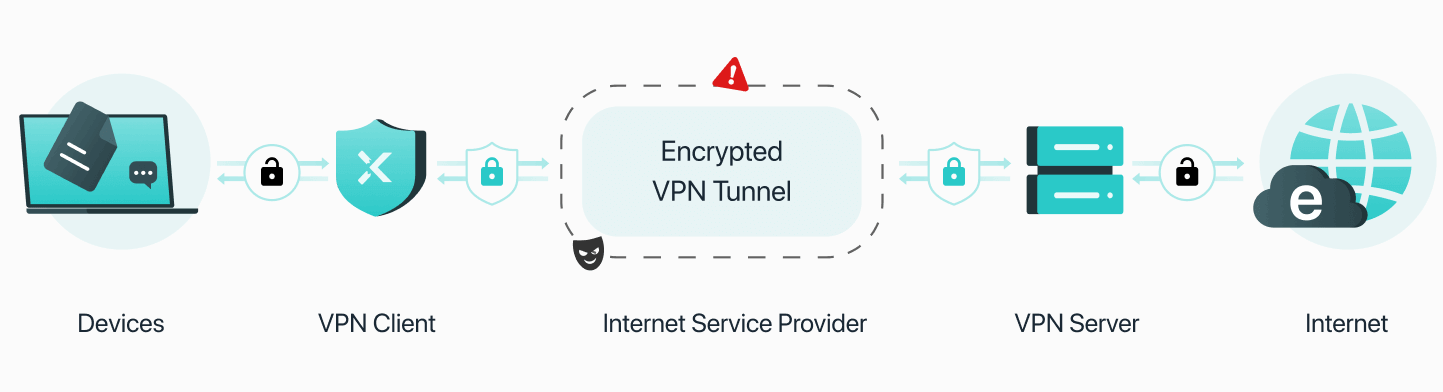
1. Your data is locked before it leaves.

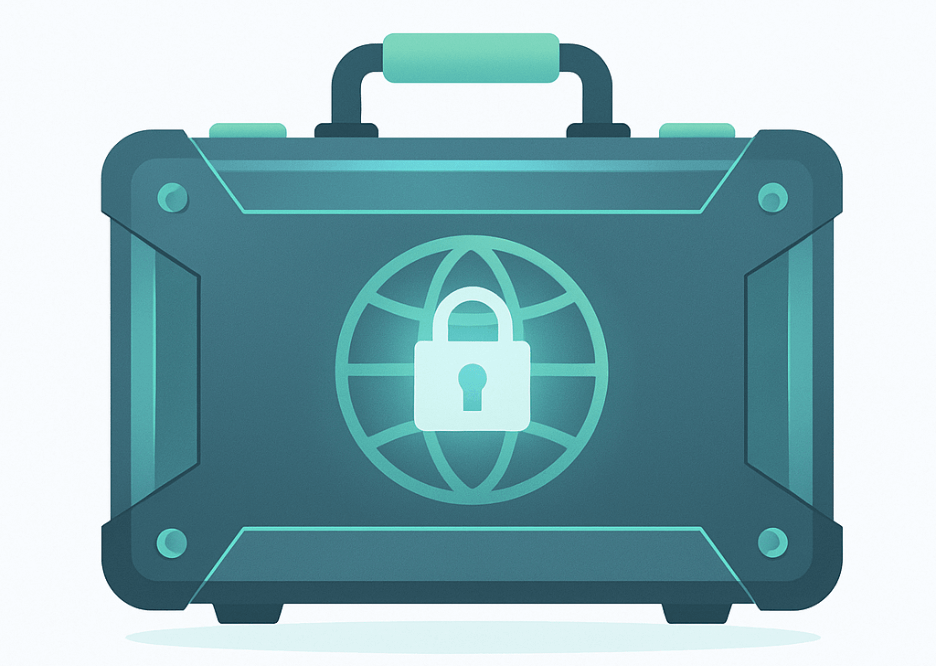
When you connect to X-VPN, the app immediately encrypts your internet traffic on your device using bank-grade AES-256 encryption. Think of it as putting your data inside an armored, locked briefcase before it ever enters the public internet.

2. It travels through an invisible shield.

Your encrypted data travels through a secure VPN tunnel. To the outside world—like your Internet Service Provider (ISP) or hackers on public Wi-Fi—your activity just looks like scrambled, unreadable code. They can see you are connected, but they cannot see what you are doing.

3. You browse anonymously with a new identity.

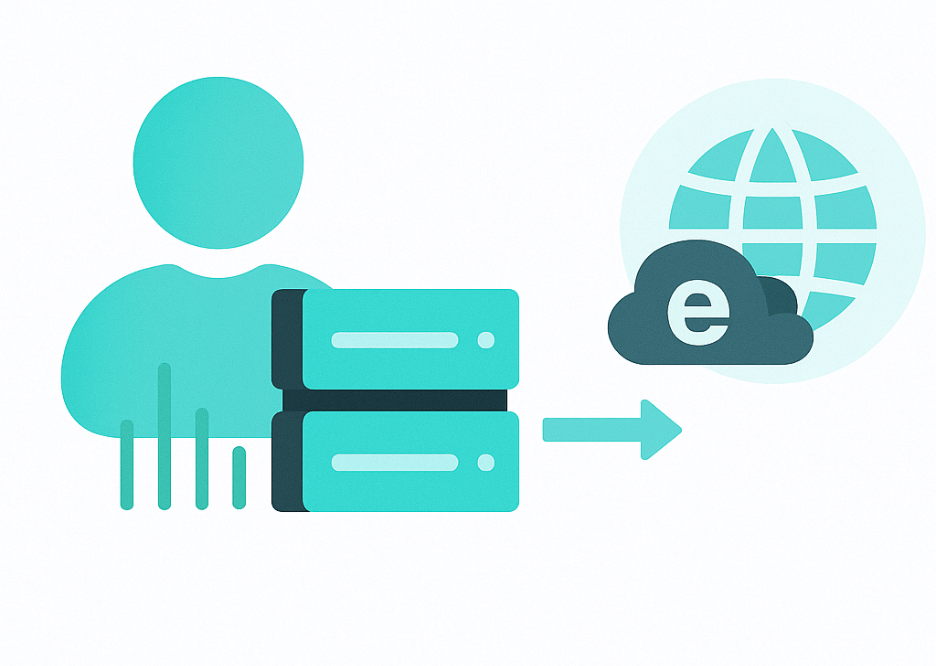
Your data reaches an X-VPN server in a location of your choice. The server decrypts your request and forwards it to the final website. The website sees the VPN server’s IP address instead of yours, keeping your real location and identity hidden.

Learn More About How VPN Works

What Does a VPN Do

A VPN acts as a digital shield for your data. It protects your online privacy by masking your real IP address and encrypting your internet traffic.

    • • Browse Privately: Stop third parties from tracking your movements across the web.
    • • Block Advertisers: Keep your personal browsing history from being sold.
    • • Access Global Content: With X-VPN, you can bypass geo-restrictions, granting you access to websites and content blocked in your region.

    Why Use a VPN? Key Benefits Explained

    While many people associate VPNs solely with privacy, they offer a wide range of practical benefits for everyday internet use. From saving money on travel to protecting your digital identity, here are the most common reasons to switch one on:

    1. Securing Public Wi-Fi Connections

    Coffee shops, airports, and hotels often provide free Wi-Fi, but these networks are rarely secure. Hackers can easily intercept data transferred over these open connections. A VPN encrypts your data before it leaves your device, turning sensitive information—like passwords and credit card numbers—into unreadable code, keeping you safe even on "risky" networks.

    2. Reclaiming Your Digital Privacy

    Without a VPN, your Internet Service Provider (ISP) can see every website you visit, often selling that data to advertisers. By masking your IP address and routing your traffic through a private server, a VPN prevents your ISP from tracking your browsing habits, ensuring your digital footprint remains yours alone.

    3. Beating Price Discrimination (Smart Shopping)

    Many e-commerce sites, airlines, and car rental agencies use dynamic pricing based on your location. By using a VPN to change your virtual location to a different region or country, you can often find significantly cheaper prices for the exact same flights or hotels.

    4. Overcome Restrictions and Geo-Blocks

    Whether you are traveling abroad or living in a region with strict restrictions, a VPN helps you overcome them. It allows you to access your home streaming libraries, news outlets, and social media platforms securely, ensuring the internet remains open and accessible regardless of your physical location.

    5. Preventing Bandwidth Throttling

    ISPs often slow down (throttle) your connection speed if they detect high-bandwidth activities like 4K streaming or torrenting. Because a VPN hides the type of traffic you are sending, your ISP cannot discriminate against specific activities, helping you maintain consistent speeds and avoid buffering.

    6. Enhancing Gaming Stability & Security

    For gamers, a VPN protects against Distributed Denial of Service (DDoS) attacks by hiding your true IP address from malicious opponents. Additionally, connecting to a VPN server closer to the game server can sometimes reduce ping and lag.

    Do I need a VPN?

    If you ever use public Wi-Fi, care about your privacy, or want to access content from anywhere — the answer is probably yes. A VPN keeps you protected, no matter where you are.

    Find out if a VPN is right for you

    One VPN, Multiple Locations

    X-VPN is powerful and easy to use. We are the first to offer VPN multi-tunneling, which lets you route different traffic through separate VPN connections. With a single X-VPN app, you can connect TikTok to a U.S. server, Netflix to a Korea server, and more.

    Get X-VPN

    30-day money-back guarantee

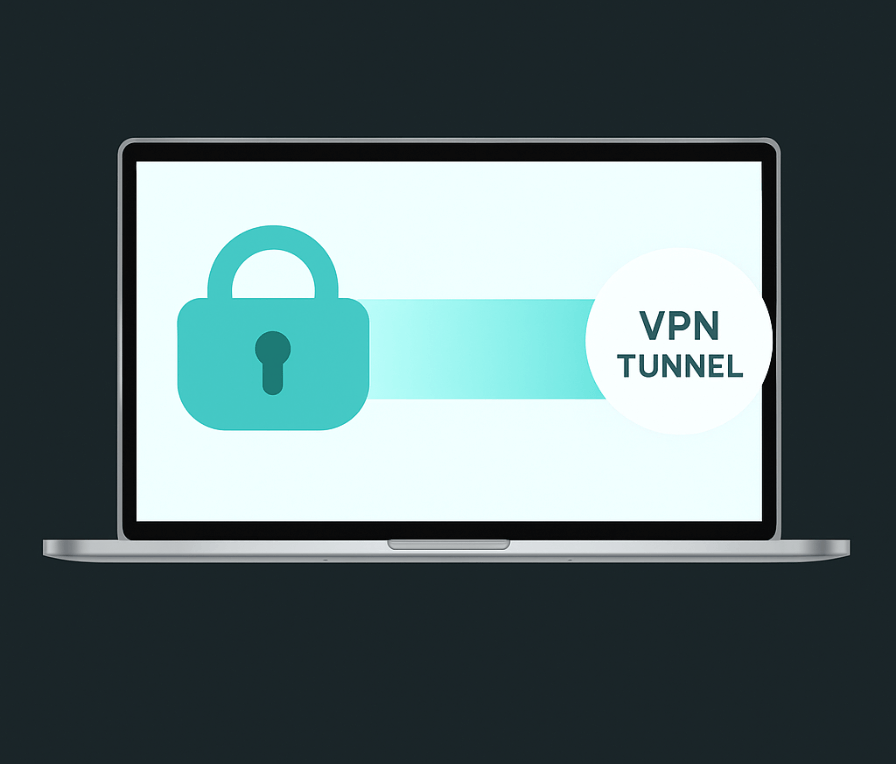
    What is VPN Tunnel

    A VPN tunnel is the secure, encrypted connection created between your device and the internet when using a VPN. It “tunnels” your data through a private pathway, hiding it from hackers, internet service providers (ISPs), and other third parties—keeping your online activity private and protected.

    VPN Tunnel Explained

    Is VPN Safe?

    VPNs promise security—but are they really safe?

    While VPNs are designed to improve your online privacy and security by encrypting your data and hiding your IP address, they’re not a magic bullet. The safety of a VPN depends on how it's used and which VPN provider you choose.

    Some key safety concerns include:

    Free VPN risks

    Trust in the provider

    Even with encryption, your data still passes through the VPN’s servers. If the provider logs or sells your data, your privacy is at risk. Learn how to choose a trustworthy VPN.

    Jurisdiction and laws

    VPNs headquartered in countries with weak privacy laws or under surveillance alliances (like Five Eyes) may be compelled to share data.

    Security vulnerabilities

    Poorly configured VPNs or outdated protocols can still expose your data to cyberattacks.

    Try X-VPN Now — It's Free and Instant

    Now that you’ve seen the benefits of using a VPN, why not give it a try?
    With X-VPN, getting started is easy—fast, secure, and private browsing is just one tap away.

    Windows
    MacOS
    iOS/iPhone
    Android
    Chrome
    Linux
    Apple TV
    Android TV
    Amazon
    Router
    Get the VPN App for Your Device

    Stay Safe Online with X-VPN

    VPN Protection

    • Get online anonymously
    • Unblock global content
    • Find the best deal across regions
    • Lower game pings

    Identity Protection

    • Get a virtual ID
    • Get an alternative email
    • Scan for dark web leak
    • Data Breach ID Alert

    Computer Security

    • Protect download files
    • Clean up disk space
    • Manage autostart
    • Speed up your computer

    Frequently asked questions

    What exactly is a VPN? what does a vpn app do?

    A VPN (Virtual Private Network) creates an encrypted connection between your device and a remote server operated by the VPN provider. This helps protect your internet traffic from being easily viewed or intercepted while it travels across the network.

    A VPN app allows you to turn this connection on or off, choose a server location, and manage security settings. When connected, your internet traffic is routed through the VPN server, which can mask your IP address from the websites you visit.

    How does a VPN protect my privacy?

    A VPN helps protect your privacy by encrypting your internet traffic. This makes it harder for third parties on the same network—such as on public Wi-Fi—to view or interfere with your online activity.

    By routing your connection through a VPN server, it can also limit the exposure of your real IP address during browsing sessions.

    Do I need a VPN for public Wi-Fi?

    Public Wi-Fi networks are often less secure than private ones. Using a VPN on public Wi-Fi can add an extra layer of protection by encrypting your data, which may reduce the risk of interception by other users on the same network.

    That said, a VPN is only one part of staying safe online. Keeping your device updated, using HTTPS websites, and avoiding sensitive activities on unknown networks are also important.

    Will a VPN slow down my internet?

    Using a VPN can reduce internet speed slightly because your data is encrypted and routed through an additional server. The impact varies depending on factors such as server distance, network congestion, and your VPN provider’s infrastructure.

    Many modern VPN services are optimized to minimize speed loss, and in some cases the difference may be barely noticeable for everyday browsing.

    Is using a VPN legal?

    VPN use is legal in most countries. They are commonly used for privacy, security, and remote access to networks.

    However, some countries restrict or regulate VPN usage, and using a VPN does not make illegal activities legal. Always check your local laws and comply with the terms of service of websites and online services you use.

    30-day money-back guarantee

    Our VPN is powerful and easy to use.If we don't meet your expectations, we'll refund your payment.
    100% Success.