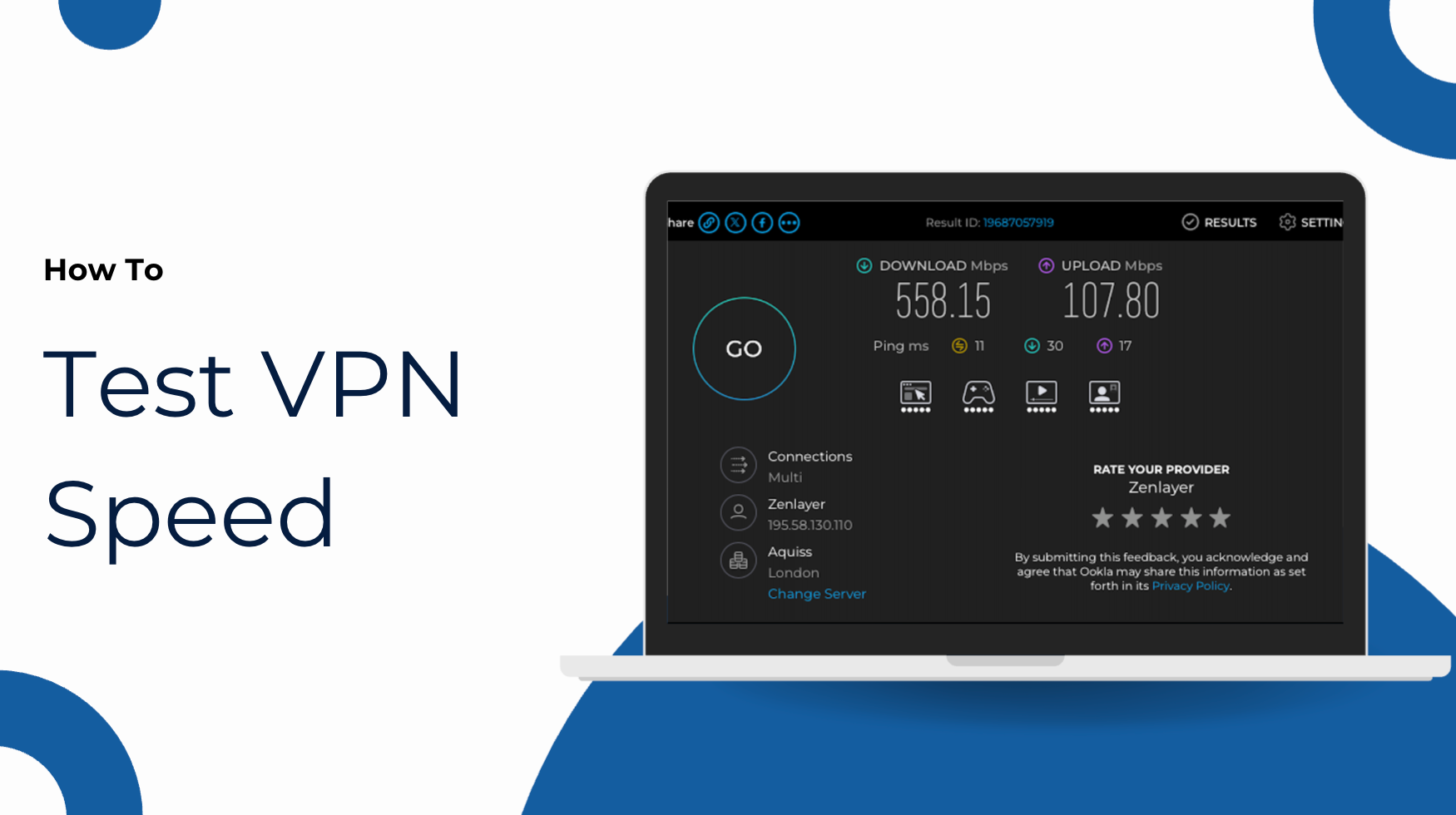

Most people expect that turning on their phone’s VPN will protect everything connected to it. They see the VPN icon, connect a laptop or tablet through a hotspot, and assume all that traffic is traveling through the same secure tunnel. Unfortunately, that very reasonable assumption can cause trouble.
In many cases, the phone itself is protected, but a tethered laptop isn’t. That gap between what feels safe and what actually is can leave connected devices more exposed than you might expect.
What makes this even more dangerous is that the situations that call for a hotspot align exactly with moments when privacy matters the most. You’re traveling, working from a cafe, dealing with patchy hotel Wi-Fi, or quickly connecting a laptop to send a file or join a call. It feels like a personal, private connection because it starts with your phone, but tethering still creates a separate network path with its own rules.
The good news is that this is usually a matter of setup, not a serious flaw. Once you understand where the VPN sits in that connection chain, it becomes much easier to protect the devices that matter.
Table of Contents
Why Hotspot Protection Is Easy to Misunderstand
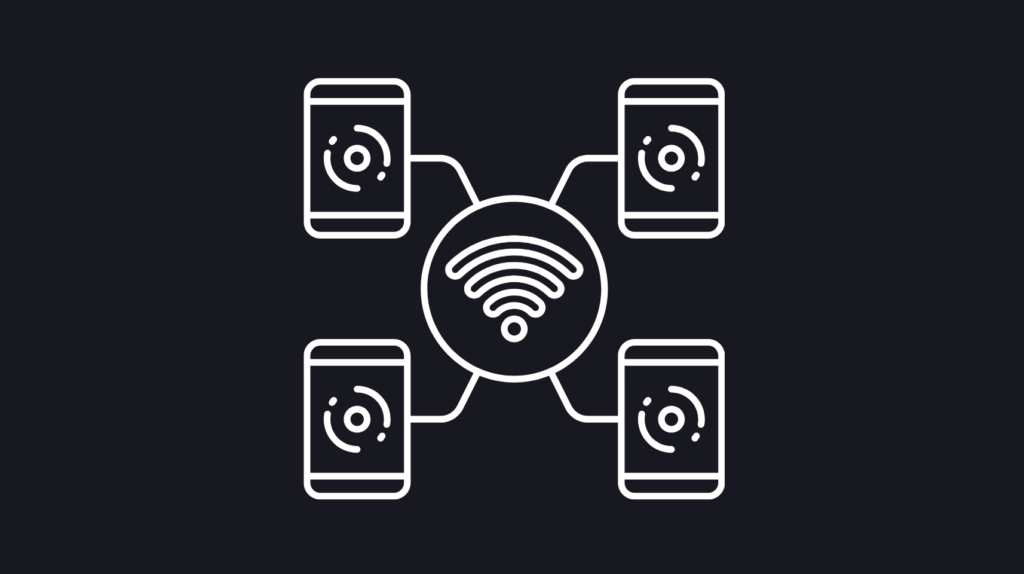
A hotspot sounds simple enough. Your phone connects to the internet over cellular data, then shares that connection with other devices over Wi-Fi, USB, or Bluetooth. Since the phone acts as the middleman, it seems natural to assume the VPN on the phone would cover anything connected through it.
The problem is that your phone is doing two jobs at once. It’s using the internet for its own apps and browser activity, while also acting more like a tiny router for other devices. Whether that forwarded traffic is actually forced through the VPN depends on many other factors. The operating system, the way tethering is handled, and how the VPN app interacts with that traffic.
Sometimes hotspot traffic is handled in a way that passes through the tunnel, and sometimes it’s not. That’s why people often come away with conflicting experiences. A VPN protects the device it runs on by default, but that protection doesn’t always extend cleanly to devices borrowing that connection.
What Your VPN Is Protecting, and What It May Not Be
If you turn on your phone’s VPN and use only the phone, the protection usually works the way you’d expect. Your traffic is encrypted, your public IP address changes, and your carrier or local network has less visibility into what you’re watching, downloading, and browsing. It helps to understand what a VPN actually hides.
It’s different for a tethered laptop, tablet, or any other device using this connection. Each generates its own traffic, with its own apps, websites, and background requests. Any device using your phone’s hotspot may still be reaching the internet without ever entering the phone’s encrypted VPN tunnel.
That distinction is the heart of the issue. The phone may be protected, while the connected device is simply using the phone as a path to get online. From the user’s perspective, everything appears to be flowing through the phone’s VPN. In practice, the privacy outcome can be very different.
Why Tethered Devices Can Still Be Exposed
Imagine connecting a laptop to your phone’s hotspot in an airport. You’re avoiding public Wi-Fi, which is often a smart move, but that doesn’t automatically mean the laptop is also benefiting from the VPN on the phone.
If the laptop’s traffic isn’t routed through the tunnel, its apparent location may still reflect your normal mobile connection rather than the VPN server you selected on the phone. DNS behavior may not match what you expect. Streaming or work services might still see your carrier’s connection instead of the VPN location. The real risk isn’t the hotspot itself, but assuming the tethered device is as protected as the host phone, when privacy isn’t guaranteed.
That also explains why people sometimes think the VPN is malfunctioning. The phone shows one IP or region, while the connected laptop shows another. In many cases, the VPN is working exactly as intended on the phone, while the tethered device is taking a separate route to the internet.
Does This Work Differently on iPhone and Android?
Yes, although the practical takeaway is similar on both platforms. On an iPhone, consumer VPN use is generally focused on protecting the iPhone or iPad itself. Apple’s Personal Hotspot feature is convenient, but don’t assume it passes VPN protection along to tethered devices unless you have specifically verified that behavior in your own setup.
The Android world is much more diverse, so phone behavior can vary by version, manufacturer, and settings. Android phones tend to offer more control in some areas, including always-on VPN options and settings that block connections outside the tunnel. That can make your phone feel more flexible, but it still doesn’t guarantee that hotspot traffic is always and reliably forced through the phone’s VPN in every situation.
The safest rule on both iPhone and Android is to treat hotspot traffic as unprotected until you’ve confirmed otherwise.
This isn’t the only VPN edge case to watch out for. Even outside tethering, apps and system services can sometimes take unexpected routes if the setup is loose. Closing every gap is important, so it helps to learn more about the way apps and trackers can bypass your VPN, and steps you can take to prevent being caught off guard.
What Actually Works if You Want to Protect Tethered Devices
The cleanest solution is also the simplest. Run the VPN on each device that needs protection, even when you’re connecting to your own phone’s hotspot. If your laptop needs coverage, install and use the VPN there. If your tablet needs that same privacy, connect your VPN directly on the tablet.
That removes the guesswork. Every device handles its own encryption, DNS, IP masking, and kill switch behavior. A second option is to use a laptop or desktop as the shared connection point. If a computer is connected to a VPN and deliberately shares that connection outward, you can sometimes create a more predictable, protected setup for downstream laptops, tablets, and phones.
A third option is router-level protection. A compatible router can run the VPN at the network edge, so devices connected to that router all benefit from the same protected path. The closer you move the VPN toward the actual network source, the more consistently you can protect everything behind it.
The clearest path is one of these: use it directly on each device, use it on a computer that’s intentionally sharing a protected connection, or install it on a supported router so every device on your network is hidden. X-VPN’s setup guides explain how to protect computers, mobile devices, and routers.

The Simplest Ways to Close the Gap
If you want the practical version, the answer comes down to matching the tool to the situation.
- If you only need to protect one extra device, install and use a VPN directly on that device.
- If you regularly connect several devices, consider using a computer or router as the protected middle layer instead of relying on a phone hotspot to carry the VPN for you.
- If you must use a phone hotspot, treat the phone and the tethered device as separate privacy cases, each running its own VPN, until you confirm how traffic is being routed.
A quick IP check on the tethered laptop or tablet can tell you a lot. If the phone shows one location and the connected laptop shows another, that’s a strong sign the hotspot is providing internet access but not passing along the VPN protection you expected. It’s always better to test the tethered device directly, since the VPN icon on your phone only implies phone protection.
That habit also overlaps with general VPN troubleshooting. When people ask why a VPN keeps dropping or acting inconsistently, the answer is often that they’re trusting the icon instead of checking the route. Choose a VPN that includes a kill switch, because it helps prevent accidental fallback to an unprotected connection on the device that’s actually running the VPN.
Why This Matters More Than It Sounds
This might seem like a fussy detail you’ll never need to know. In practice, it shows up quite often. A freelancer tethers a laptop at a client site and assumes work traffic is protected because the phone is on a VPN. A traveler avoids hotel Wi-Fi, uses a phone hotspot instead, and assumes the tablet is covered too. A remote worker needs a stable connection for a work service on a tethered laptop, but only the phone is actually using the selected VPN server.
The hotspot gap is easy to miss, even if you’ve used a VPN for decades. It’s tempting to describe your phone’s hotspot as unintuitive, but once you see tethering as a separate network path, the confusion around hotspot VPN protection starts to disappear.
Final Thoughts
There are times when a split connection is preferred. For example, you might require a local IP address on your tethered laptop while simultaneously streaming to your phone via a remote VPN server. The standard configuration gives you more flexibility to use a VPN when and where you want.
When you understand the nuances, your phone’s hotspot can be genuinely useful, and it’s definitely safer than jumping onto random public Wi-Fi networks. The key to VPN safety is protecting tethered devices as well as the host phone.
Once you know where the gap is, the fix is straightforward. Use a VPN directly on each device that matters, or move the VPN to a computer or router that can protect everything behind it more deliberately.
FAQs
How can I tell if my tethered device is actually using the VPN?
The easiest check is to compare the IP address or location shown on the phone with the one shown on the tethered device. If they don’t match the VPN server you selected, the tethered device is probably not traveling through the same tunnel.
Does a VPN on my phone automatically protect my hotspot?
Not always. Your phone’s own traffic is usually protected by the VPN, but tethered devices may not be routed through that same tunnel unless the setup specifically supports it.
Does USB or Bluetooth tethering provide VPN protection to connected devices?
Sometimes the behavior can differ depending on whether you use Wi-Fi, USB, or Bluetooth tethering, but the safest assumption is still the same. Unless you have confirmed otherwise, do not assume the connected device is protected just because the phone is using a VPN.
What’s the best way to protect a laptop using my phone’s hotspot?
The simplest and most reliable answer is to run a VPN directly on the laptop. That removes the guesswork and ensures the laptop’s traffic is encrypted and routed through the server you choose.
Is a router better than a phone hotspot for protecting multiple devices?
Usually, yes. A router or travel router running the VPN can protect connected devices more consistently than relying on a phone hotspot to pass along VPN coverage.