Quick Answer: What Are the Main VPN Benefits?
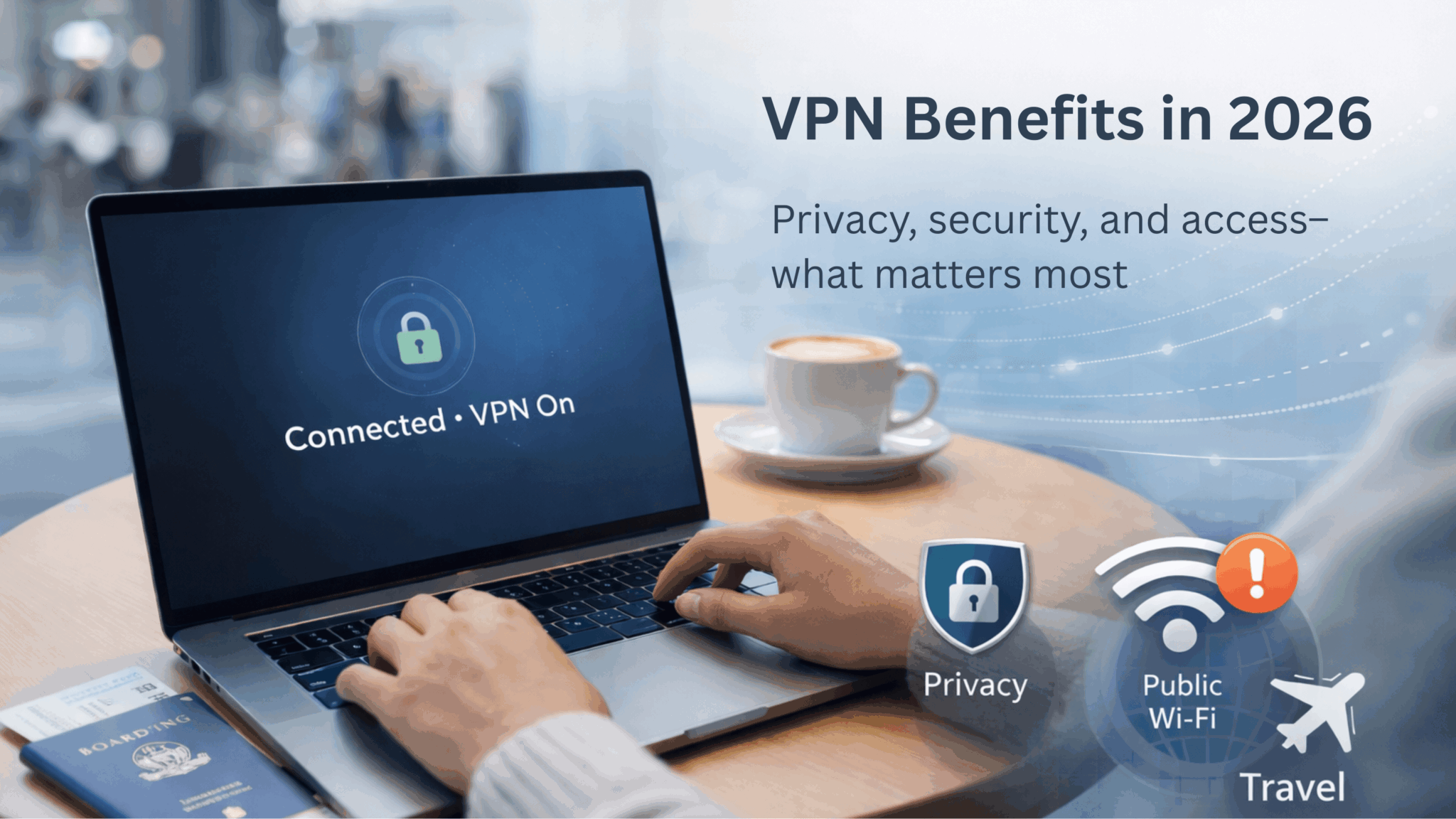
The main VPN benefits are encrypting your internet traffic, masking your IP address, and reducing exposure on public or shared Wi-Fi—especially while traveling. For most people, the biggest advantages are better privacy, safer Wi-Fi in airports/hotels/cafes, and more reliable access to everyday services on the go.
Key Takeaways
- A VPN encrypts your connection and can hide your IP address from websites you visit.
- It’s most useful on public Wi-Fi and when traveling.
- A VPN helps with network privacy, but it won’t stop phishing, malware, or scams.
- Accessing geo-restricted services may work, depending on the platform’s VPN detection.
- Look for strong encryption, a clear audited no-logs policy, and a kill switch.
Table of Contents
What a VPN Actually Does (In Simple Terms)
A VPN routes your internet traffic through an encrypted “tunnel” to a VPN server before it reaches websites or apps. That means:
- Your traffic is harder to read on the network you’re using (helpful on public Wi-Fi).
- Your public IP address appears different, based on the VPN server location.
A VPN improves privacy and connection security in many everyday situations, but it doesn’t make you invisible online—and it doesn’t replace antivirus or safe browsing.

The 10 VPN Benefits That Matter Most
1. Enhanced Online Privacy and Anonymity

One of the main VPN benefits is improved online privacy. By masking your IP address, a VPN makes it harder for websites and advertisers to directly link your activity to your real location or identity.
Why online privacy matters: Every website you visit, every search you make, and every video you watch creates a digital footprint. Without a VPN, this data can be collected, analyzed, and shared with third parties. A VPN helps reduce exposure by limiting IP-based tracking and encrypting traffic in transit.
Privacy is one part of the story. The other is what happens when your data travels across networks you don’t control.

X-VPN’s strict no-logs policy is verified by one of the Big Four accounting firms, while its RAM-only server infrastructure ensures that even we don’t track or store your browsing activity, providing stronger anonymity protections.
2. Stronger Security Through Encryption
VPNs encrypt your internet traffic using established standards such as AES-256, a widely recognized encryption benchmark referenced by organizations like the U.S. National Institute of Standards and Technology (NIST)
This matters most when you’re logging into email, shopping online, or accessing financial accounts—because those are the moments where a weak connection can become a big problem.

Best for: logging into email, banking, shopping, and accounts on shared networks.
And the moment most people actually feel that risk is when they connect outside the house.
3. Safer Public Wi-Fi Use
Public Wi-Fi networks in cafes, airports, and hotels can be risky. Consumer protection agencies like the Federal Trade Commission (FTC) warn that unsecured Wi-Fi networks may expose users to interception, fake hotspots, and session hijacking

Public Wi-Fi Risks
- Man-in-the-Middle Attacks: Hackers attempt to intercept communications
- Malware Distribution: Compromised networks can push malicious redirects or downloads
- Session Hijacking: Attackers try to steal active login sessions
- Evil Twin Networks: Fake hotspots designed to capture data
VPN Protection on Public Wi-Fi
A VPN encrypts all your internet traffic, making it much harder for someone on the same network to intercept or read your data—even on unsecured public networks.
Best for (GEO): travel days, airport lounges, hotel Wi-Fi, conference venues, coworking spaces.
Public Wi-Fi Risks
⚠️ Man-in-the-Middle Attacks
⚠️ Malware Distribution
⚠️ Session Hijacking
⚠️ Evil Twin Networks

VPN Protection on Public Wi-Fi
A VPN encrypts all your internet traffic, making it impossible fpr hackers to intercept or read your data, even on unsecured public networks.
4. Prevent Price Discrimination
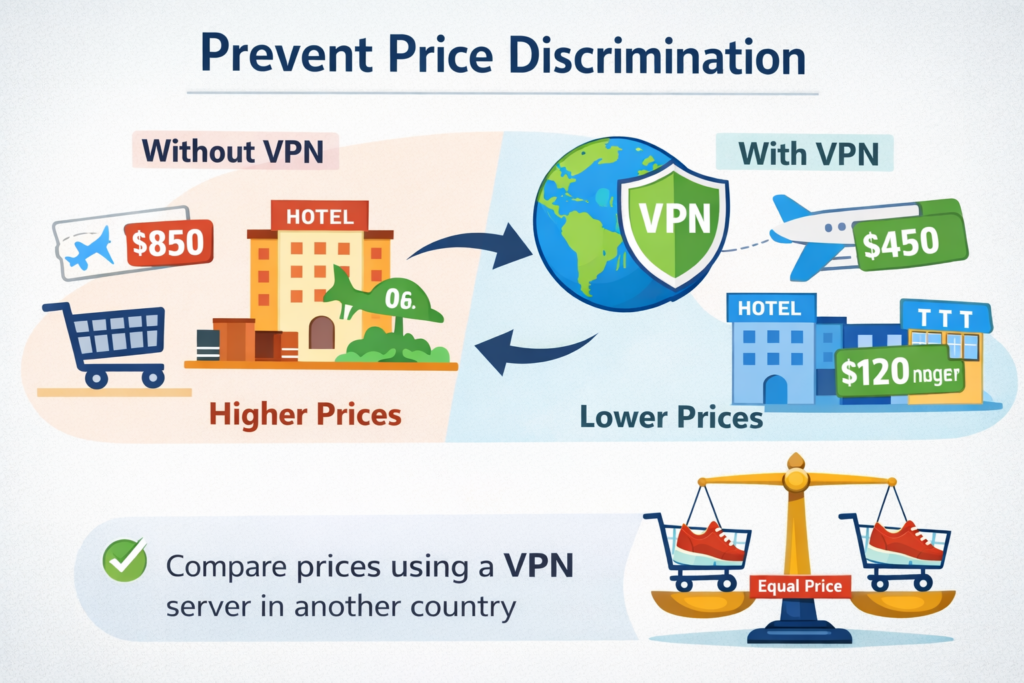
One lesser-known benefit of VPN usage is the potential to save money. Many online retailers and service providers use dynamic pricing based on your location, browsing history, and device type. Airlines, hotels, and e-commerce sites often show different prices to different users.
Even when you’re not traveling, your connection still passes through your internet provider—and that’s where another privacy benefit comes in.
Tips that actually help
- Compare multiple locations
- Use a private window and/or clear cookies
- Check final checkout totals (fees/taxes can differ)
Best for: booking flights/hotels, subscriptions, regional pricing checks.
5. Reduced ISP Visibility Into Your Activity
Many people don’t realize that their Internet Service Provider (ISP) can still learn a lot about their browsing through connection metadata. Even with HTTPS (which most sites use), an ISP may be able to see the domains you connect to, connection timing, and data volume.
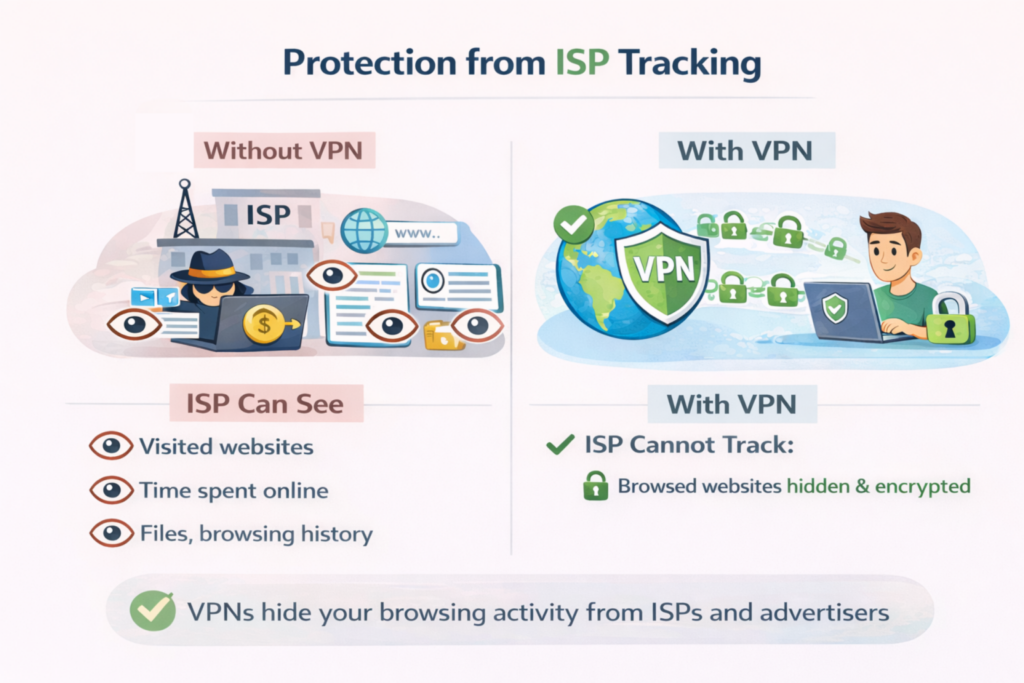
What your ISP can see without a VPN:
- Every website URL you visit
- How long you spend on each website
- Files you download and their sizes
With a VPN: Your ISP can generally only see that you’re connected to a VPN server. The content of your traffic and the sites you use beyond that connection are encrypted between you and the VPN, reducing ISP visibility into your activity.
6. Access Geo-Restricted Content
One of the most popular advantages of VPN services is the ability to access location-limited content. Many streaming platforms, websites, and online services restrict content based on your region. With a VPN, you can connect to servers in different countries and browse as if you were located there.

Common use cases:
- Access streaming libraries from different countries (availability varies by platform)
- Watch live sports that may be restricted in your region
- Access social platforms in restrictive countries (where legal and safe)
- Use region-specific apps and services while traveling
Reality check: Many services actively detect and block VPN traffic, so results depend on the platform and location.
If you work remotely, this same “secure anywhere” setup is often what keeps work access simple and consistent.
7. More Secure Remote Work
Remote and hybrid work are now common. VPNs help remote workers connect more securely when accessing company tools and internal systems from outside the office.

Many organizations rely on VPN connections to support basic security standards when employees work from home or while traveling.
8. Lower Exposure to Certain Network-Based Threats
A VPN is not antivirus software, but it adds an extra layer of protection. By encrypting traffic and hiding your IP address, VPNs can reduce exposure to opportunistic attacks that rely on visible network information.

This is especially helpful when using unfamiliar or shared networks.
9. More Consistent Internet Experience (In Some Cases)
Some internet providers slow down certain activities—such as streaming or gaming—based on usage patterns.
Because VPN traffic is encrypted, it can sometimes reduce activity-based throttling, leading to a more consistent connection in specific situations. Results vary by ISP and network conditions.
10. Greater Digital Freedom While Traveling
When traveling internationally, a VPN can help you access essential services—such as banking, email, and work platforms—more reliably
Additional VPN Benefits (Situational)
Some VPN advantages apply only in certain situations:
- Comparing prices across regions for travel bookings or subscriptions
- Bypassing basic network restrictions at schools or workplaces
- Protecting your IP address during gaming or peer‑to‑peer use
These aren’t reasons everyone needs a VPN, but they can be useful depending on how you use the internet.
When These Benefits Matter Most (And When They Don’t)
A VPN is most helpful if you regularly:
- Use public or shared Wi-Fi (travel, cafes, hotels, airports)
- Work remotely or access important accounts on the go
- Care about reducing IP-based tracking and limiting ISP visibility
- Travel across regions and need access to everyday services
But it’s not a magic shield. Which brings us to the part most VPN posts skip.
What a VPN Does Not Do
Being clear about limitations is important:
- A VPN does not protect you from phishing scams or malicious downloads
- It does not make you completely anonymous online
- It does not replace antivirus software or safe browsing habits
Privacy organizations like the Electronic Frontier Foundation emphasize that VPNs work best as one layer in a broader security setup.
Who Should Consider Using a VPN?
VPNs are especially helpful for:
- Travelers who rely on public Wi‑Fi
- Remote or hybrid workers
- People concerned about online privacy
- Users accessing region‑restricted services
- Anyone regularly connecting to shared networks
How to Choose a VPN That Delivers These Benefits
When evaluating a VPN, look for:
- Modern encryption standards (such as AES-256)
- A clear audited no-logs privacy policy
- A reliable global server network
- Stable connection speeds
- Multi-device support
- Safety features like a kill switch
Providers like X-VPN highlight these fundamentals as part of a standard personal VPN setup.
Final Thoughts
The real benefits of a VPN in 2026 come down to privacy, security, and control. A VPN won’t solve every online risk, but it can significantly reduce exposure—especially on public or shared networks.
For most people, using a VPN responsibly is a practical step toward safer, more flexible internet access. When combined with good security habits, it offers meaningful protection without adding unnecessary complexity.
If you have questions about features or compatibility, the X-VPN Help Center provides detailed answers and troubleshooting support.
FAQ: VPN Benefits in 2026
Do I need a VPN at home?
Not always. Many people use a VPN mostly on public Wi-Fi or while traveling. At home, it’s more about privacy preferences and reducing ISP visibility.
Will a VPN stop hackers?
A VPN helps protect your connection, especially on shared networks, but it won’t stop phishing, malware, or weak-password attacks. You still need good security habits.
Does a VPN make me anonymous?
It improves privacy by masking your IP address and encrypting traffic, but it does not make you fully anonymous online.
Will a VPN slow down my internet?
Sometimes. Any VPN adds routing overhead, but a good provider with nearby servers can keep the speed impact small.
Can I use streaming services with a VPN?
Sometimes. Many platforms block VPN connections, so results depend on the service and region.
What’s the most important VPN feature?
For most users: a kill switch plus a clear audited no-logs policy and strong encryption. After that, speed and server coverage matter most.