
Roblox is where kids go to play, and where parents go to worry. If your child keeps asking because “everyone at school has it,” you’re not alone, Reddit is full of parents asking the same thing: is Roblox safe for kids? The catch is that Roblox isn’t a single game, it’s a massive platform filled with user-made experiences and built-in social features, and that makes safety harder to predict.
In 2026, Roblox rolled out stricter safety tools and tighter rules around who can talk to whom. But no setting can do the parenting for you. This guide cuts through the noise and shows you the few settings that actually matter, so you can make a clear call for your child’s age, and get a safer setup in minutes.
Table of Contents
What Is Roblox?
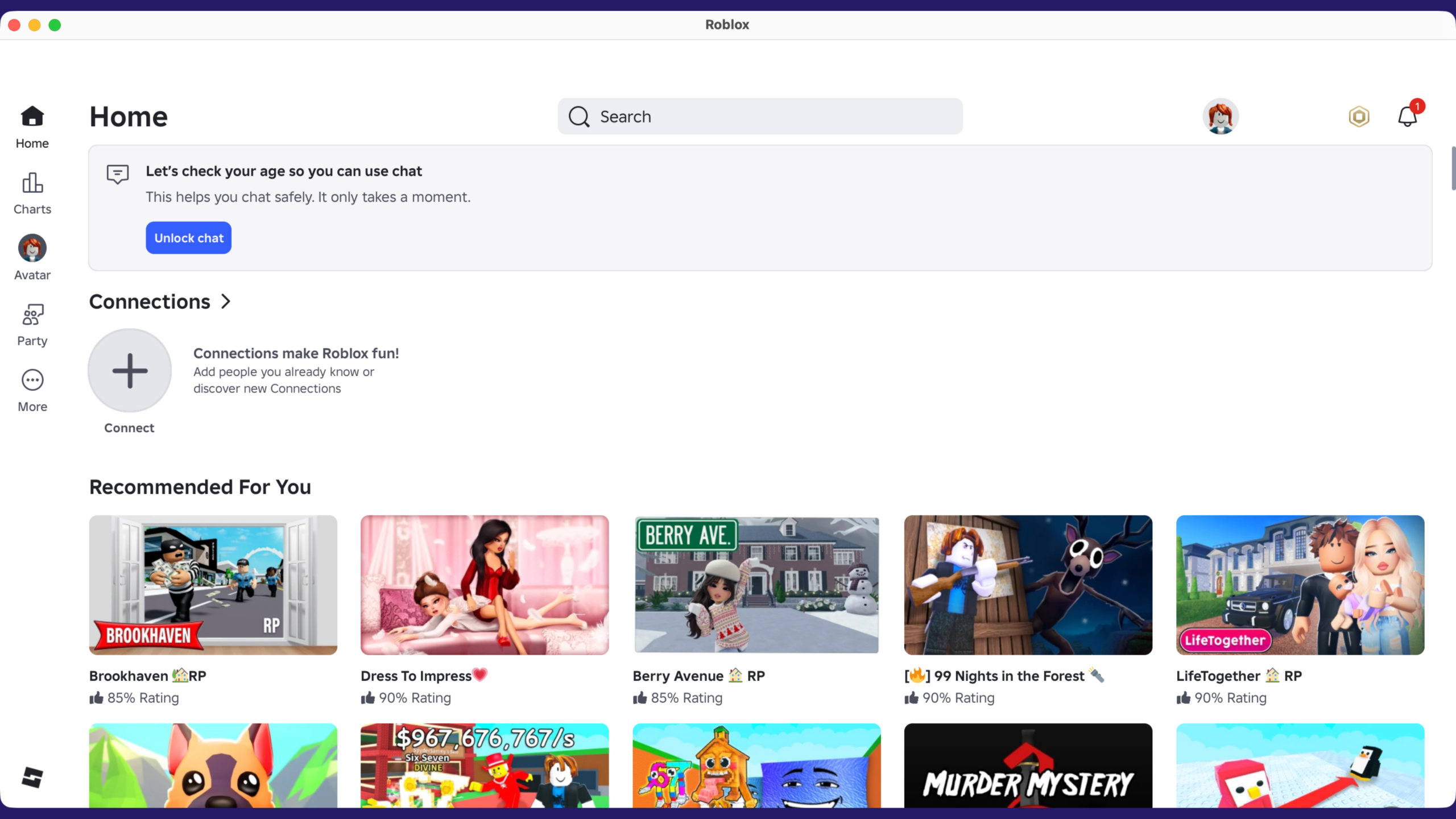
Roblox isn’t a single online game. It’s a platform where people build, play, and share millions of interactive 3D games and worlds, what Roblox calls experiences. The experience your child plays is often made by another user (or a small creator team), not by Roblox itself.
That matters because Roblox also includes built-in social features (friends, chat, voice) and an in-game economy where kids can spend Robux on items or upgrades inside certain experiences.
User-Generated Games/Experiences: Why It Changes Safety Expectations
With a traditional game, the content is mostly fixed, you can read one rating and have a pretty good idea what you’re getting. With Roblox, the library is huge and constantly changing, and kids can have completely different experiences on the same platform. That’s why safety on Roblox isn’t just about whether the app is for kids, but which experiences your child is choosing, who’s around them, and what features are enabled.
Quick Answer: Is Roblox Safe for Kids? (By Age)
Under 9: When It’s Usually Not Worth The Risk
For most families, Roblox under 9 isn’t worth the tradeoff. At that age, kids are still learning impulse control, and Roblox is a huge, user-generated platform where content (and other players’ behavior) can be unpredictable. Roblox’s own newer safety approach reflects that: chat is off by default for under-9s, and a parent has to actively consent to enable it after an age check.
Ages 9–12: Safer With Strict Settings + Active Supervision
For most kids under 13, the safest choice is to wait. This is the age where peer pressure, social features, scams, and Robux spending collide, and where kids are old enough to explore on their own, but not always old enough to spot manipulation.If you do allow Roblox at 9–12, I’d frame it as “supervised play,” not “independent play.” In practice, that usually means your child plays in a shared space, you’re close enough to know who they’re interacting with and what’s being said, and you keep sound on (no headphones) so conversations don’t disappear into a private channel. You can also back this up with Roblox’s Parental Controls (screen time, content maturity, spend limits, privacy/connection settings).
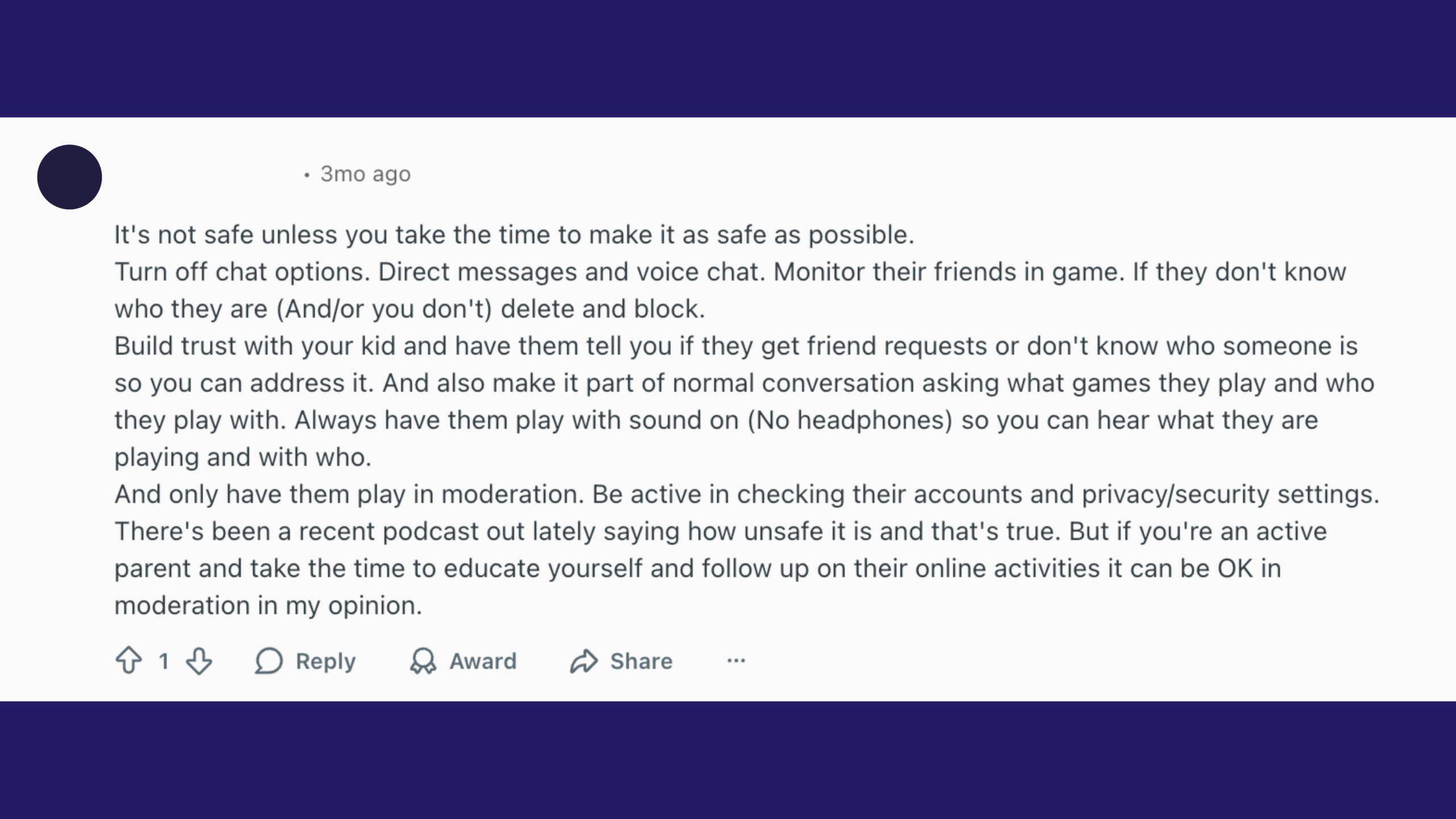
A Reddit parent summarized what actually works at home in a way that matches this reality:

“Build trust with your kid… make it part of normal conversation asking what games they play and who they play with. Always have them play with sound on (No headphones)… And only have them play in moderation. Be active in checking their accounts and privacy/security settings.”
Overall, though, we don’t recommend Roblox for most kids in this 9–12 age range, waiting until they’re older is usually the safer call.
Teens: More Independence, But Strong Supervision Still Matters
With teens, I’d keep the same family stance: clear rules, spending locked down, and regular spot checks. Teens don’t usually need you hovering over every minute, but they do benefit from active parenting, checking settings, asking what they’re playing and who they’re with, and keeping voice/chat privileges earned rather than automatic. Roblox’s age-check and age-group chat rules help as guardrails, but they’re not a guarantee.
If you’re going to allow Roblox at all, don’t start by browsing games, start by locking down the handful of controls that make the biggest difference. You can do the essentials in about five minutes.
5-Minute Roblox Child Safety Checklist (Do This First)
Set Up Roblox Parent Login And Link A Parent Account
Create your own Roblox account and add parent privileges, then link it to your child’s account. Roblox’s parental controls are designed to be managed from your account, so you don’t have to keep logging into your child’s device every time you want to change a setting or check activity.
One more important step: make sure your child is actually playing on the linked account. Some parents have found their kids quietly created a second “clean” account to use when adults are watching, then switched back later. Kids can be surprisingly savvy about how platforms work, so it’s worth periodically confirming the username they’re using and checking that your settings are still applying to the account they play on.
Lock Down Spending (Robux + Purchase Protection)
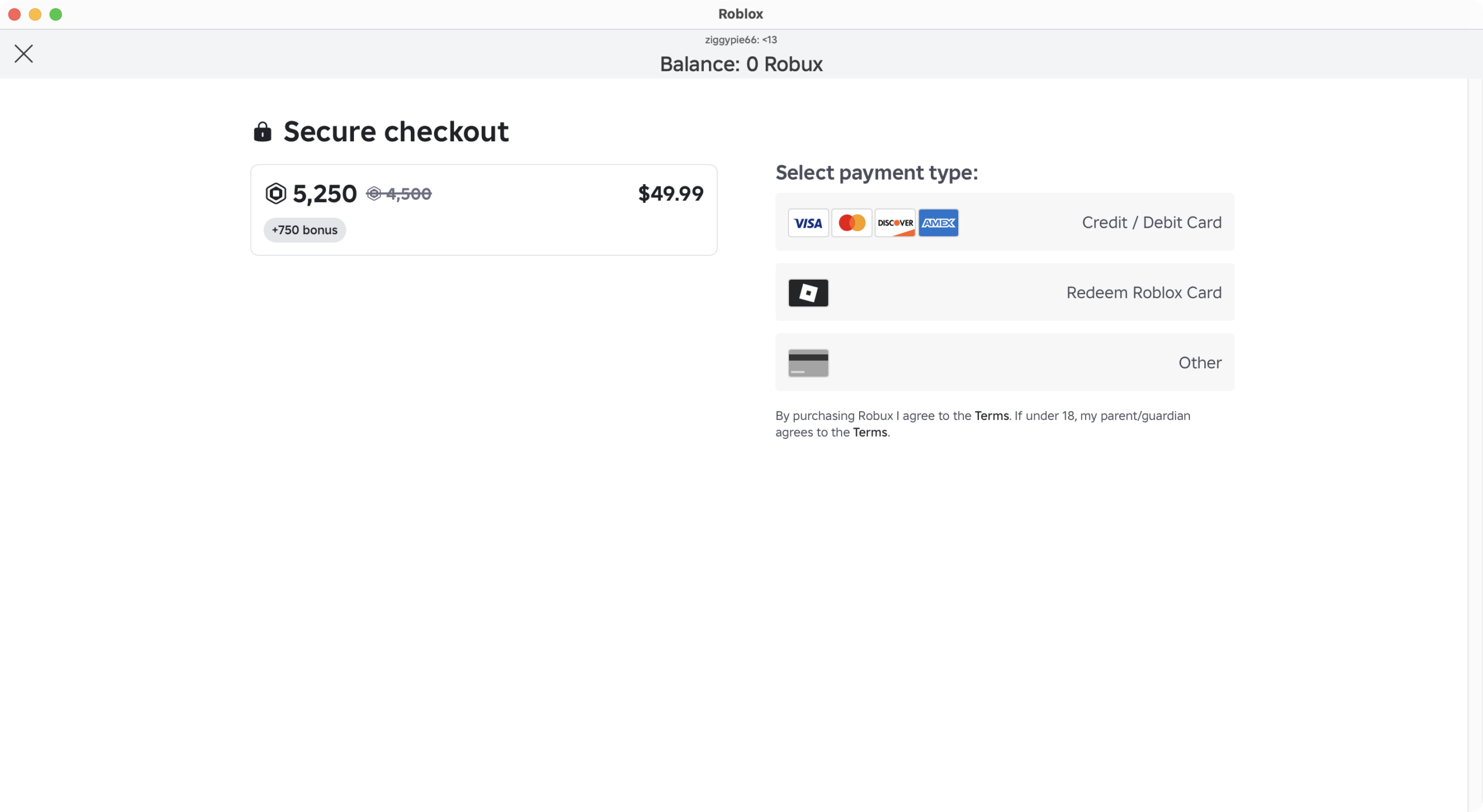
Robux is where the “just one more thing” pressure (and surprise charges) often starts, so set a monthly spending limit and enable spend notifications right away. Roblox explicitly includes spend limits and spending notifications as core parental controls, so treat this as a default, not an optional extra.
Also check the device your child plays on. If their iPad or computer is already signed into an app store or browser with your saved payment method (credit card, PayPal, etc.), unlink it or require a password/biometric approval for every purchase. A lot of “Robux accidents” aren’t really accidents, they happen because buying is frictionless when a card is already on file.
Choose The Strictest Content Maturity / Experience Restrictions
Set your child’s Content Maturity to the strictest level you’re comfortable with, then tighten from there if needed. Roblox’s own support docs note you’ll need a linked parent account to configure content maturity, and the setting lives under Settings → Parental Controls → Content restrictions → Content maturity.
Limit Or Disable Roblox Chat (And Direct Messages)
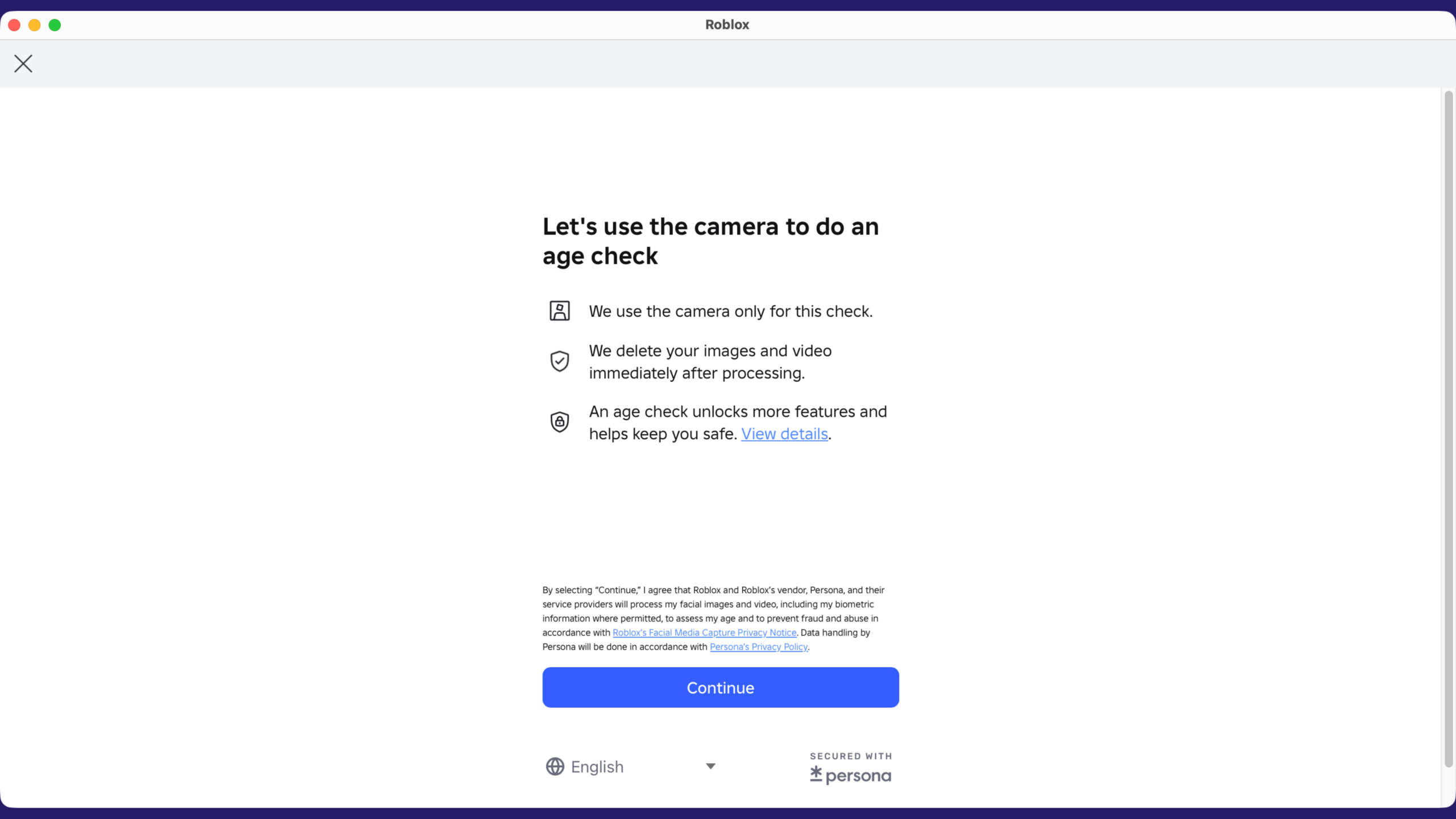
Communication is the biggest risk multiplier, so lock it down early. Roblox states that, starting January 2026, users must complete an age check to access communication features, and younger users may require parental consent to enable chat options (including direct chat). Don’t assume chat is handled, confirm the setting on your child’s account.
Turn Off Voice Chat For Younger Kids
Voice chat is harder to monitor and easier to misuse than text. Roblox treats voice chat as a communication feature behind the same age-check system, so if your child doesn’t truly need it, keep it off.
Do A Quick Weekly Check: Recently Played + Friends List
This is the part most parents skip, and it’s why “good settings” still fail. Roblox’s parental controls give you insights like usage and on-platform connections, and you can also review top experiences played and block specific experiences if something looks off. Make it a quick weekly habit: scan what they’ve been playing and who they’re connected with, then adjust settings as needed.For parents, securing Roblox should be part of a bigger goal to build basic digital safety habits to help prevent online attacks on all your devices and in all apps.
Top Roblox Child Safety Risks Parents Should Know
Inappropriate Content (Sexual/Violent Themes Slipping Through)
Roblox is a platform built on user-made “experiences,” not one curated game, so the content range is huge and uneven. Even if most top experiences are kid-friendly, some experiences (or user-made assets inside them) can still include violent themes, sexualized scenes, or other material you wouldn’t choose for your child.
Roblox does give families tools like content maturity controls and experience restrictions, but those tools work best as a safety net not a guarantee, because user-generated content changes constantly.
Stranger Contact, Grooming Risks, And “Move To Discord/Snapchat” Tactics
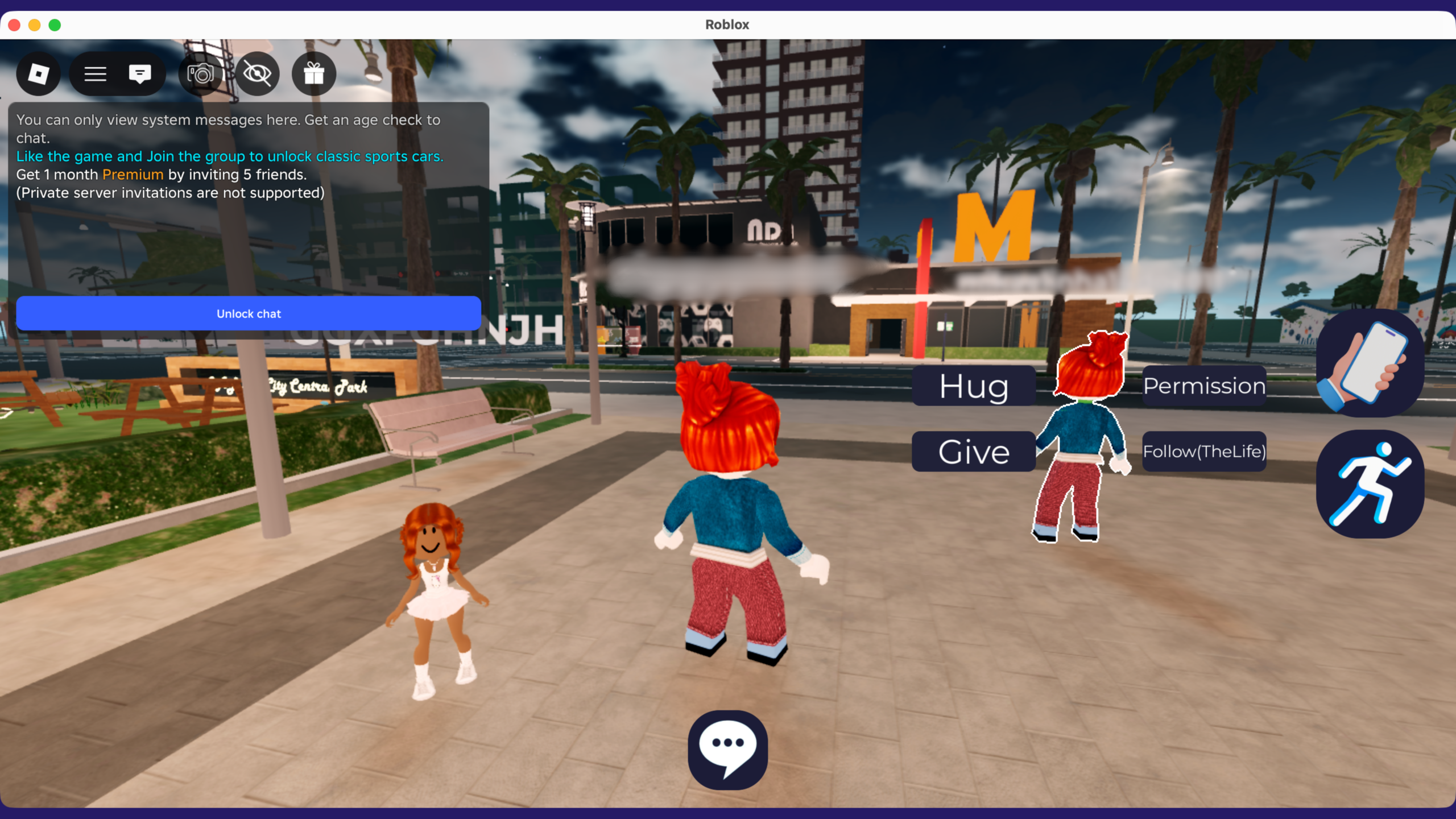
For many parents, this is the biggest fear, and it’s not irrational. Roblox is social by design (friends, chat, voice), and bad actors can use friendly conversation to build trust, then try to move a child off-platform to apps with looser moderation.
Some adults use coded, hard-to-decipher messages in Roblox chat to test boundaries and get kids to share contact details. That’s why one of the most important rules for parents is to watch for any attempt to move the conversation off-platform. If someone asks your child to switch to Discord or Snapchat, the situation becomes far harder to control.
One practical reason many parent guides stress “stay nearby” is simple: it reduces the chance that a conversation turns secretive or gets pushed to another app without you noticing.
Cyberbullying And Toxic Interactions
Even when the content is fine, people can make a game feel unsafe. Roblox can expose kids to trash talk, teasing, exclusion, and hostile behavior, especially in competitive experiences. Roblox’s policies prohibit bullying and harassment, but enforcement is never perfect in large social spaces.
This is also a “hidden” risk because it doesn’t always look like obvious abuse. A teen mental-health guide created with Roblox notes that cyberbullying can show up as hurtful comments and intense social power dynamics in-game, exactly the kind of thing kids may not report unless you ask.
Scams And Phishing (Especially Robux-Related)
Anything with real-world value attracts scammers, and Robux absolutely qualifies. Common tactics include fake “free Robux” giveaways, sketchy links, impersonation, and phishing pages designed to steal logins. Security.org calls out trade scams and account takeovers as recurring patterns, while Avast also highlights Roblox-specific scam risks for families.
If you take only one rule from this section: teach your child that “free Robux” offers and links are a trap, and treat any request to “verify your account” as suspicious by default.
One extra layer: if your child ever plays Roblox on public Wi-Fi (travel, cafés, etc.), using a VPN for Roblox can help protect the connection, but it won’t stop scams or inappropriate messages, so it should sit after the rules and settings above.
Predatory Monetization + Peer Pressure + Surprise Charges
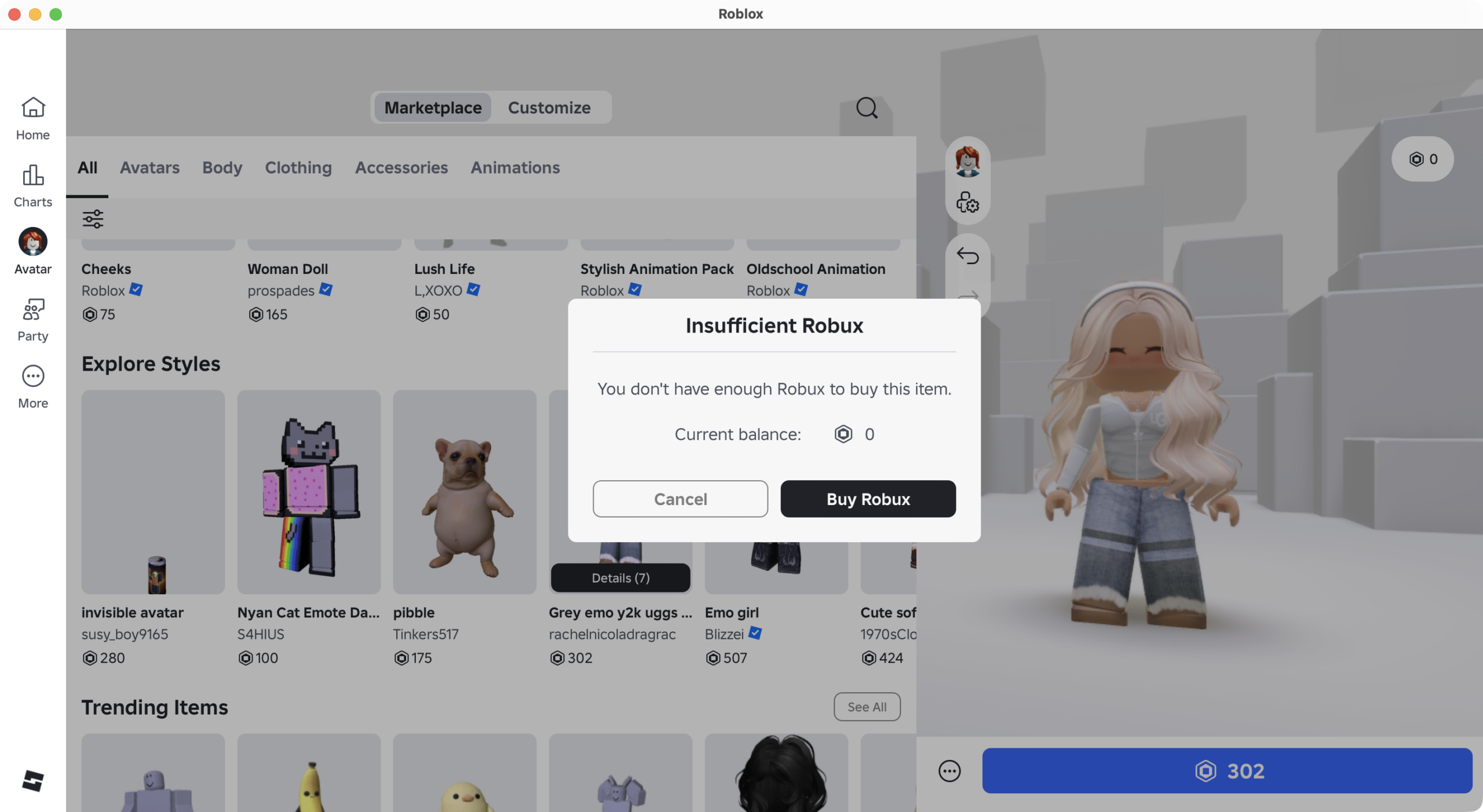
Roblox’s economy is engineered to make spending feel normal. Kids don’t just want Robux for fun, often it’s social pressure: matching friends’ avatars, buying access, not feeling “behind.” That’s why parents frequently see constant requests (and why “just one purchase” can turn into repeated spending).
Roblox’s own parental controls include spend limits and related controls for a reason, use them early, and pair them with device-level purchase protections (password/biometric required every time).
Moderation Limits In A Huge User-Generated Platform
Roblox does invest in moderation, but the reality of a platform built on user-generated content is that scale creates blind spots. Avast points out that researchers have been able to bypass chat moderation in simple ways (like changing fonts), and it notes that the effectiveness of new measures needs time to prove out.
Video Games for Kids Like Roblox (Safer Alternatives)
If your child loves Roblox for the creativity and exploration, there are plenty of games that deliver the same kind of fun: building, collecting, crafting, co-op play, and showing off what they made, without dropping kids into an endless feed of random user-made experiences.
Minecraft
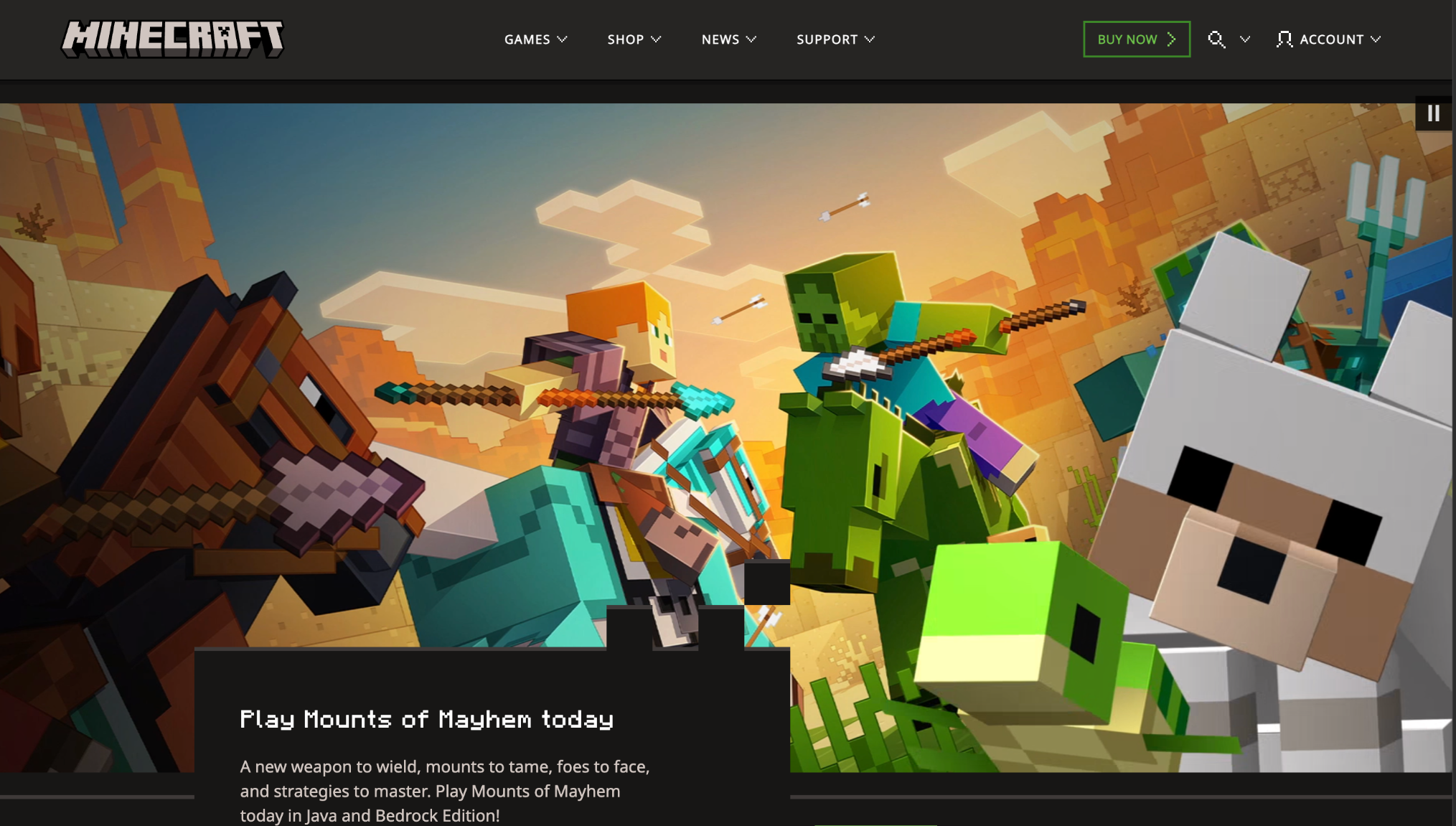
Minecraft is a block-based world where kids gather resources, craft tools, and build anything from a simple house to a whole city. In Creative mode, it’s mostly about imagination and building; in Survival, kids explore, mine, and deal with monsters that come out at night. It can be calm and creative, or more intense, depending on the mode and settings you choose.
Type: Sandbox building / survival.
ESRB: E10+ (Fantasy Violence; may include Users Interact / In-Game Purchases depending on platform).
Best for: ~8–12+ (younger with Creative/Peaceful and adult help at first).
Animal Crossing
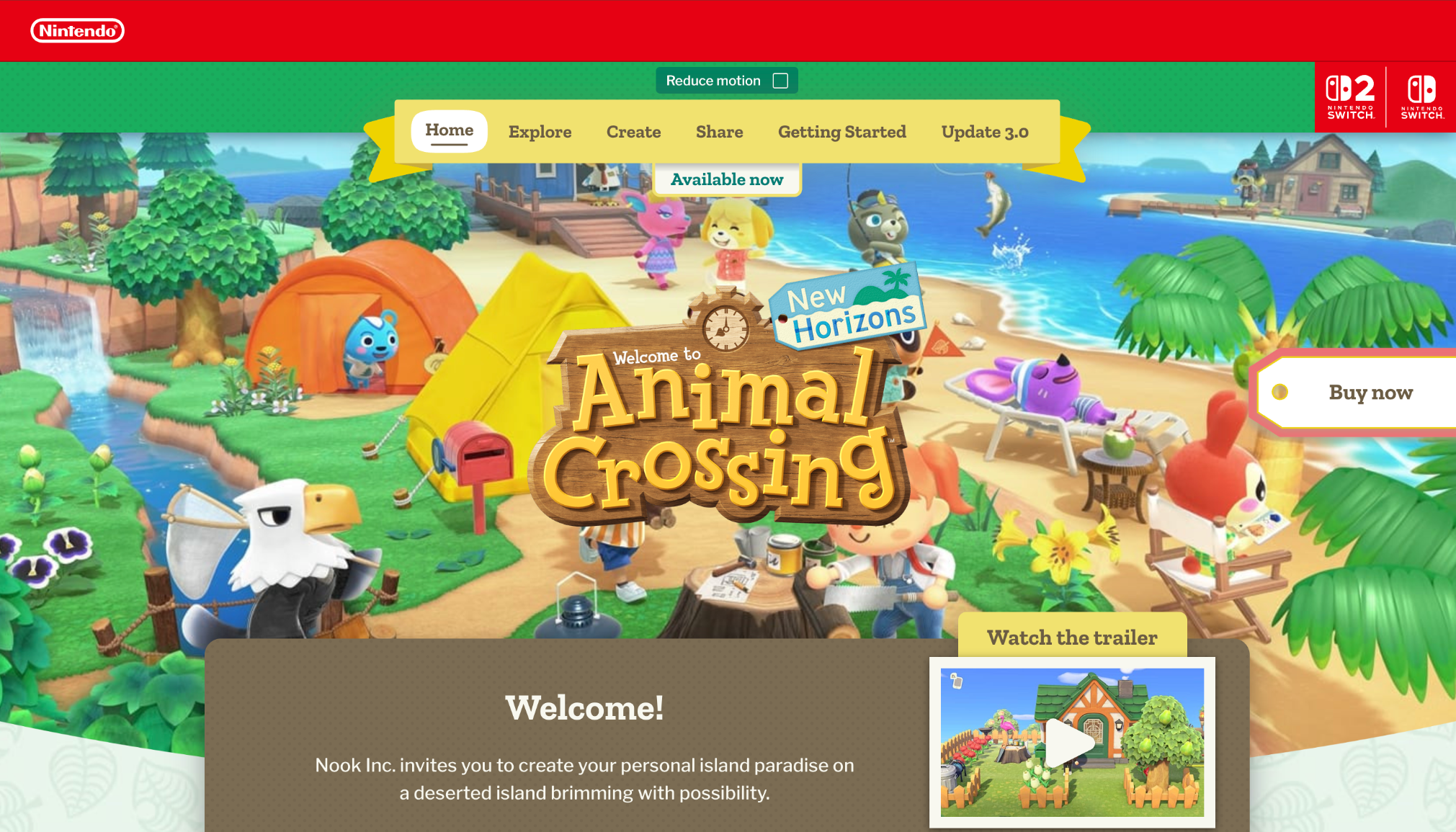
This is a cozy island life game where your child decorates a home, designs an island, and collects things like fish, bugs, and furniture. The pace is slow and routine-based, with friendly characters and lots of customization, more daily life than winning.
Type: Life sim / collecting / decorating.
ESRB: E (Comic Mischief, Mild Fantasy Violence; Users Interact / In-Game Purchases).
Best for: ~6–12+.
Portal Knights
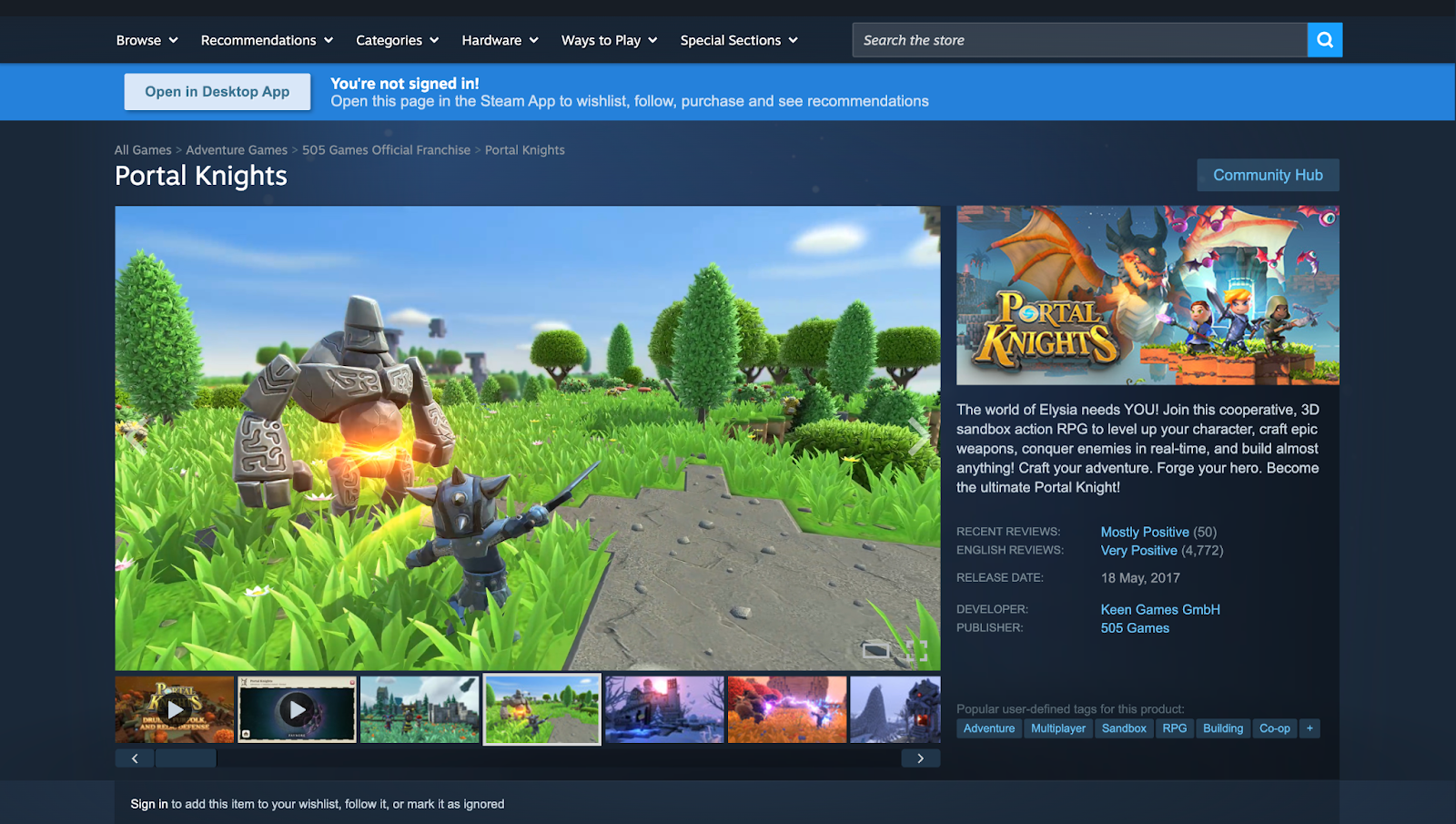
Portal Knights mixes building and crafting with a structured adventure: kids explore small islands, complete quests, upgrade gear, and fight stylized fantasy enemies. It feels like a more guided version of Minecraft + RPG, with clear progression and boss fights.
Type: Action RPG + crafting/building.
ESRB: E10+ (Fantasy Violence).
Best for: ~9–13+.
Pokémon Scarlet
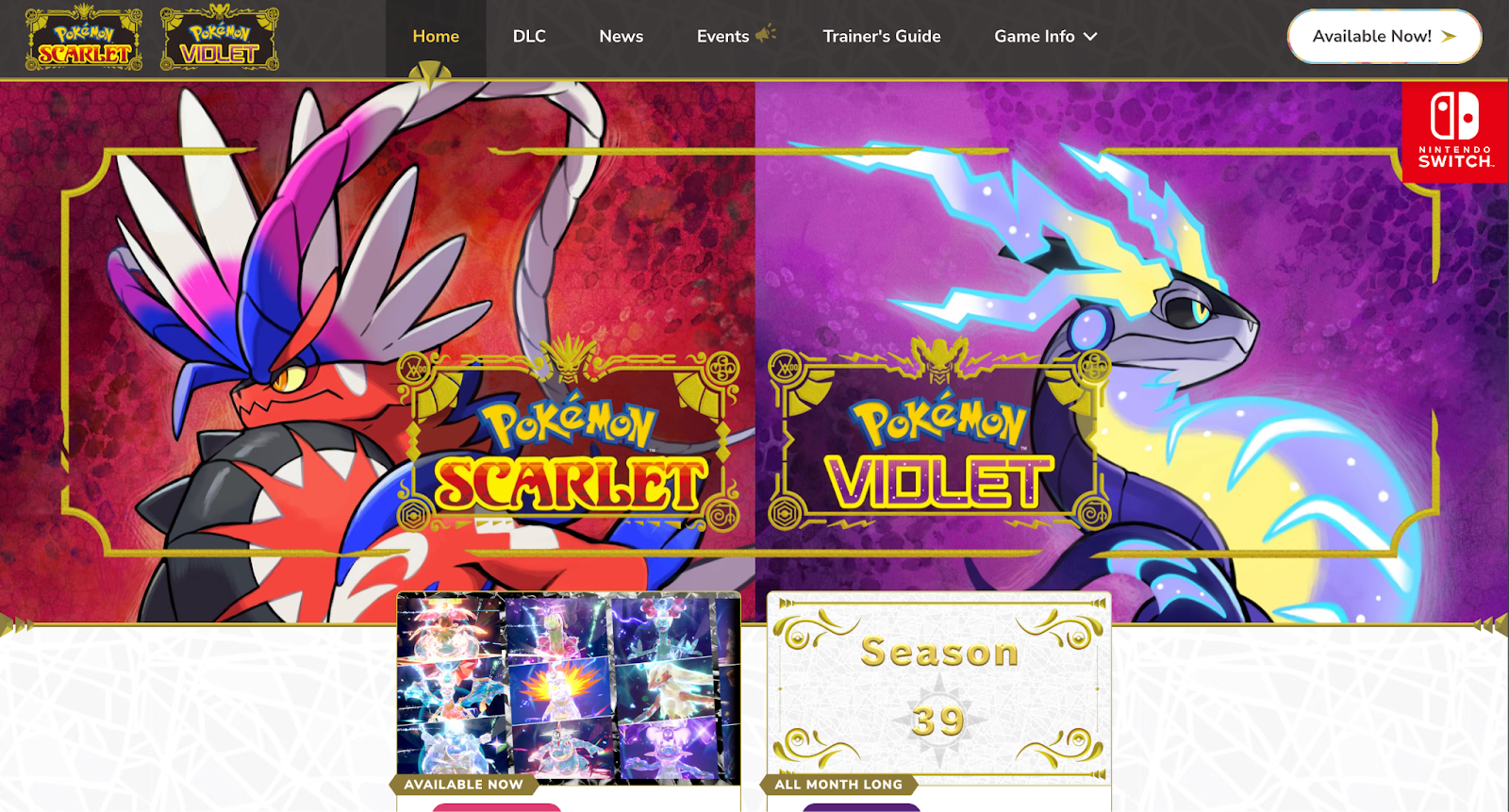
Pokémon Scarlet is an open-world adventure where kids explore a region, catch and train Pokémon, and battle in a turn-based system. The core loop is travel → collect → level up → take on challenges, with a lot of compare progress with friends energy, but it doesn’t rely on constant chatting.
Type: Open-world RPG / collecting / turn-based battles.
ESRB: E (Mild Fantasy Violence; Users Interact / In-Game Purchases).
Best for: ~7–12+ (younger if they’re comfortable with reading and menus).
Stardew Valley
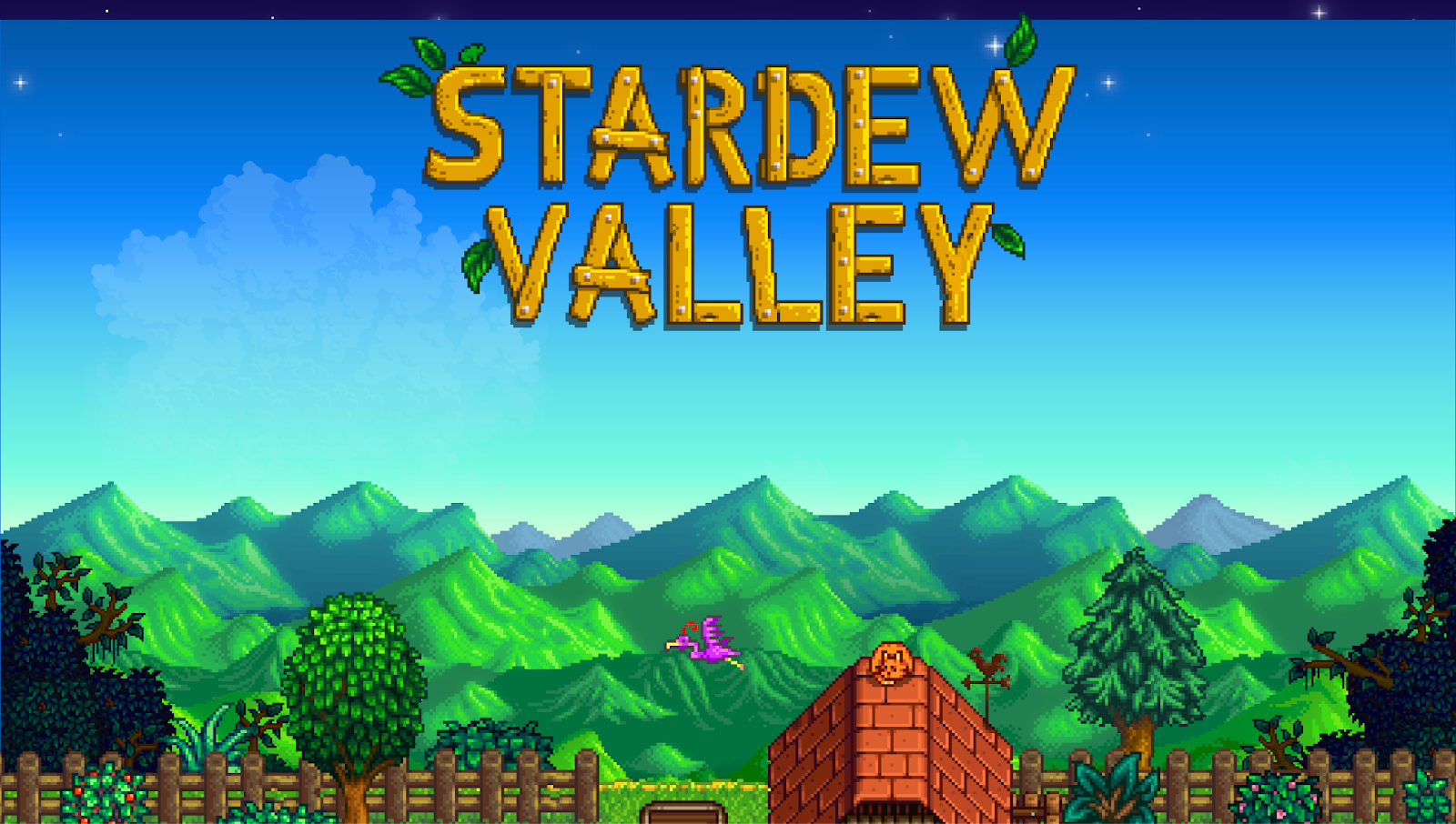
Stardew Valley starts with inheriting a run-down farm and slowly building a life: planting crops, raising animals, fishing, cooking, and getting to know townspeople. There’s also light combat in mines and some grown-up background content (like alcohol references and a small simulated gambling element), even though the overall tone is warm and wholesome.
Type: Farming/life sim with light combat.
ESRB: E10+ (includes content notes like Mild Blood, Mild Language, Simulated Gambling, Use of Alcohol and Tobacco).
Best for: ~10–14+ depending on your comfort level.
The Legend of Zelda: Tears of the Kingdom
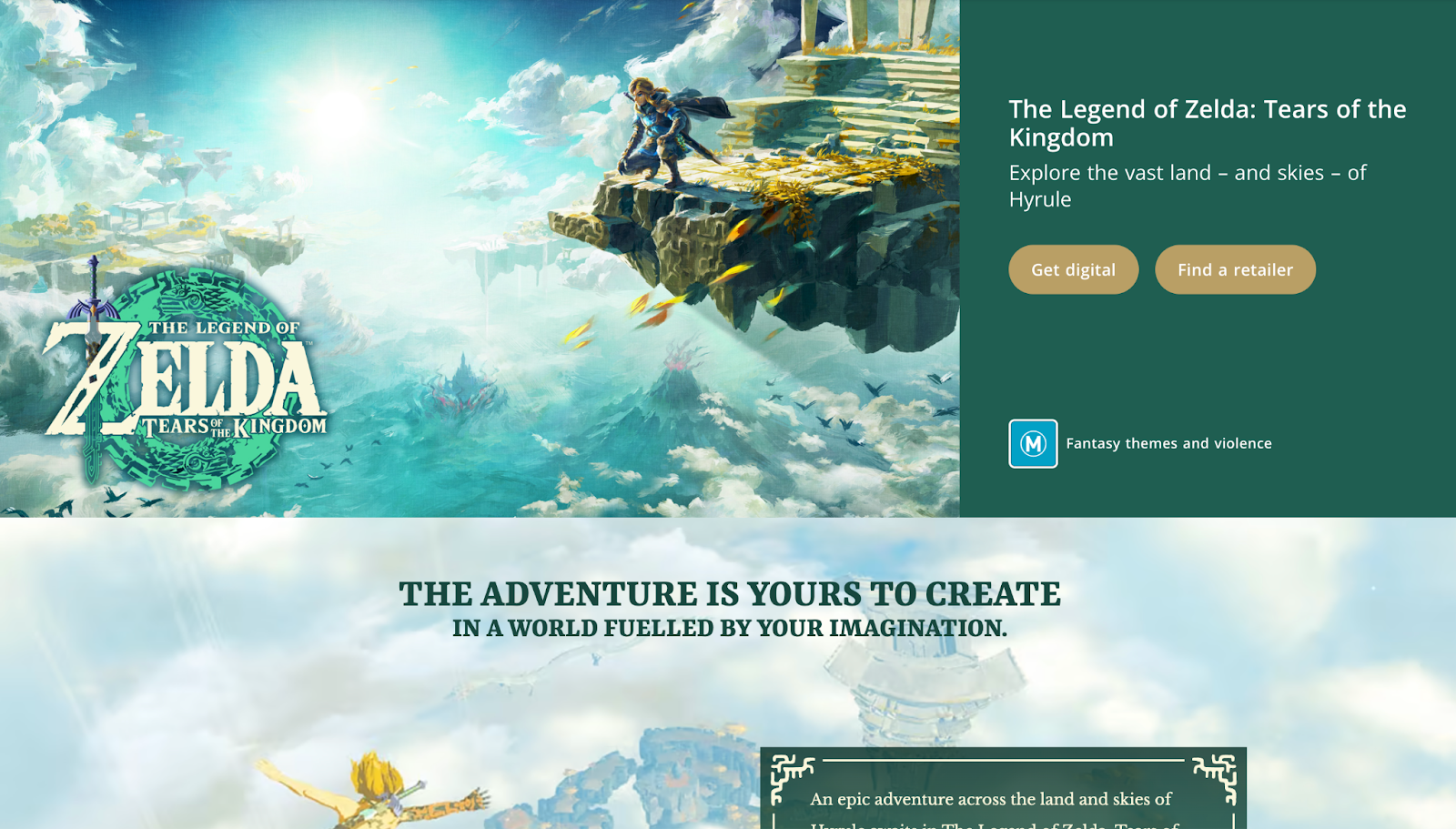
This is a big, story-driven adventure where kids explore a massive world, solve puzzles, and fight monsters. A unique hook is creative problem-solving: kids can build contraptions and experiment with different ways to cross gaps, defeat enemies, or reach hidden places.
Type: Action-adventure / exploration / puzzles / combat.
ESRB: E10+ (Fantasy Violence, Mild Suggestive Themes).
Best for: ~10–15+.
Terraria
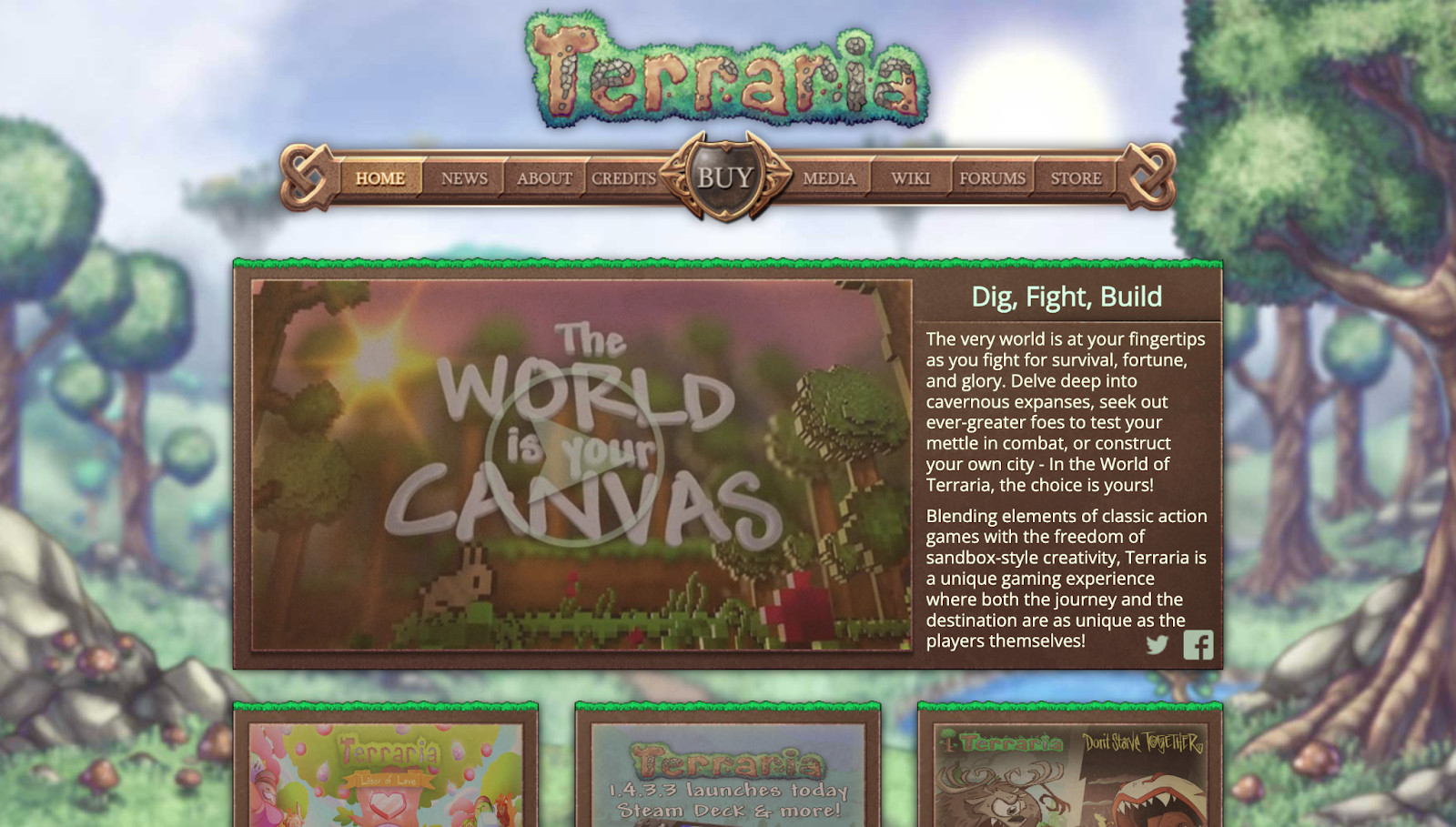
Terraria is a 2D dig, craft, build, fight sandbox where kids mine resources, build bases, explore underground biomes, and battle lots of enemies and bosses. It’s fast-paced and combat-heavy compared to Minecraft, and the rating content is firmly teen-tier.
Type: 2D sandbox crafting/exploration with frequent combat.
ESRB: T (includes Blood and Gore, Cartoon Violence, etc.).
Best for: 13+ (often better for older teens).
Conclusion
Roblox is not a harmless kids’ game. It’s a social, user-generated platform, and that means the risks are real. For younger kids, waiting is usually the better call. If you do allow it, don’t treat parental controls as a fix-all, treat them as a baseline. Set the limits, lock down chat and spending, and stay involved. In the end, Roblox is only as safe as the boundaries around it.
FAQ
Is Roblox bad for kids?
Roblox isn’t “bad” in the abstract, but it’s a huge social platform built on user-generated experiences, which makes the quality and safety of what kids encounter less predictable than a traditional, single-title game. ESRB rates Roblox T for Teen and flags “Diverse Content: Discretion Advised,” plus interactive elements like Users Interact and In-Game Purchases, and that combination is exactly why many parents choose to delay Roblox until their child is older.
Is Roblox for kids if parental controls are on?
Parental controls can meaningfully reduce risk—Roblox lets parents manage things like screen time, content maturity, spend limits, and privacy/communication settings—but they don’t turn Roblox into a “set it and forget it” kids’ app. One important limitation Roblox notes is that some chat features can be built independently by developers, so controls are helpful guardrails, not a guarantee.
How old do you have to be to play Roblox?
Roblox’s support docs state a minimum age of 5 to create a Roblox account. After that, access to certain features depends on age and verification. For example, enabling chat features may require an age check, and younger users may need parental consent for chat options. In practical terms, “old enough to sign up” isn’t the same as “ready to play safely,” which is why many families choose to wait until 13+.
Can I fully disable Roblox chat?
You can limit or disable who can chat with your child (both in-app and in-experience), and parental controls let you manage Experience Chat and Experience Direct Chat. Roblox also notes that users 5–9 need parental consent to enable experience chat, and users under 13 need parental consent to enable direct chat. The catch is that some experiences may use developer-built chat systems, so even with chat “off,” it’s smart to verify settings on the actual device and keep supervision tight for younger kids.
What’s the safest way for kids to play with classmates?
Treat Roblox like a supervised online space: link a parent account, keep communication as limited as your family can tolerate, and use privacy settings so your child isn’t reachable by just anyone. Encourage play with real-life friends only, and consider using private-server style settings and invite controls so sessions stay within a known group. If anything feels off, use Roblox’s built-in block and report tools immediately, then revisit the chat, privacy, and connection settings before your child plays again.