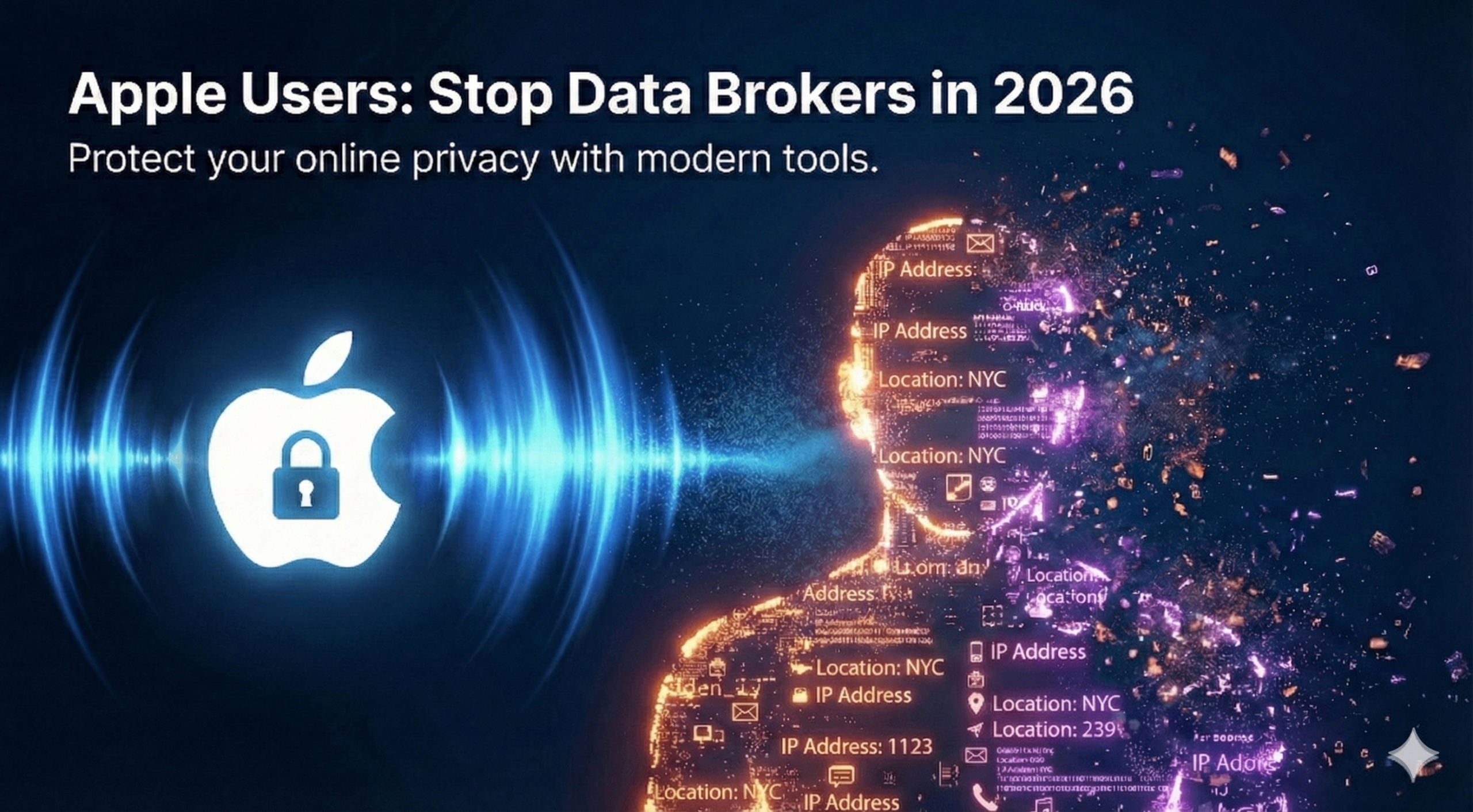
Protect your online privacy with modern tools and clear understanding.
TL;DR:
Data brokers quietly gather detailed personal information from your device, apps, IP address, and network behavior. While Apple’s privacy features block a lot of app tracking, they cannot stop network-level collection such as ISP logging, public Wi-Fi monitoring, and IP-based profiling.
A layered privacy strategy is essential. Adding a trusted VPN like X-VPN helps protect the network side by encrypting your traffic and hiding your IP address across all apps—without requiring you to sign up or hand over personal details.
Table of Contents
What Are Data Brokers?
Data brokers are companies that collect, analyze, and sell personal information — often without the user’s awareness. Their scale is enormous: according to the Federal Trade Commission’s official data broker report (PDF), major data brokers collectively hold billions of data points on hundreds of millions of consumers, drawn from both online and offline sources.
They often build detailed profiles without ever knowing your name. Instead, they combine:
- IP addresses
- Location history
- App usage metadata
- Device characteristics
- Purchase behavior
- Public records
- Social media activity
- Data leaked in past breaches
This information is then packaged into categories—like “likely traveler,” “new parent,” “fitness enthusiast,” or “high-income household”—and sold to advertisers, insurers, political groups, and analytics firms.
Where Data Brokers Collect Your Information
Data brokers don’t rely on one data source. They combine small signals from your device, your apps, your network activity, and even public records. When these pieces are merged, they form a surprisingly accurate picture of who you are.
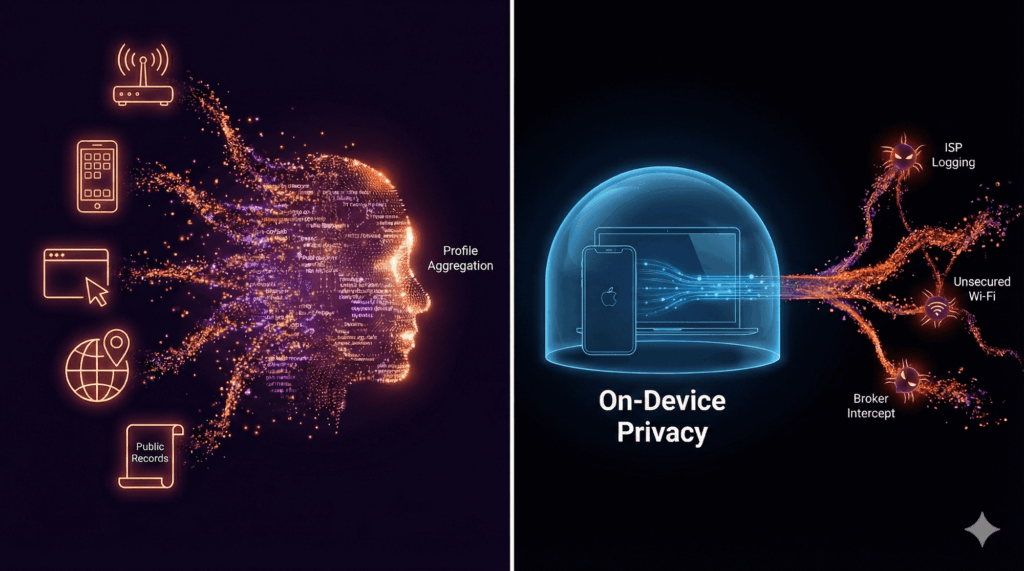
Here are the most common data streams:
- ISP Logs Your internet service provider sees domain-level traffic patterns unless all traffic is fully encrypted.
- Predatory App Trackers While legitimate apps use standard tools for functionality, some malicious apps embed hidden tracking codes (SDKs) designed specifically to bypass privacy rules and harvest behavioral data.
- Browser Fingerprinting Trackers analyze your screen size, system version, installed fonts, and device model to identify you even without cookies.
- IP-Based Geographic Data Your IP address reveals your region, city, and sometimes even your neighborhood.
- Public Wi-Fi Logging Hotels, airports, and cafés often record device identifiers and connection timestamps.
- Public Records & Social Activity Property records, online purchases, and social media interactions all contribute to a broader digital footprint.
Individually, these signals seem harmless. But when combined, they reveal patterns about your interests, routines, and identity—which is why a layered approach to privacy is essential.
Why Data Brokers Are a Real Risk
This is not just an advertising issue. Regulators have raised serious concerns about how data brokers handle sensitive information. A 2024 KPMG regulatory report revealed that certain data brokers were selling precise GPS location data that could track individuals to sensitive places.
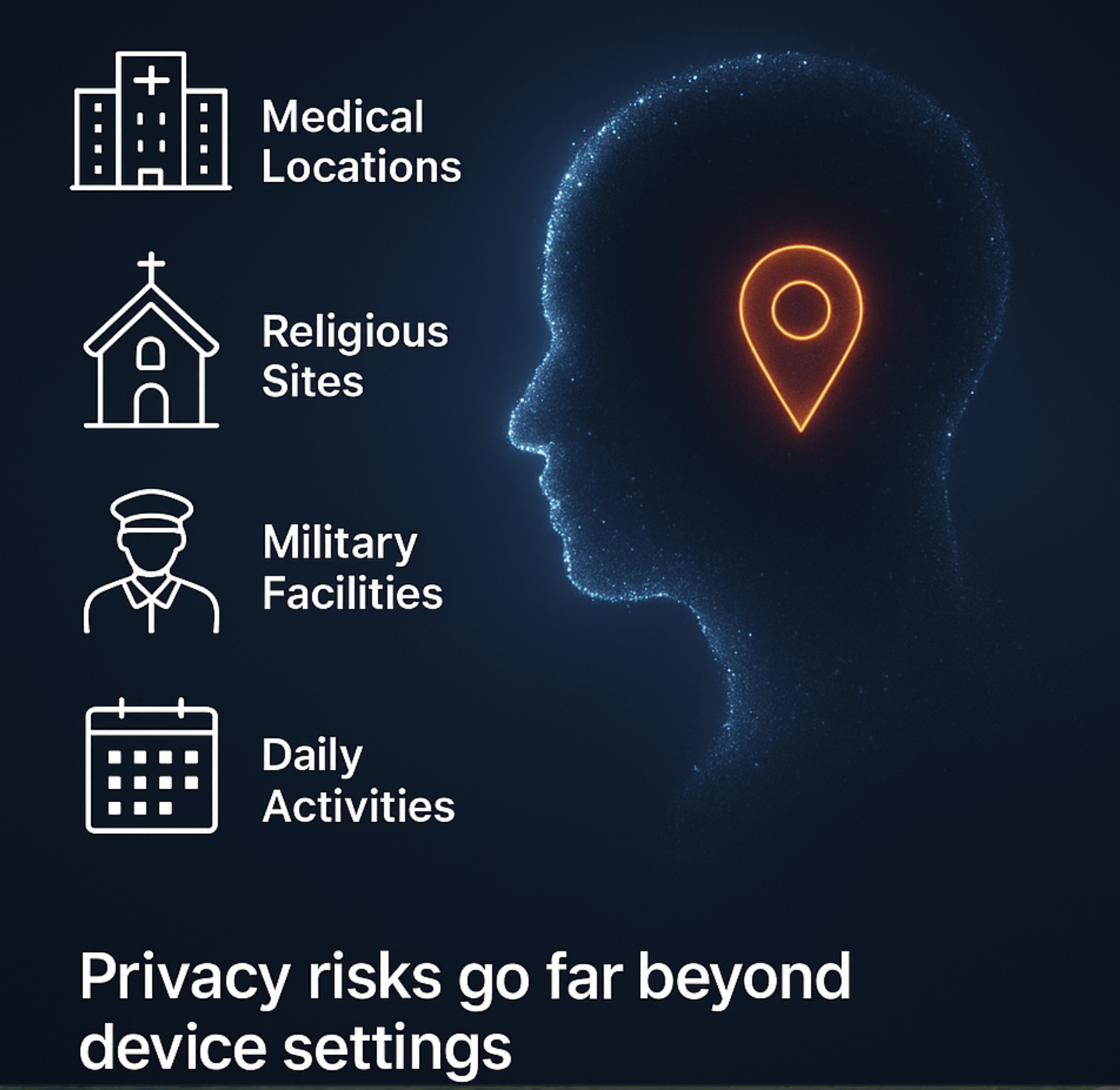
This kind of information can reveal:
- Medical conditions
- Religious affiliation
- Employment or military involvement
- Daily routines and habits
For Apple users, this highlights how privacy risks extend far beyond device settings. The surrounding data ecosystem matters just as much.

To protect against this broader risk, end-to-end network encryption is essential. A trusted VPN such as X-VPN can help achieve this simply and effectively. You can download our VPN for iOS — including free options that require no account to get started.
To dive deeper into how network-level encryption protects your information, read our related guide: How X-VPN Protects Sensitive Personal Data
What Apple Already Protects You From
Apple includes strong privacy features designed to limit direct tracking by advertisers and third-party apps. These features reduce data exposure at the device and application levels.
Apple’s key privacy tools include:
- App Tracking Transparency (ATT): Apps must ask for permission before tracking your activity across other apps and websites.
- Mail Privacy Protection: Hides your IP address and blocks tracking pixels embedded in emails.
- Safari Intelligent Tracking Prevention (ITP): Limits third-party cookie tracking and reduces fingerprinting methods.
- iCloud Private Relay: Conceals your IP address and encrypts DNS queries inside Safari.
These protections significantly reduce certain forms of tracking—but they cover only part of the broader data ecosystem.
The Privacy Gaps Apple Cannot Cover
Even with Apple’s strong privacy stance, some exposures remain outside its control. These gaps come from how networks work and how third parties use aggregated data.
Key gaps include:
- ISP visibility into your internet activity
- Logging by public Wi-Fi operators
- Traffic from apps outside of Safari
- Regional inference based on your IP address
- Device fingerprinting by advertising networks
In short: Apple protects your device and apps—but not the entire network path your data travels through.
How Apple Users Can Reduce Exposure (7 Practical Steps)
Privacy protection doesn’t need to be complicated. A few simple habits, combined with Apple’s built-in features, can meaningfully reduce how much data brokers collect about you.
1. Hide Your IP Address Across All Traffic
Safari hides your IP inside the browser, but apps, streaming platforms, and background processes still reveal it. The simplest way to protect all traffic is to use a VPN like X-VPN, ensuring your iPhone, iPad, or Mac encrypts every connection.
- Pro Tip: Enable the Kill Switch feature in X-VPN. This ensures that if your Wi-Fi drops or switches to 5G, your real IP address is never accidentally exposed to your ISP, even for a second.
2. Limit App Permissions
Apps often request more access than they actually need.
Review permissions for:
- precise location
- Bluetooth
- photos
- motion sensors
- local network access
Monitor what apps are doing via:
Settings → Privacy & Security → App Privacy Report
3. Use Private Relay When Browsing in Safari
It hides your IP and encrypts DNS queries for Safari activity, reducing website tracking.
4. Avoid Logging Into Accounts on Public Wi-Fi
Public networks routinely record device identifiers and connection timestamps.
Encrypt your connection before accessing sensitive accounts.
5. Use iCloud Hide My Email for Online Sign-Ups
Unique aliases prevent companies from matching your activity across platforms.
6. Clear Cookies and Persistent Tokens Regularly
Even with Safari’s protections, long-lived tokens can build tracking continuity unless cleared manually.
7. Monitor Safari’s Privacy Report
This report shows how many tracking attempts Safari blocked and which domains attempted to follow you.
Final Thoughts: Online Privacy in 2026 Requires Layers
Apple provides excellent privacy features—likely the best in mainstream consumer hardware—but data brokers operate far beyond the scope of any single device.
Protecting your privacy today requires a layered approach:
- Apple’s built-in protections (Device Level)
- Smart permission settings (App Level)
- Encrypted network connections (Network Level)
No single tool blocks everything—the combination does.
Why VPN Encryption Fills the Critical Network Gap
A VPN adds the missing network-level protection that Apple cannot provide:
- Encrypts every app’s traffic, not just Safari
- Hides your real IP address from ISPs
- Prevents public Wi-Fi monitoring
- Reduces long-term behavioral profiling
The “No-Account” Advantage
The best way to beat data brokers is to give them nothing to track. Unlike many services that require an email address just to start a trial—creating an instant paper trail—X-VPN lets you connect immediately without signing up.
We minimize the data you provide, leaving less for anyone to collect or steal. And with our strict No-Logs Policy (completed by one of the Big Four auditing firms in 2026; you can read more here: https://xvpn.io/resources/xvpn-no-logs-audit-2026), we ensure that while we prevent your ISP from seeing your data, we do not look at it either.
Tracker Blocker: Stop Hidden Scripts Before They Track You
X-VPN also includes a built-in Tracker Blocker. With a single toggle, X-VPN blocks hidden tracking scripts and cookies before they can collect your information. The result: tracking-free browsing and noticeably faster page loading.
For more details, explore X-VPN Update for macOS: New Features & Enhanced Security
FAQ
What are data brokers
Data brokers are companies that collect, analyze, and sell personal information about individuals—often without direct interaction with the user. They gather data from many sources, including apps, websites, IP addresses, public records, location history, and even past data breaches. This information is then combined into detailed consumer profiles that are sold to advertisers, insurers, political groups, and analytics firms.
What do brokers do with your information?
Data brokers aggregate data from multiple sources and create detailed profiles that predict your behavior, habits, interests, and identity. They categorize people into segments—like “likely traveler,” “new parent,” “high-income household,” or “fitness enthusiast”—and sell this information to companies that want to target ads, adjust pricing, analyze risk, or influence decisions.
How can a VPN help protect me from data brokers?
A VPN helps protect you from data brokers by encrypting all the traffic leaving your device and masking your real IP address. Even if apps or websites try to collect information, a VPN prevents ISPs, public Wi-Fi networks, advertisers, and third-party trackers from seeing which services you access or where you’re connecting from. This makes it far harder for data brokers to build profiles based on your location, browsing behavior, or network activity. A trusted option like X-VPN adds this essential network-level privacy on top of Apple’s built-in protections.